













Sign in   my account
PortraitArt icon
#1 Photo to Art App starstarstarstarstar laurel

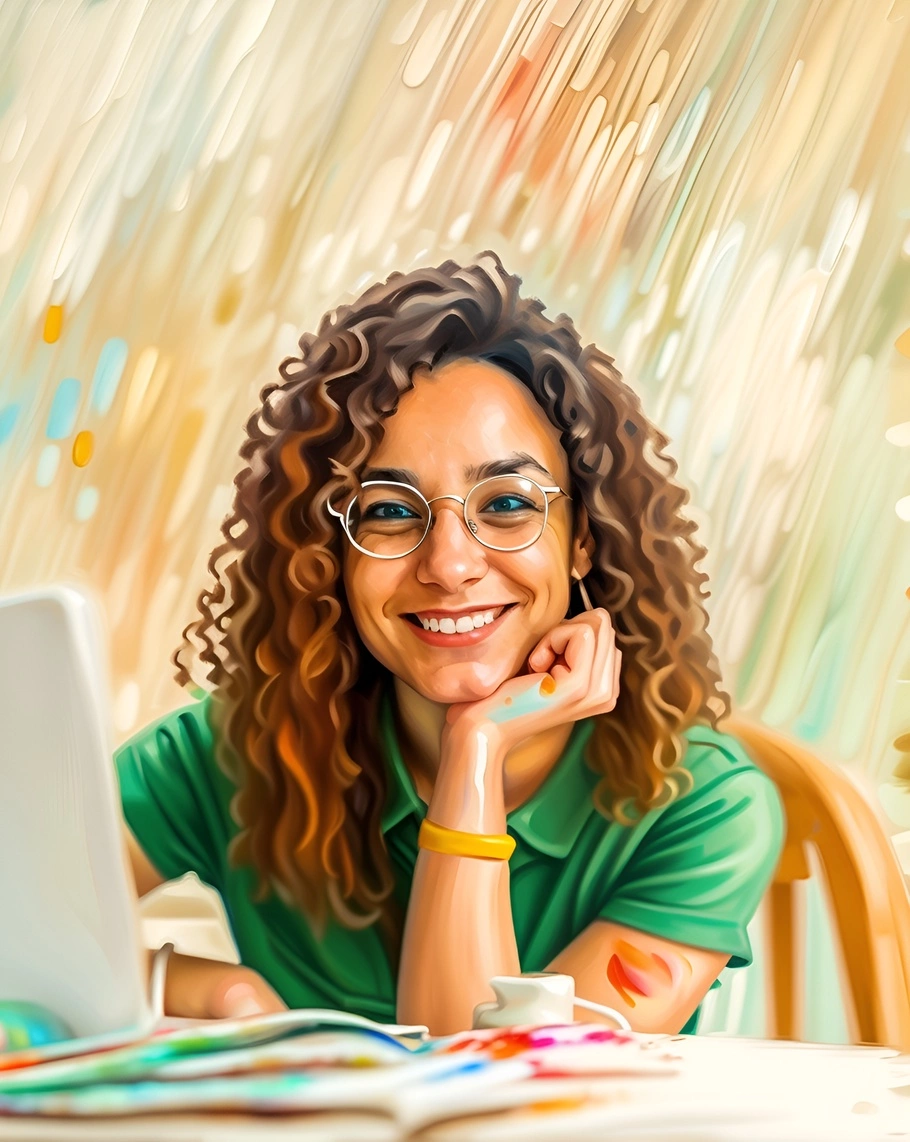
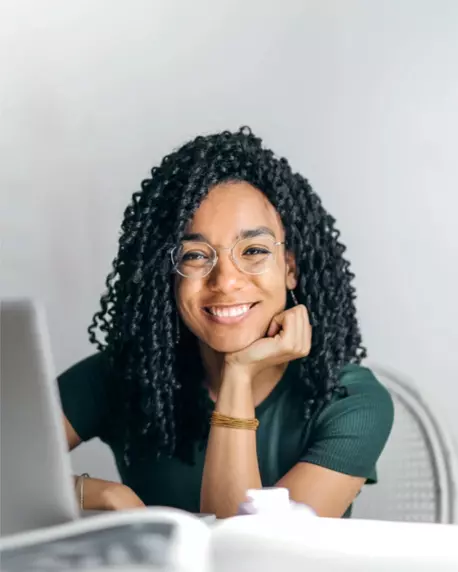
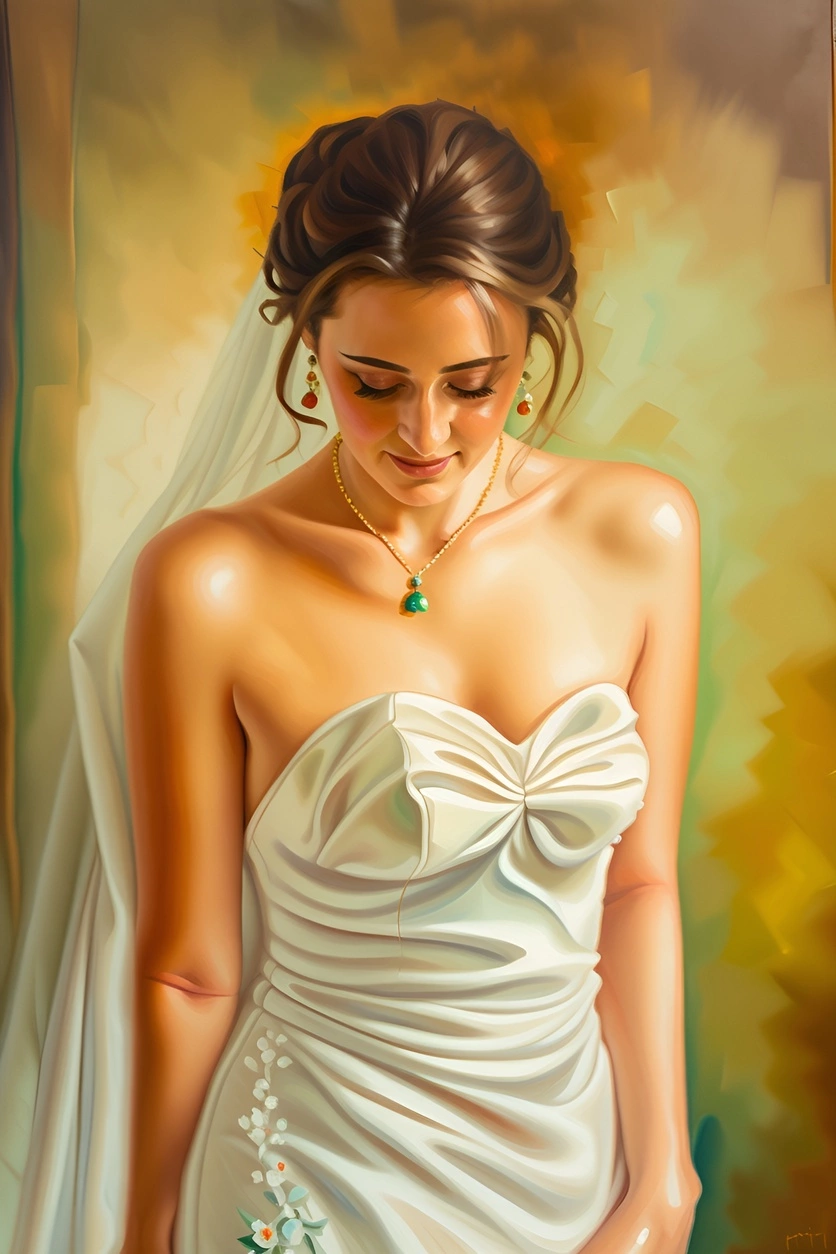
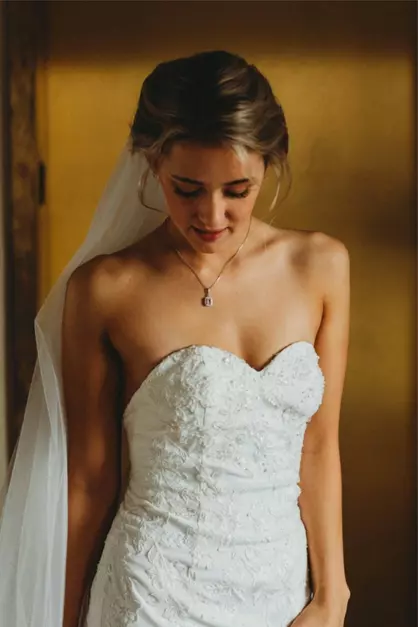
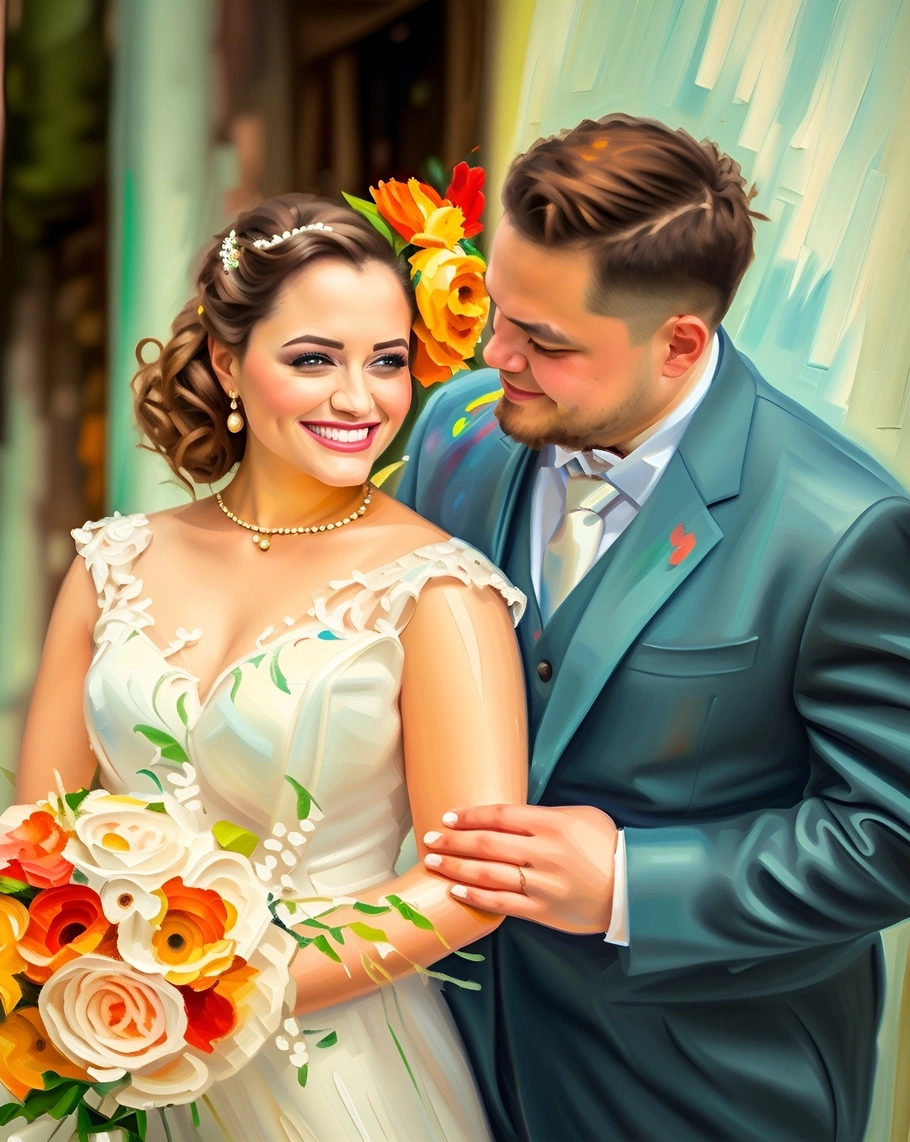
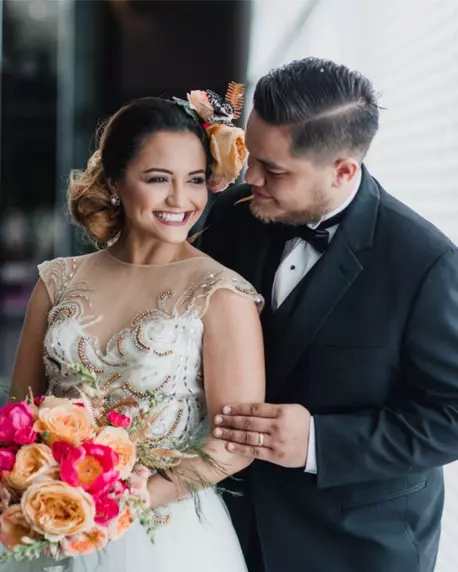
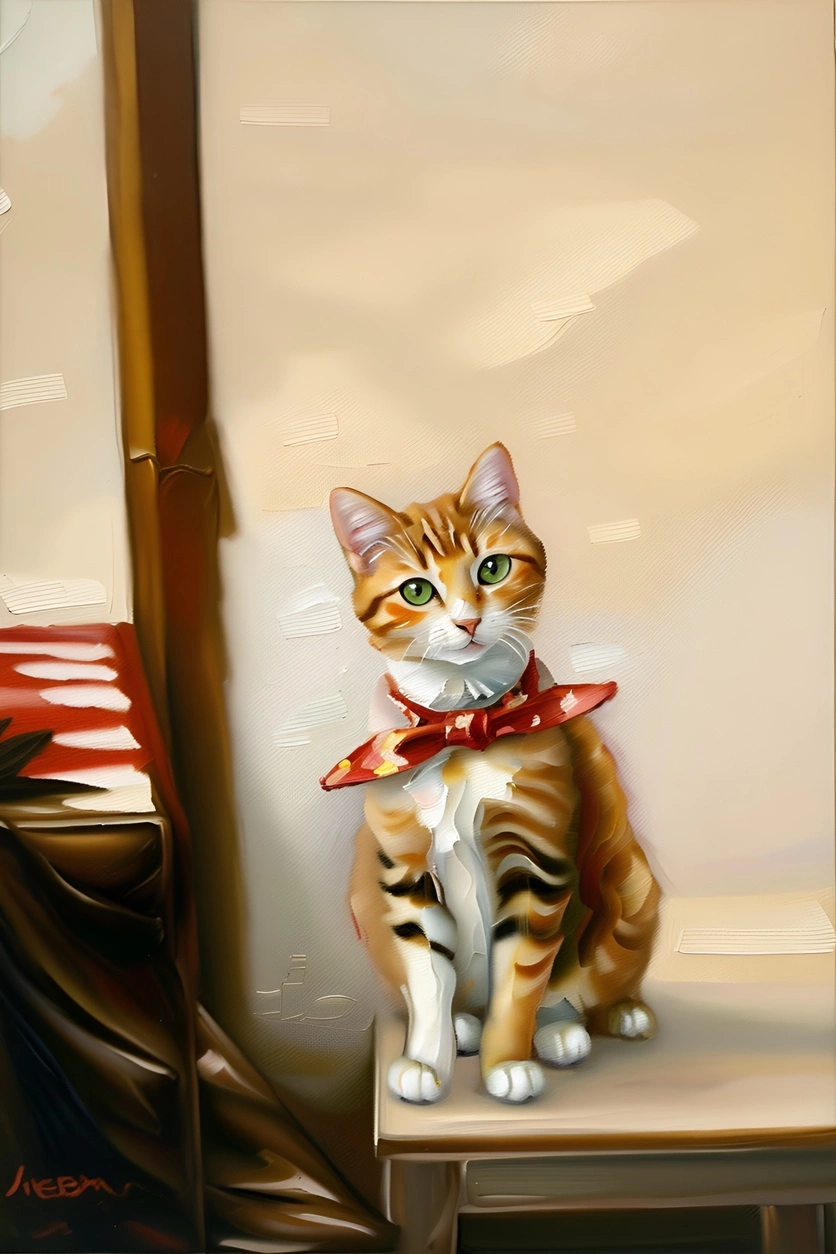
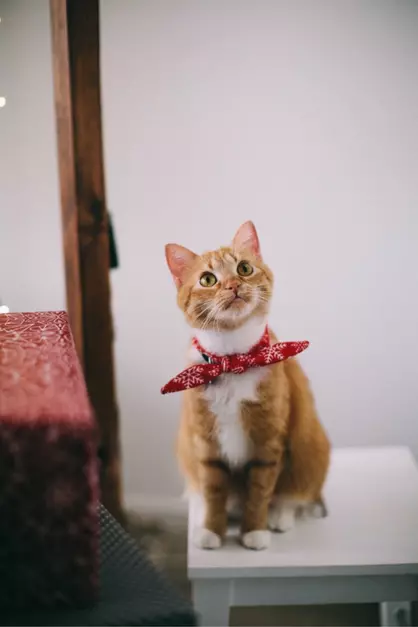
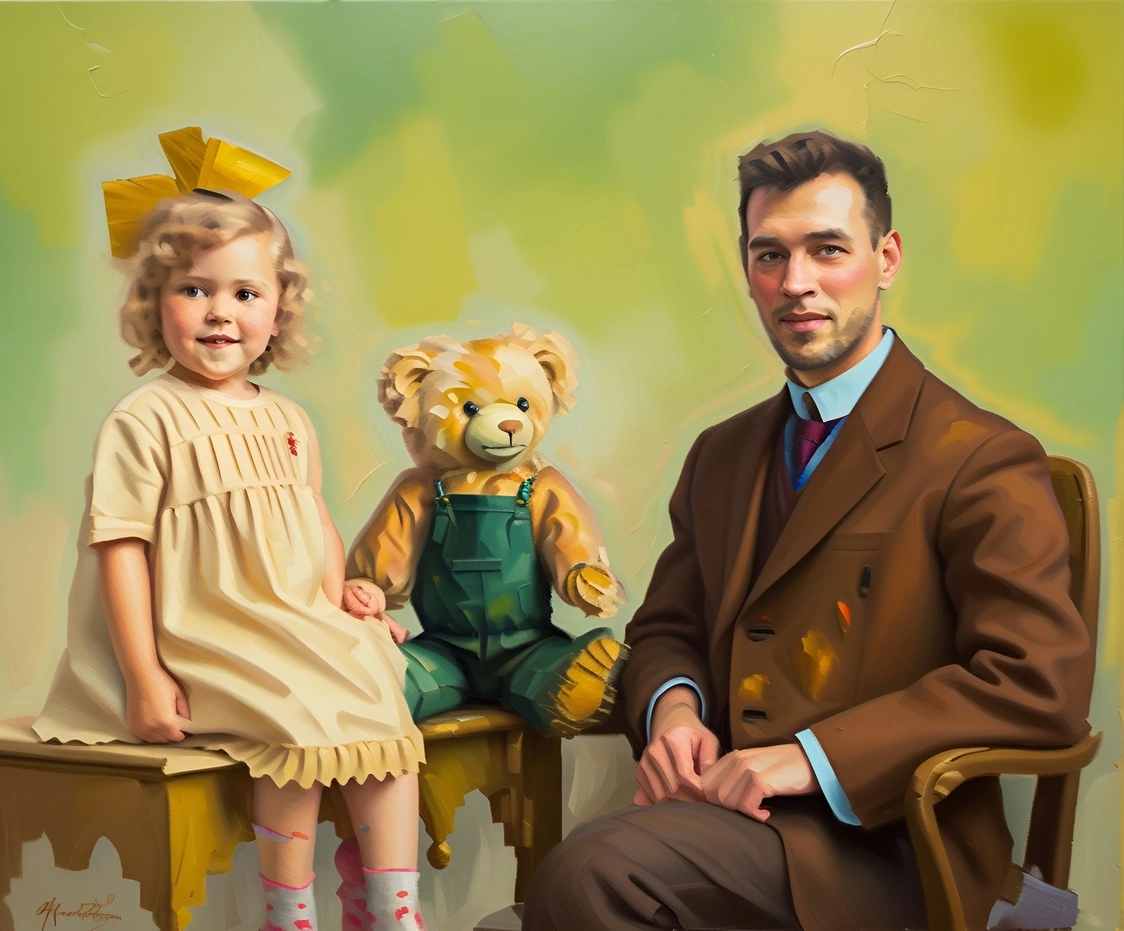
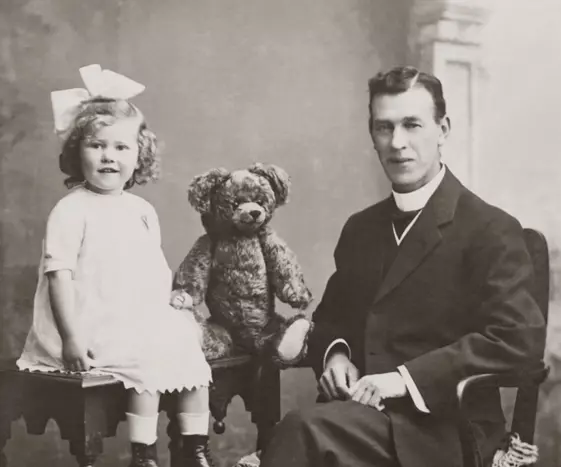
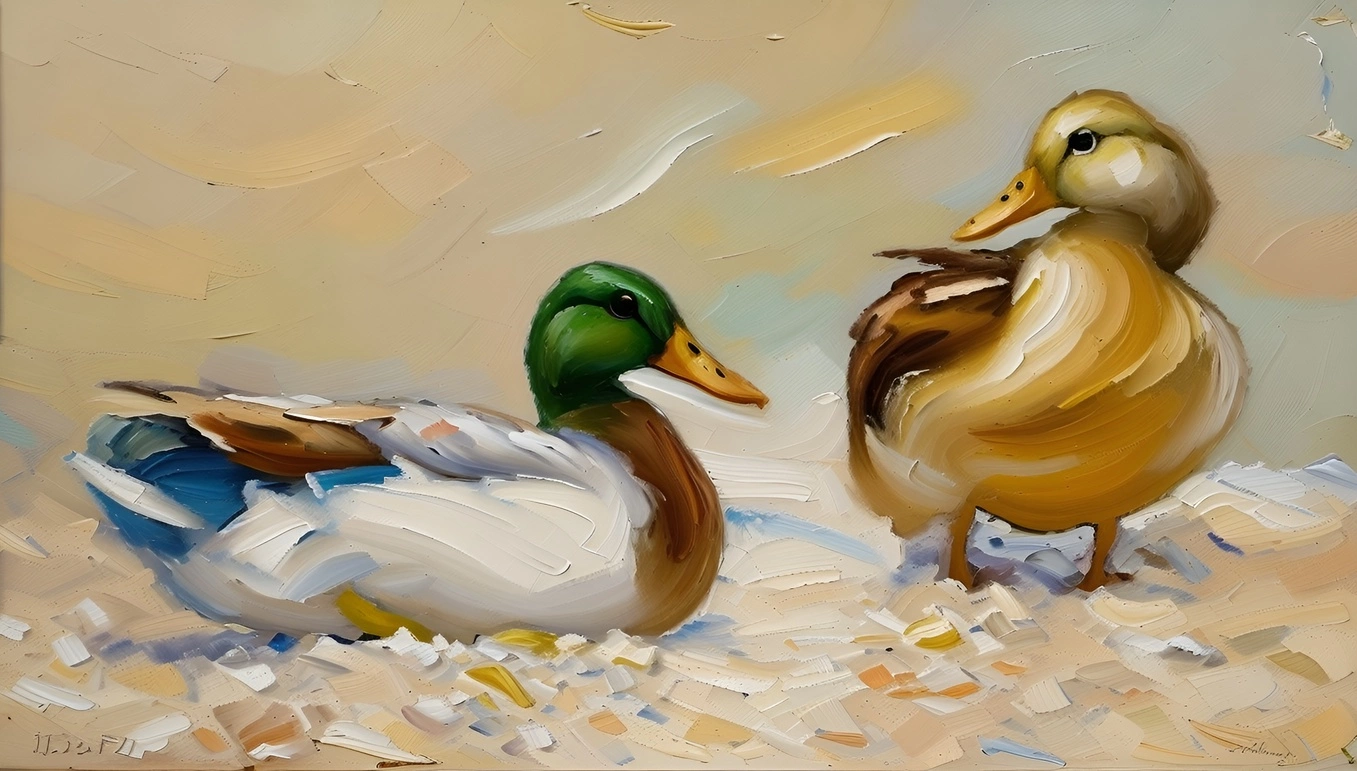
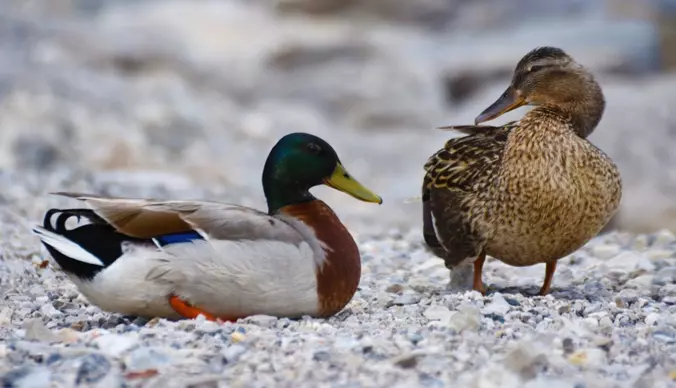
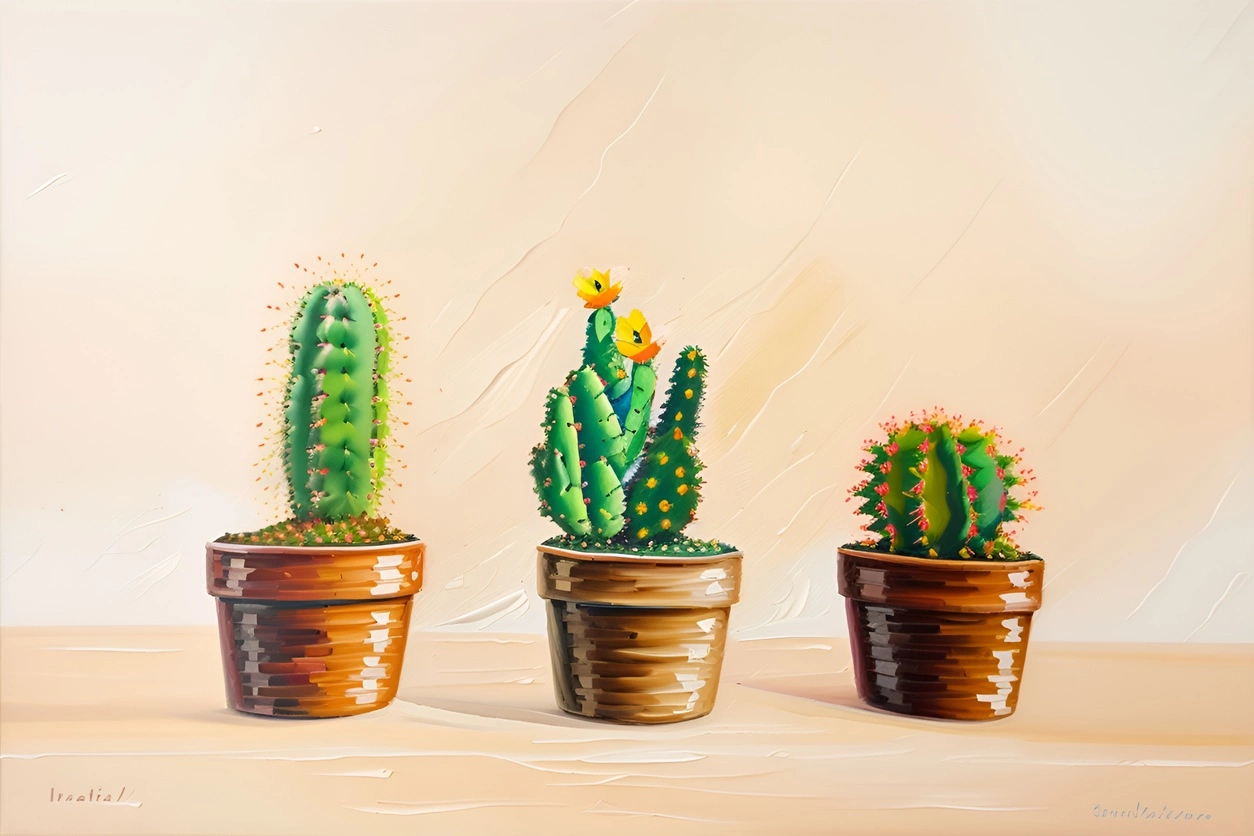
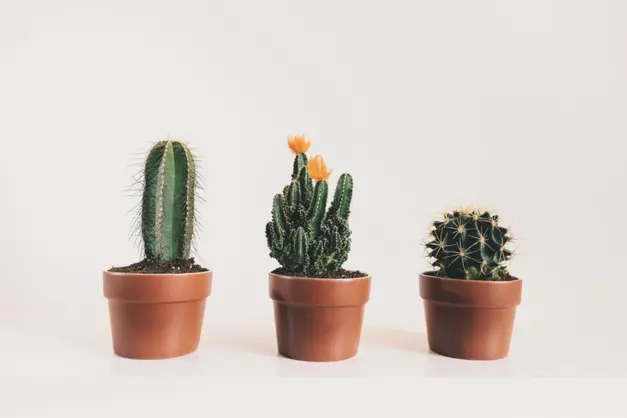
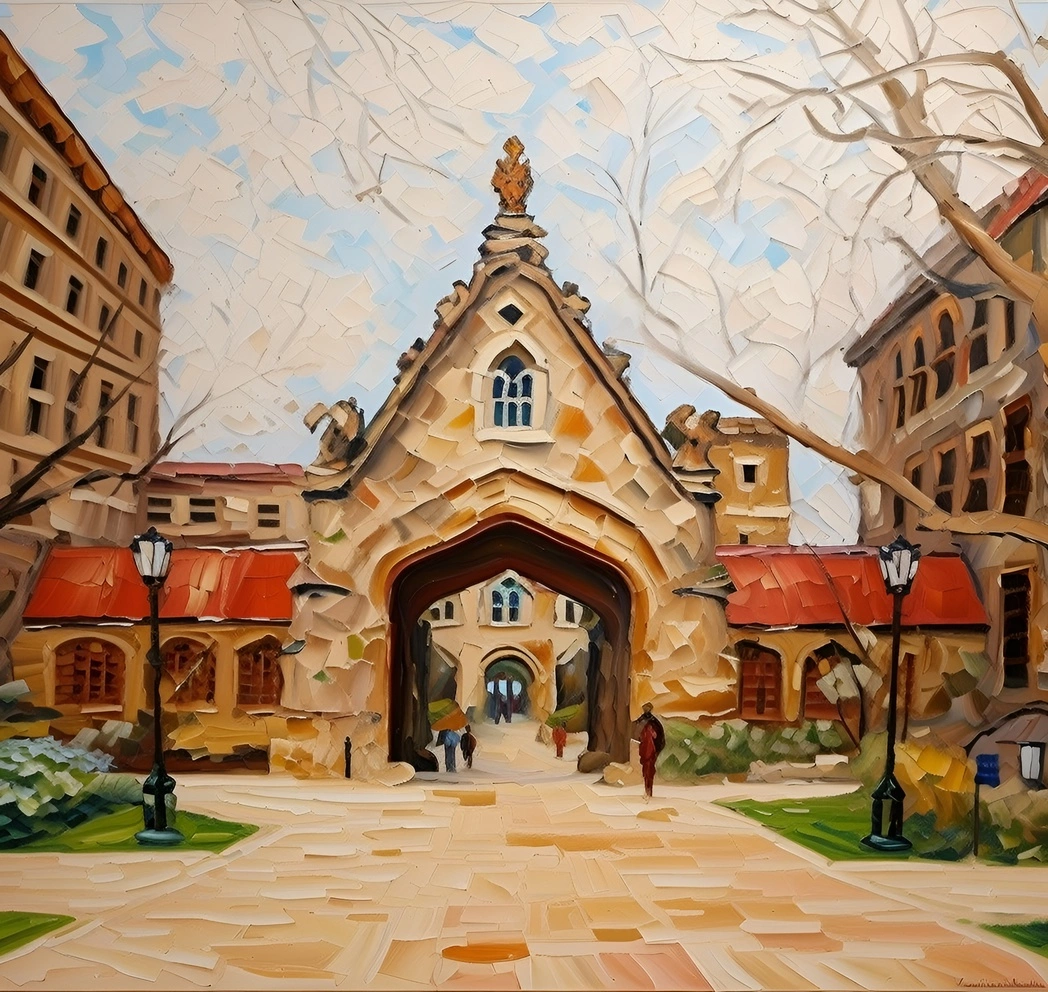
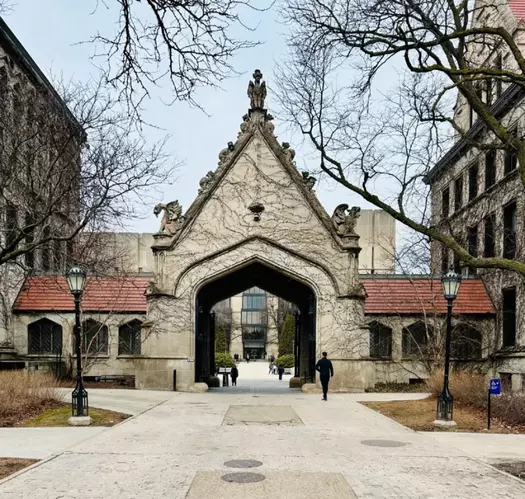
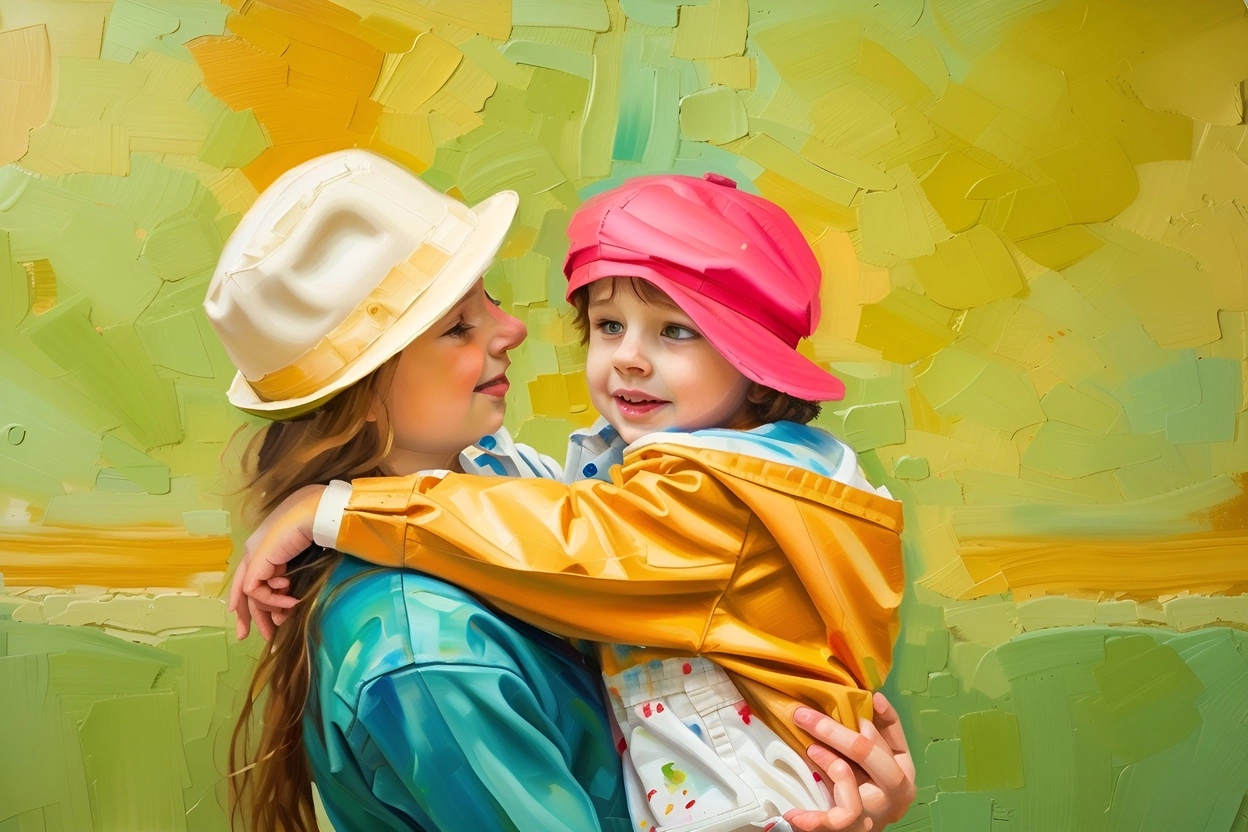
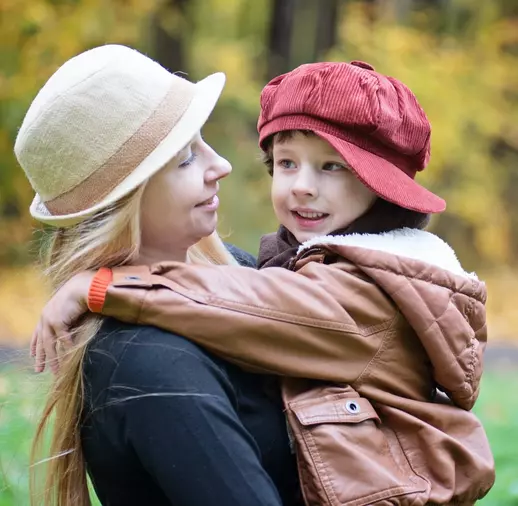
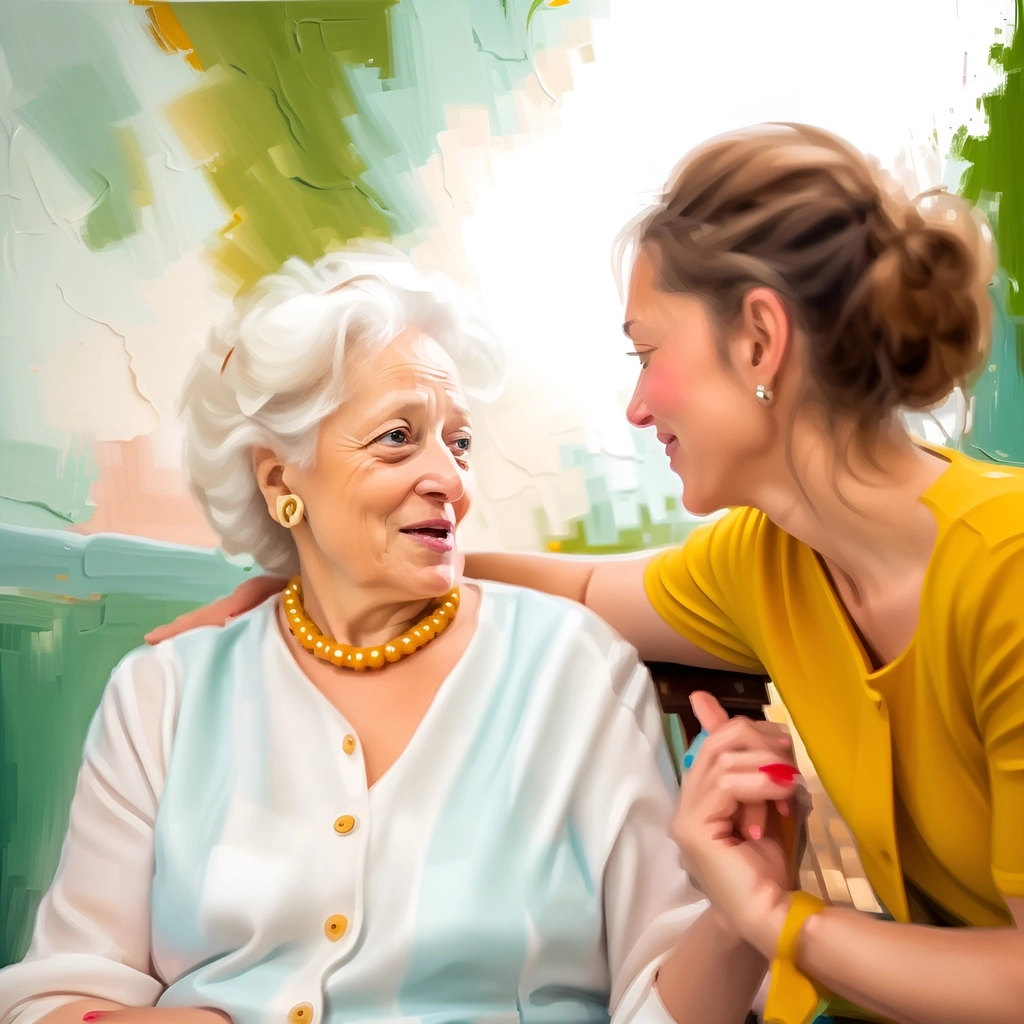
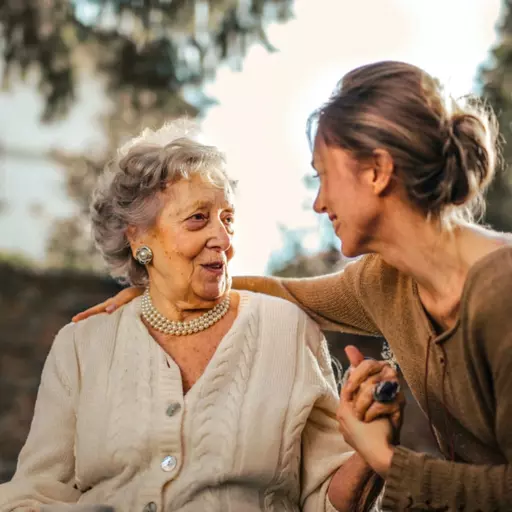
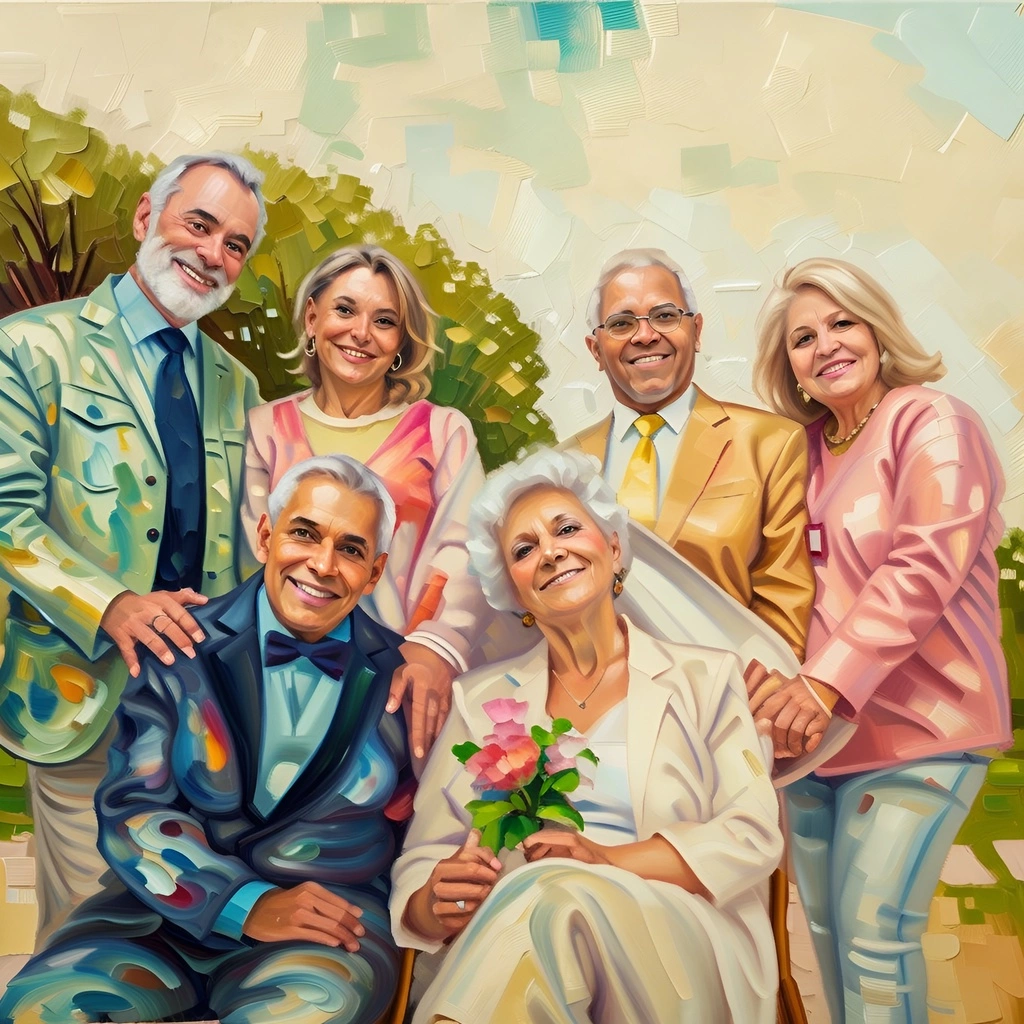
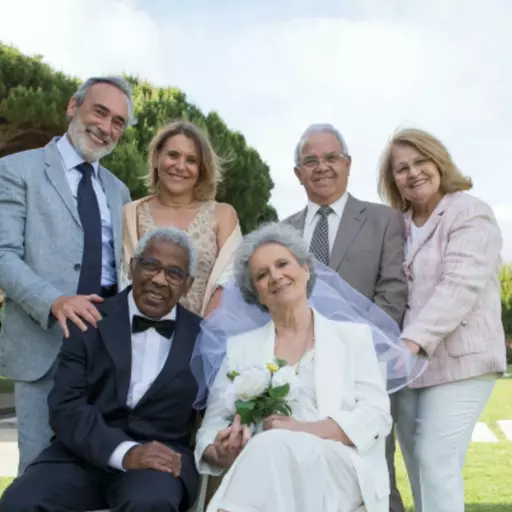
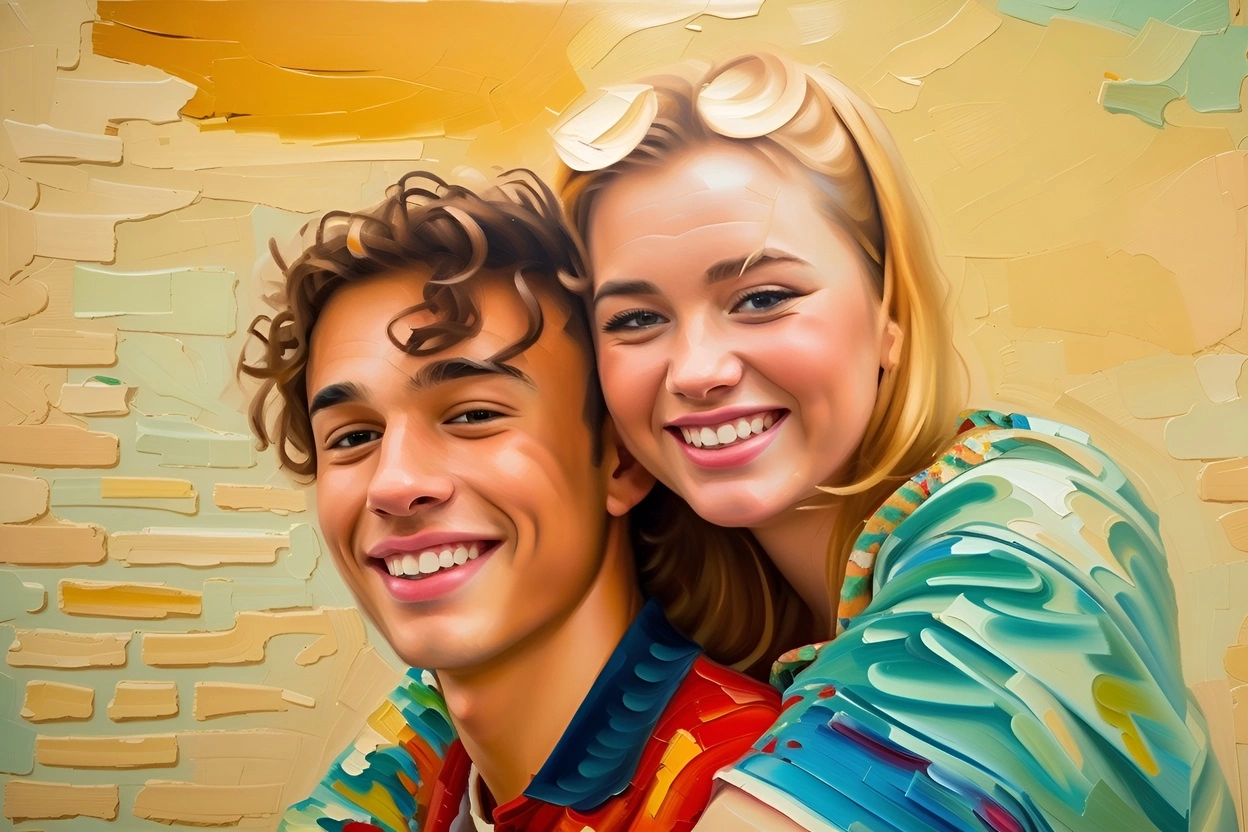
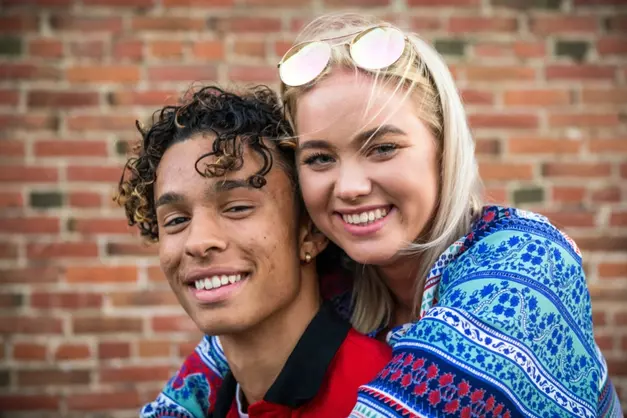
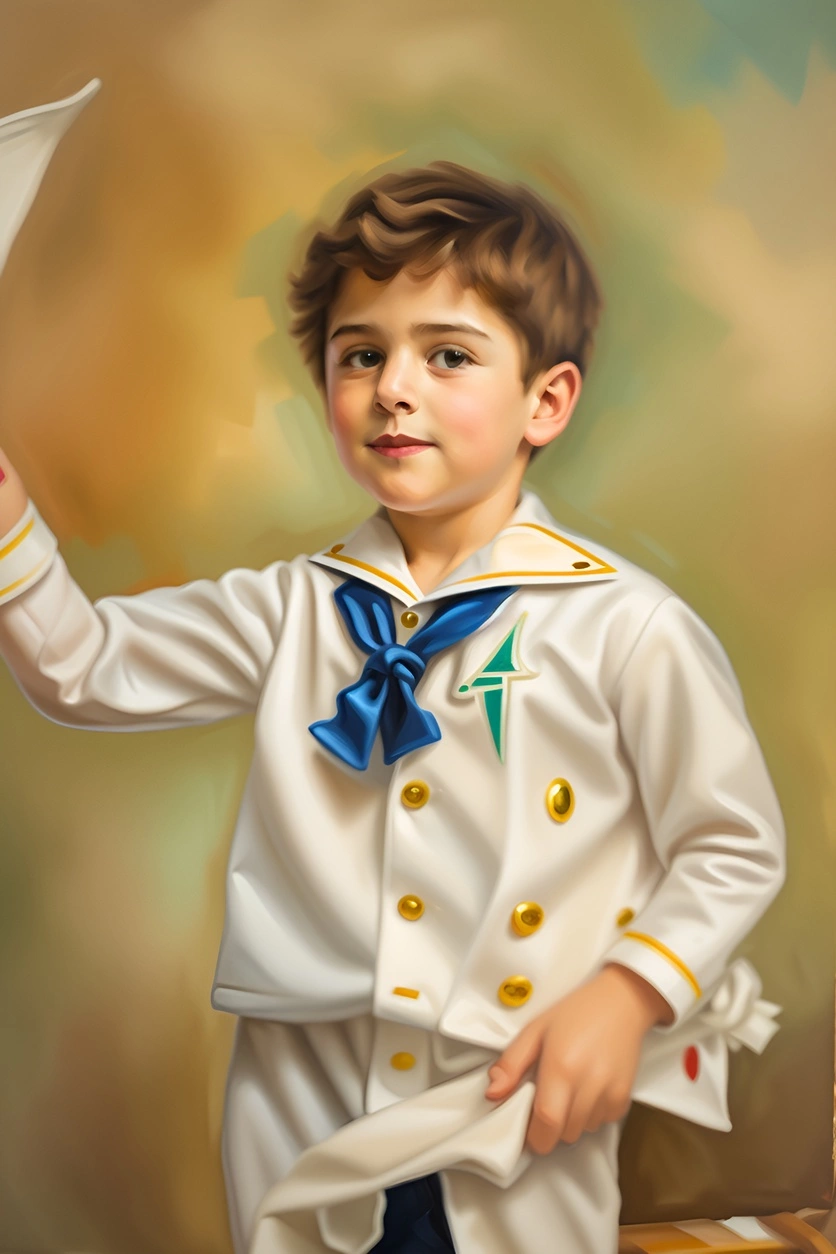
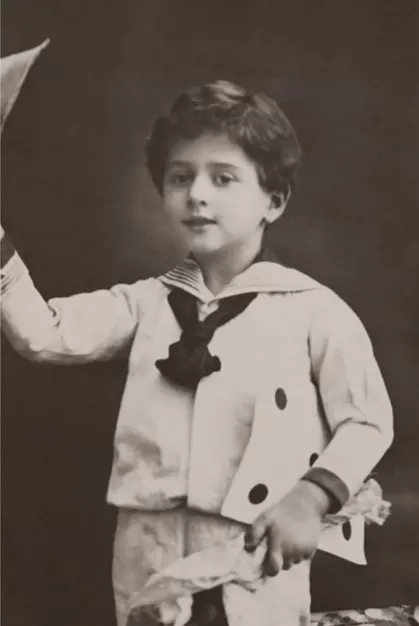
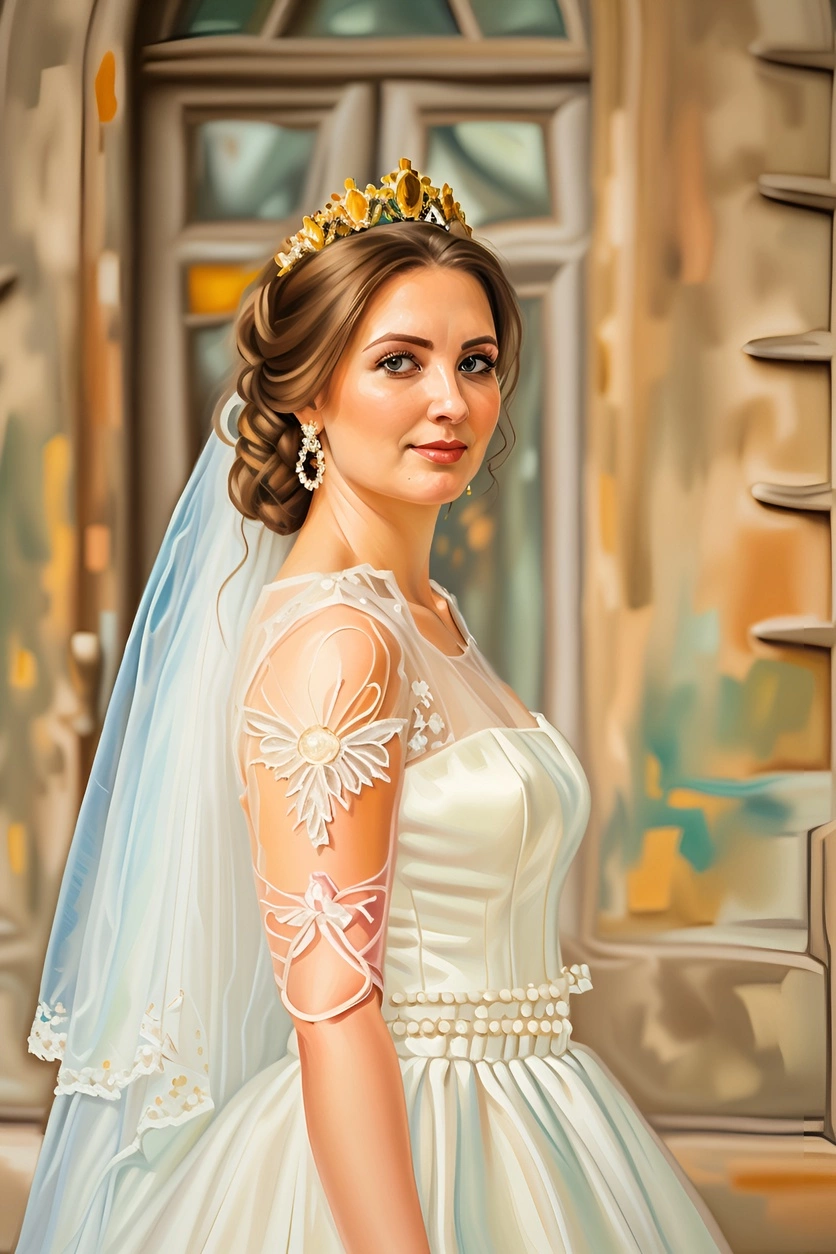
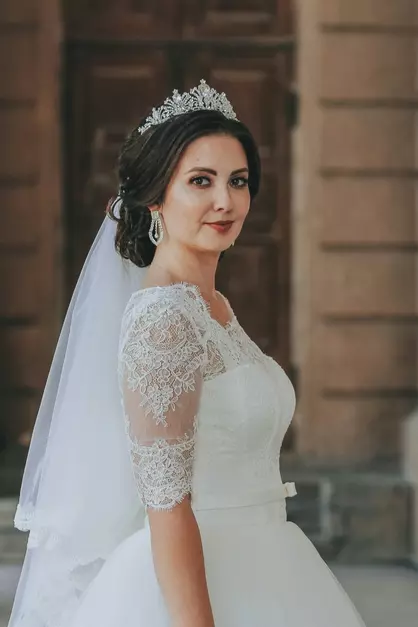
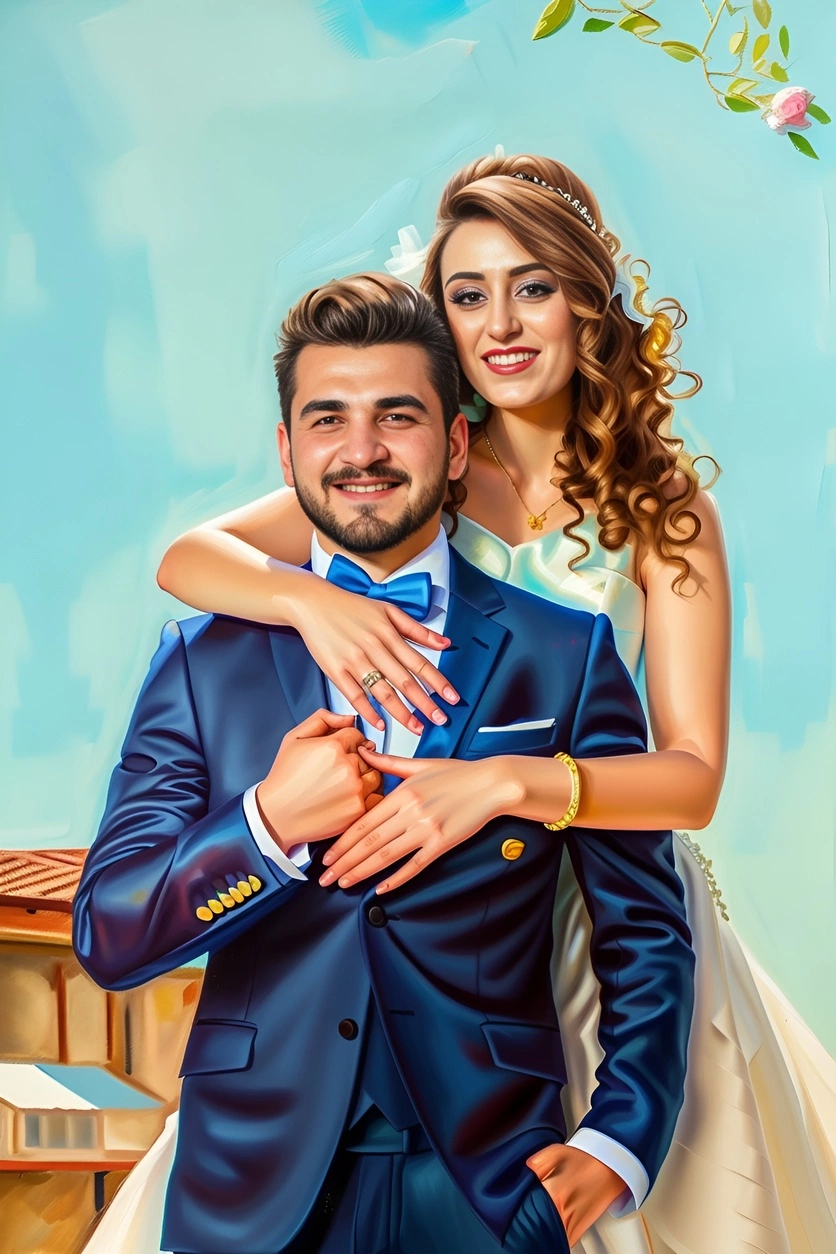
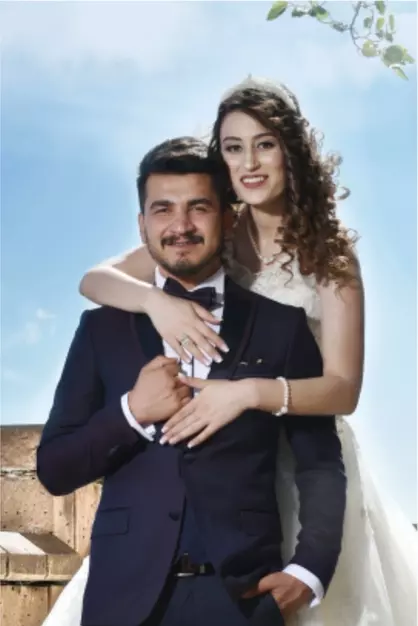
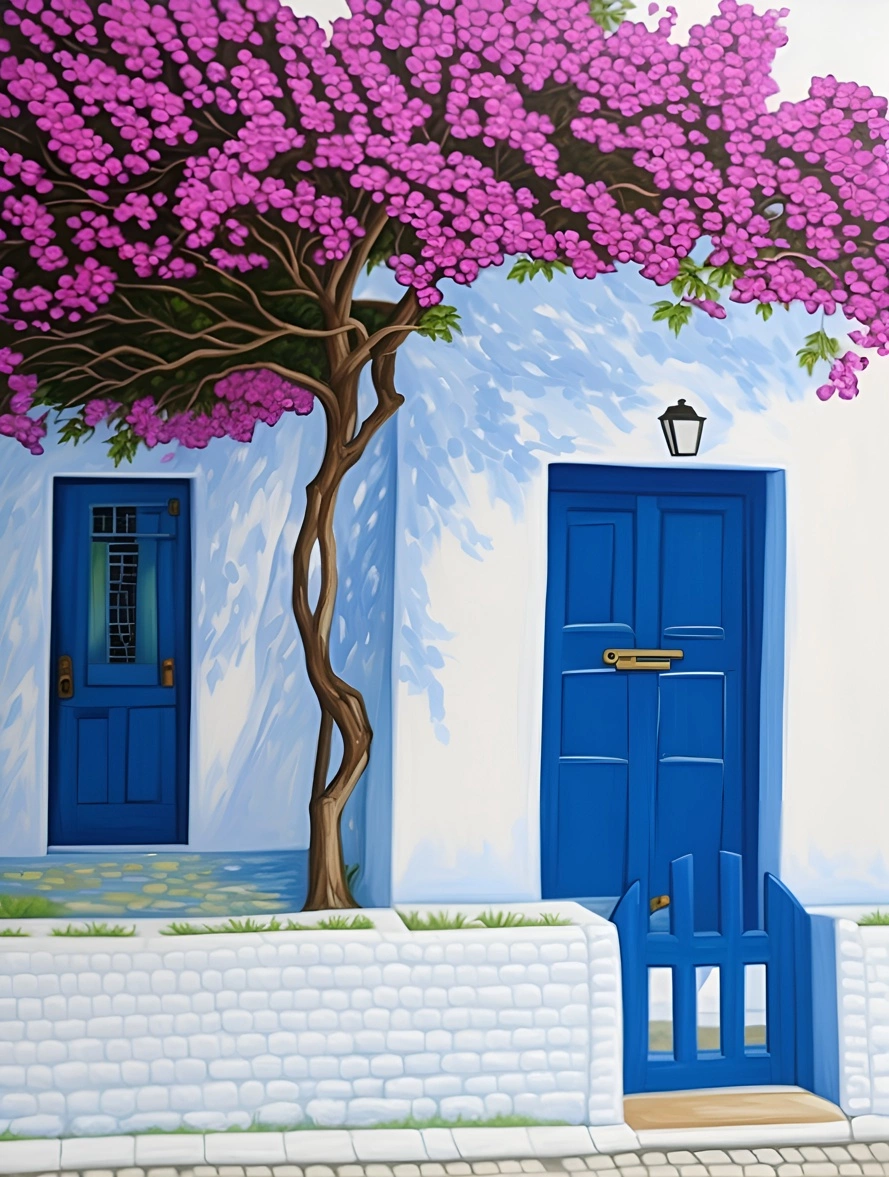
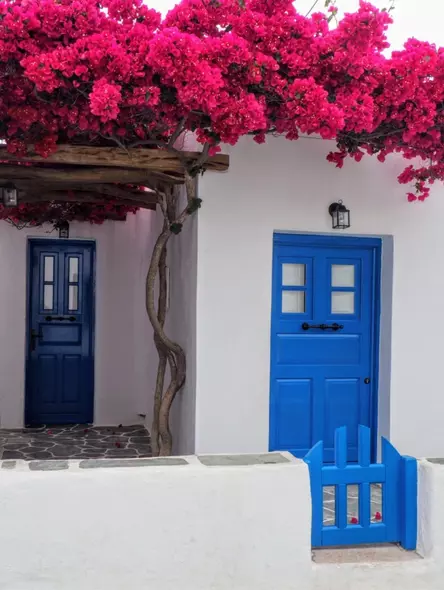
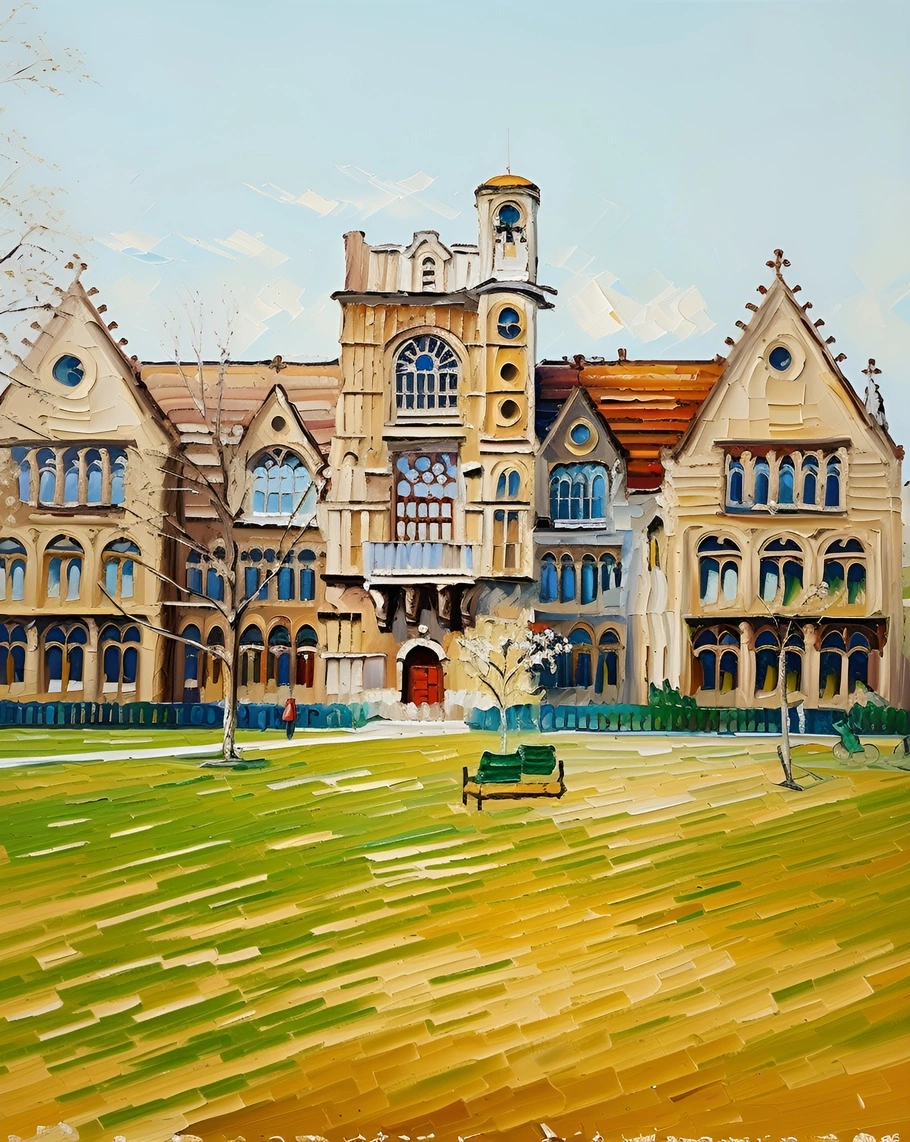
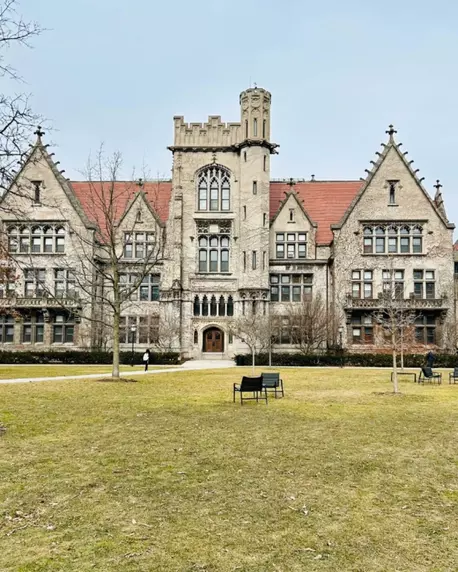
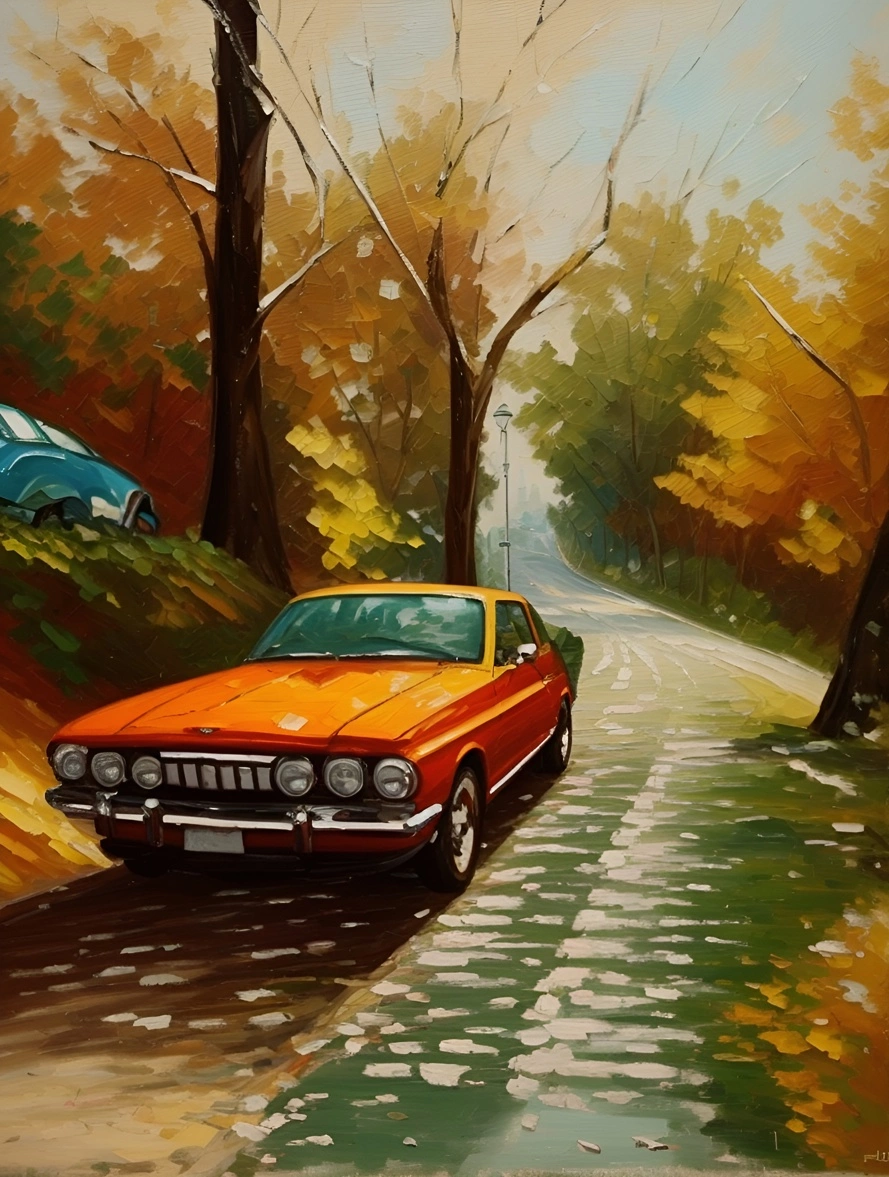
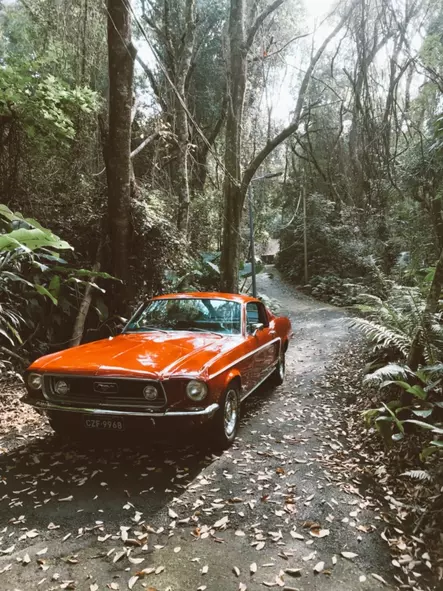
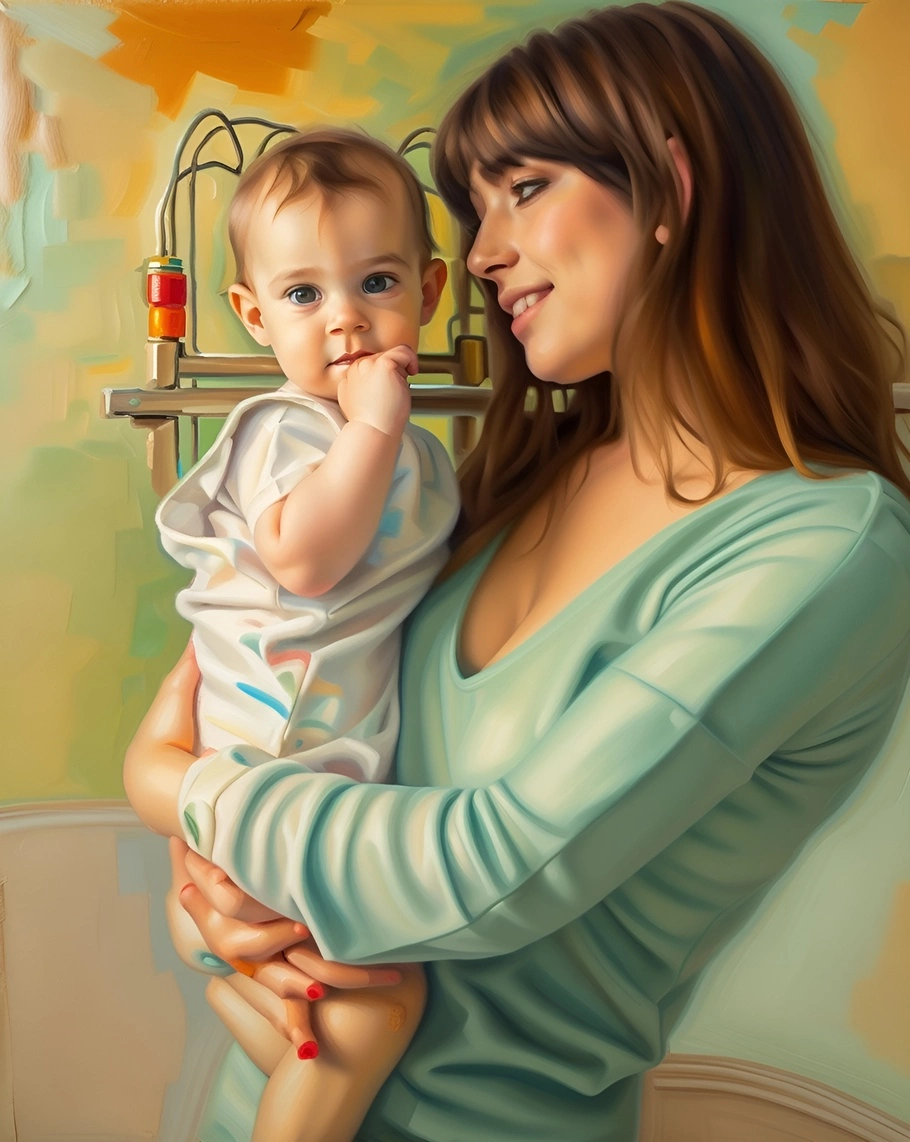
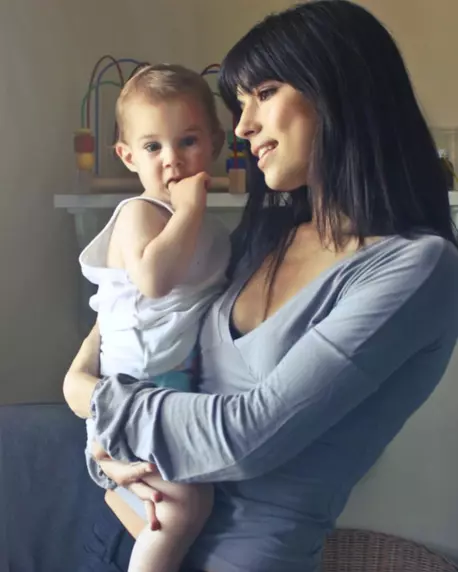
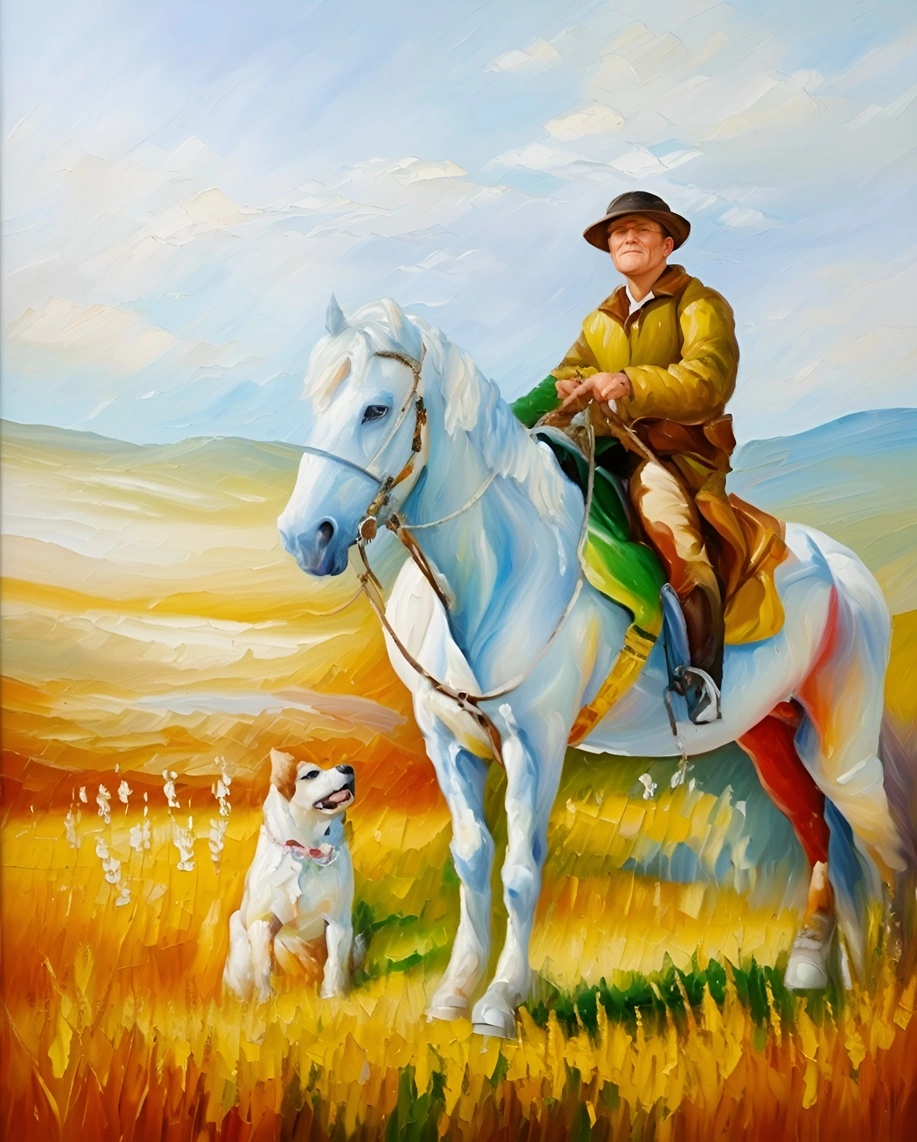
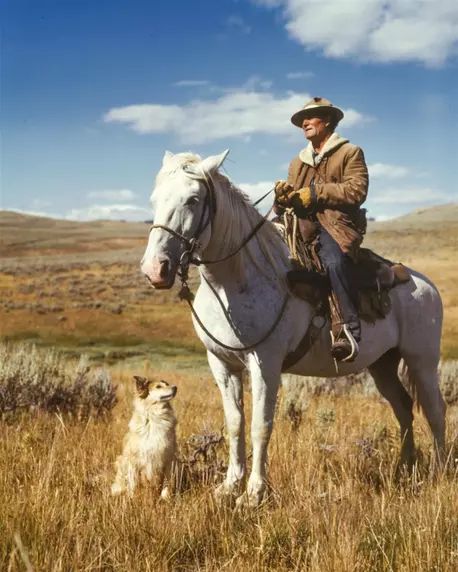
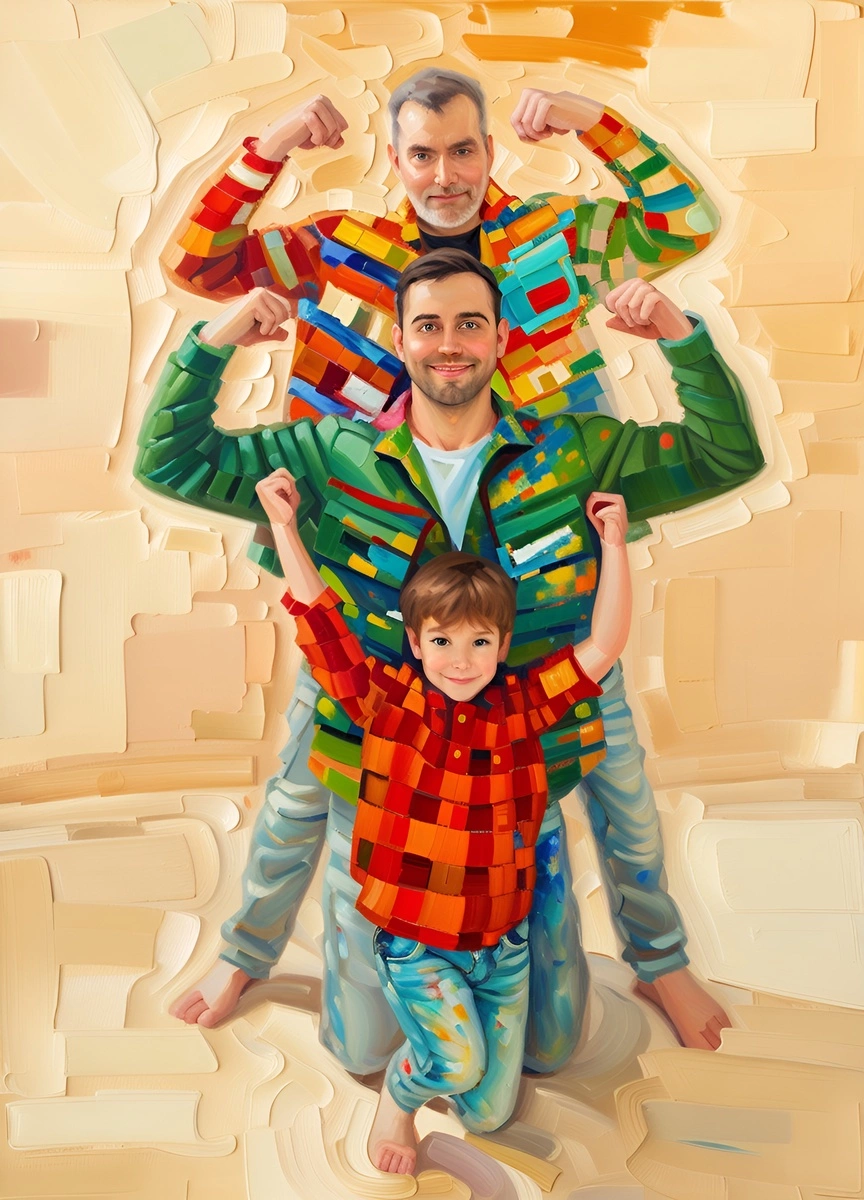
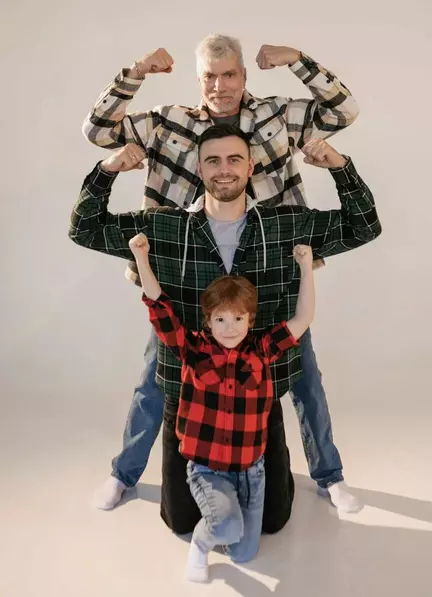
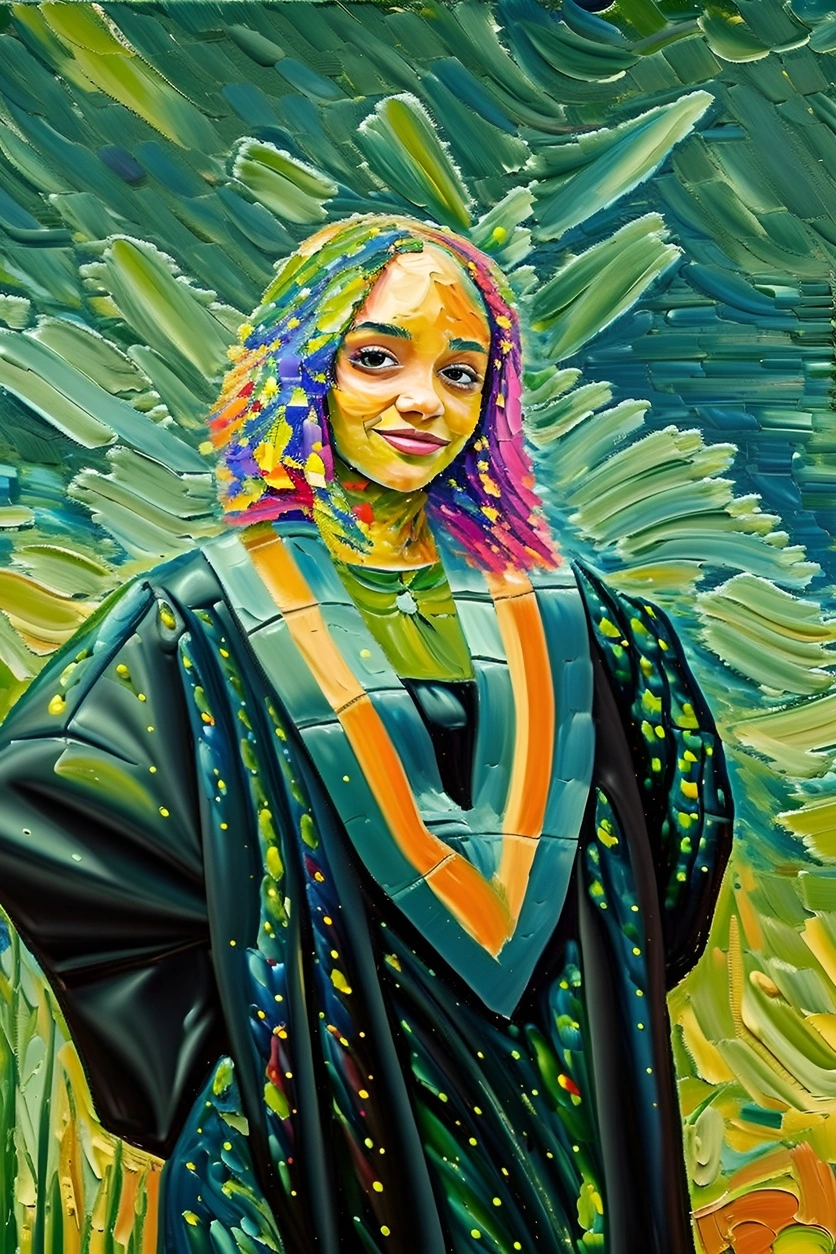
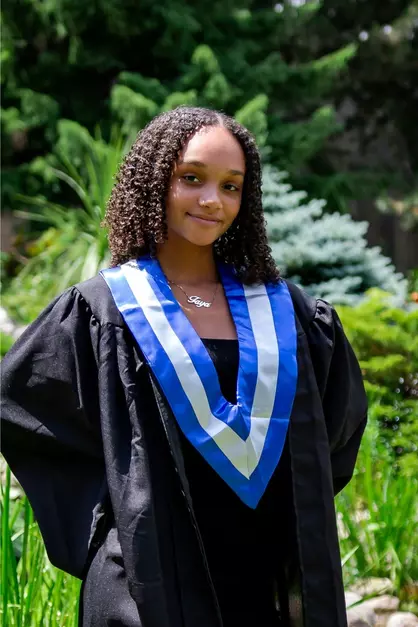
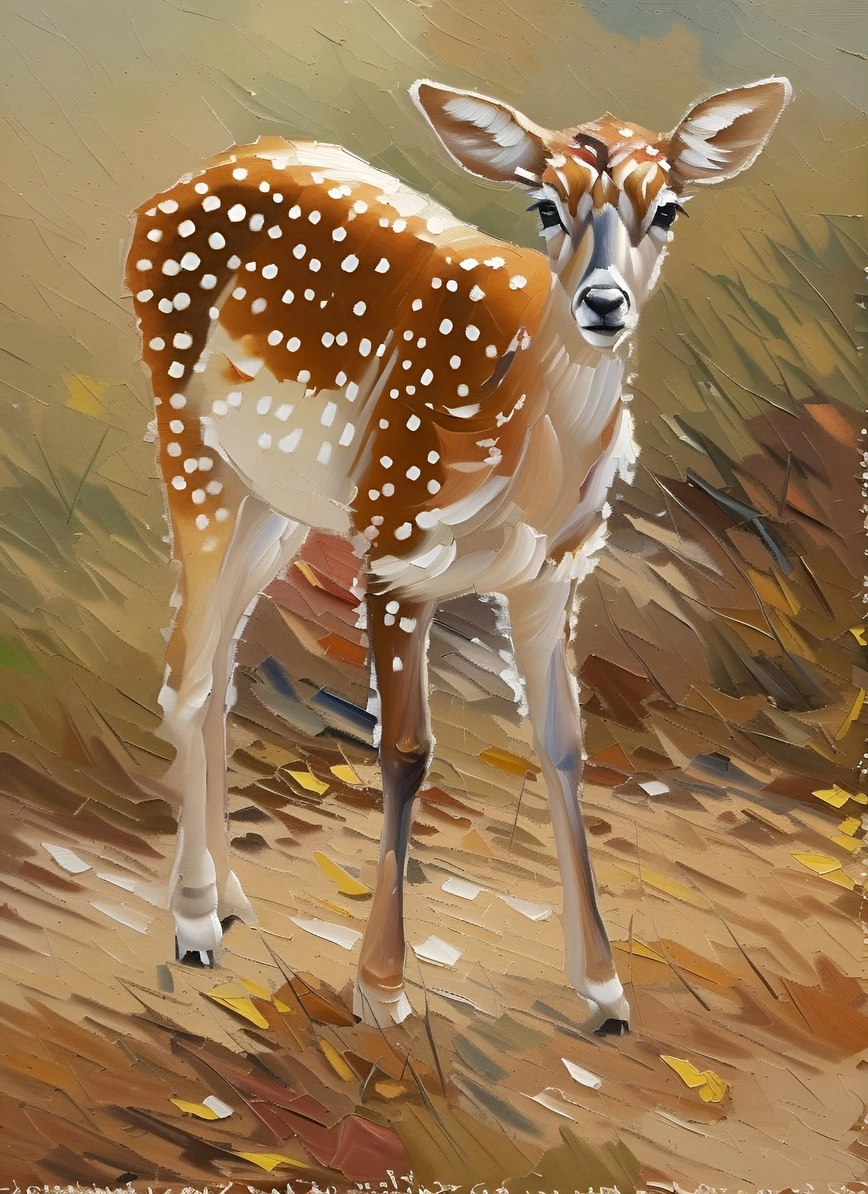
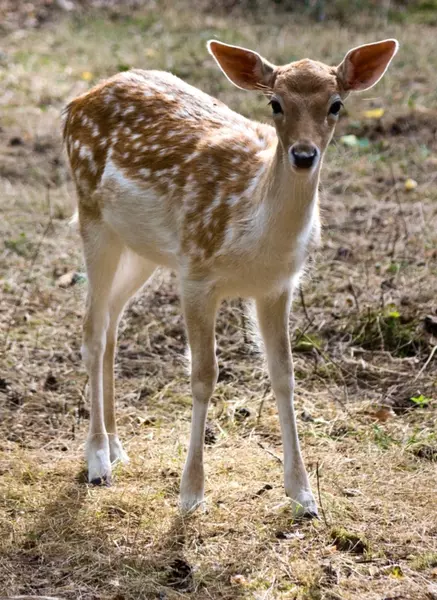
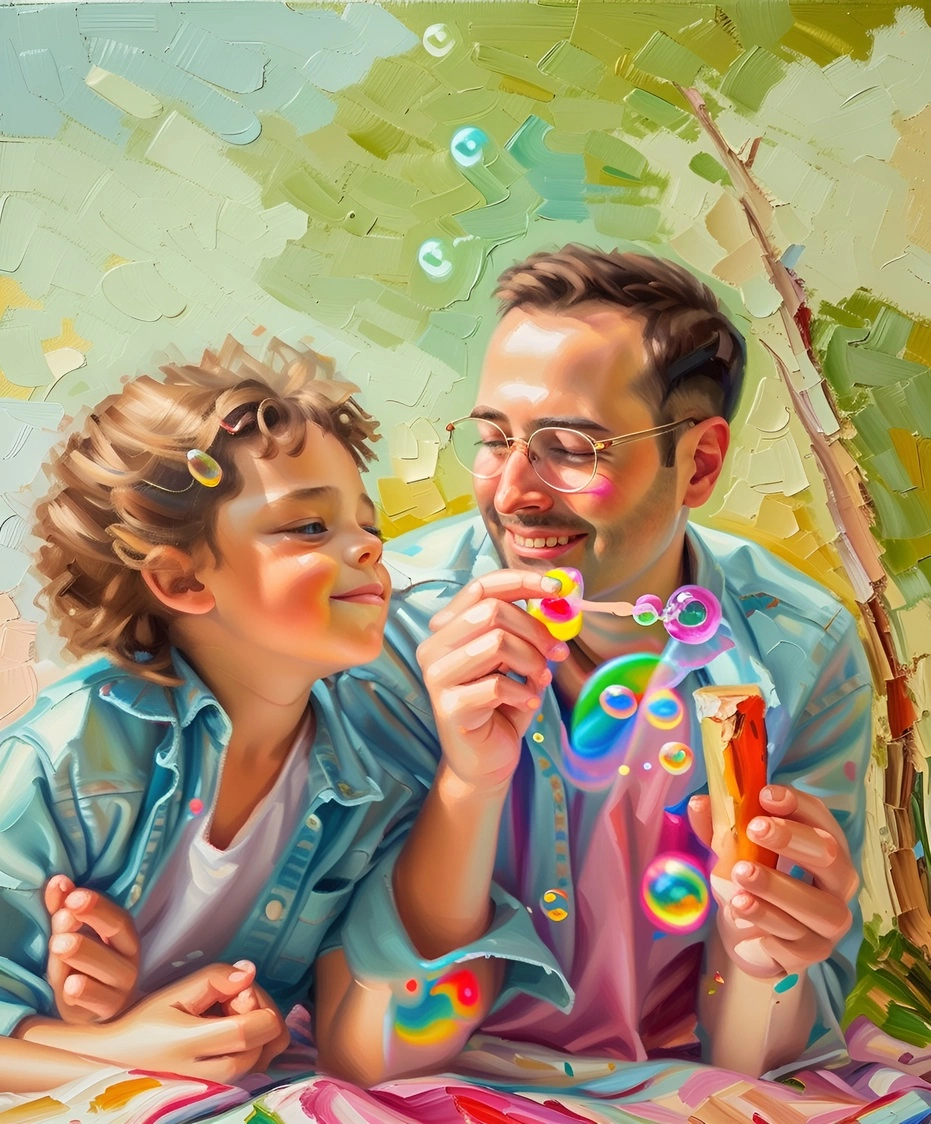
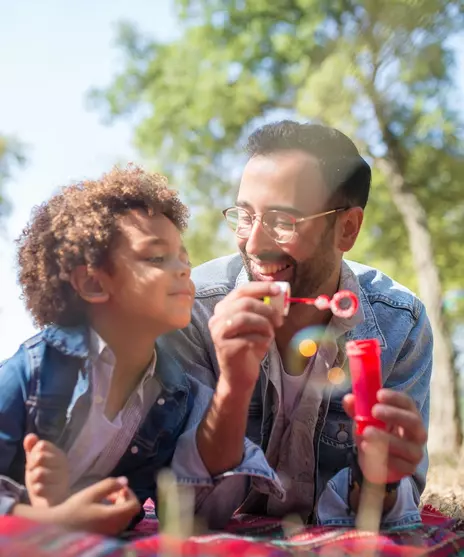
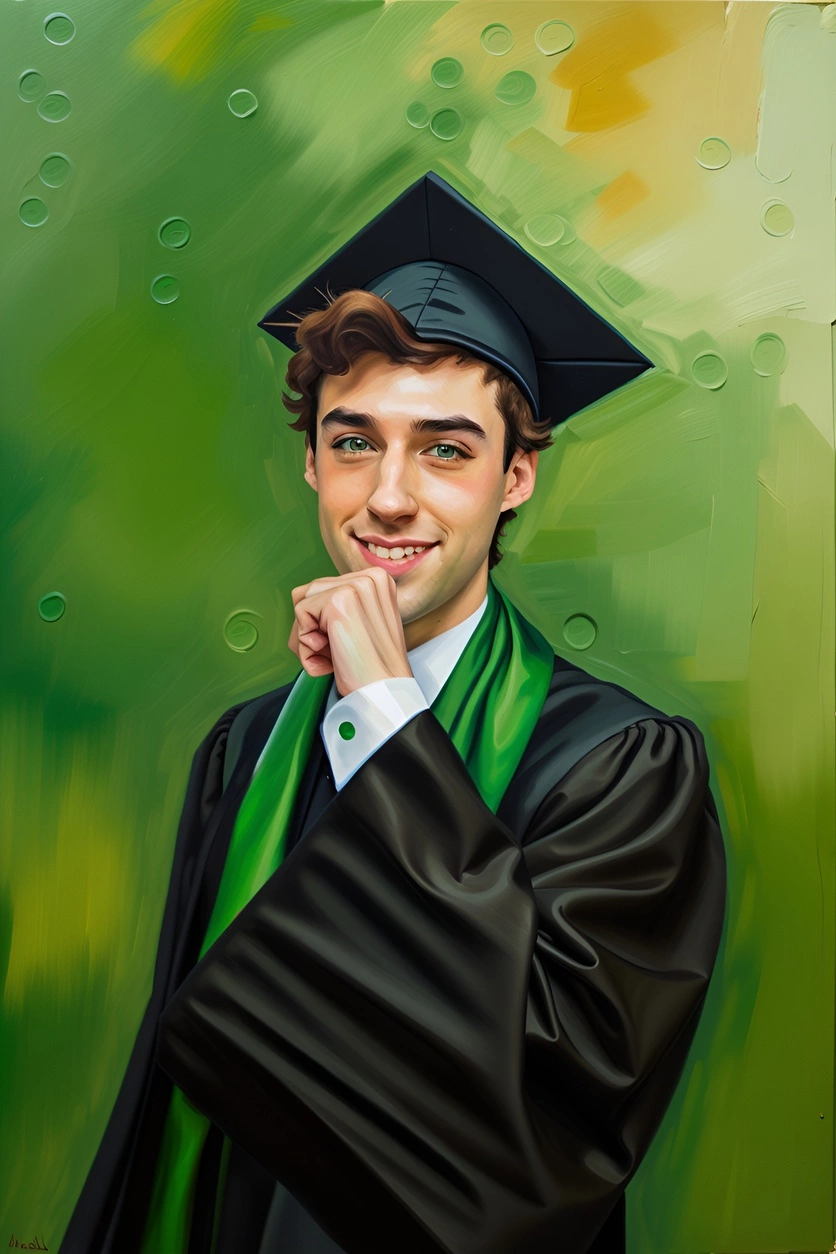
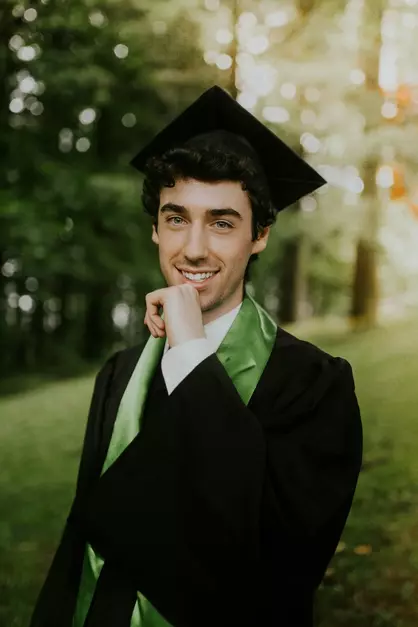
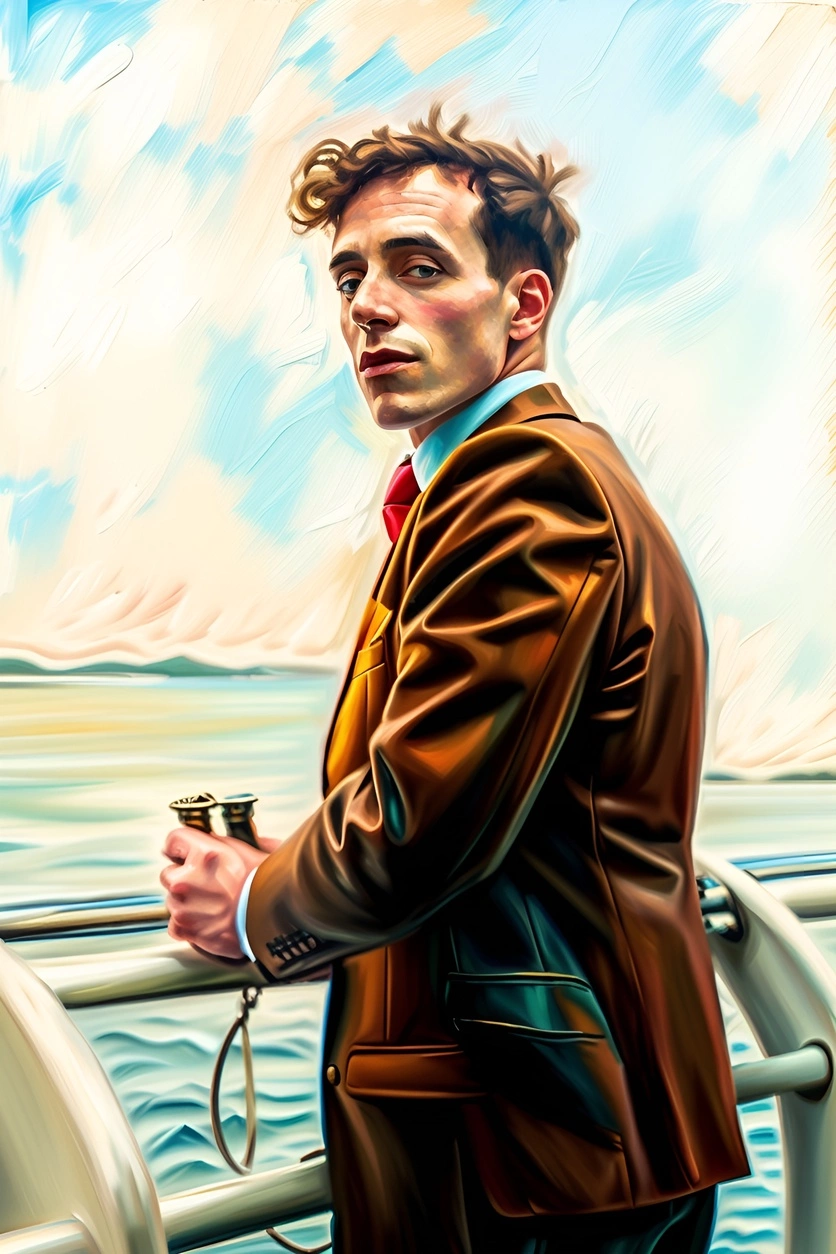
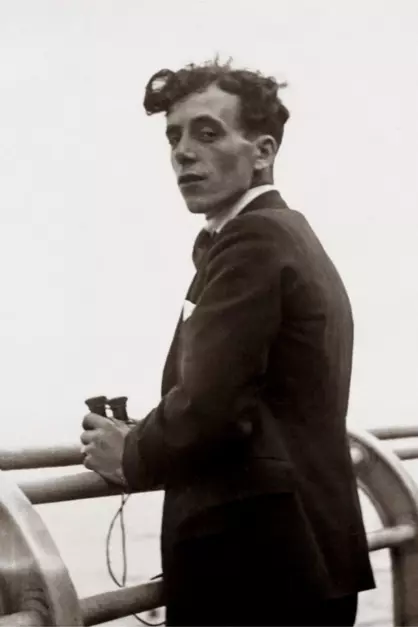
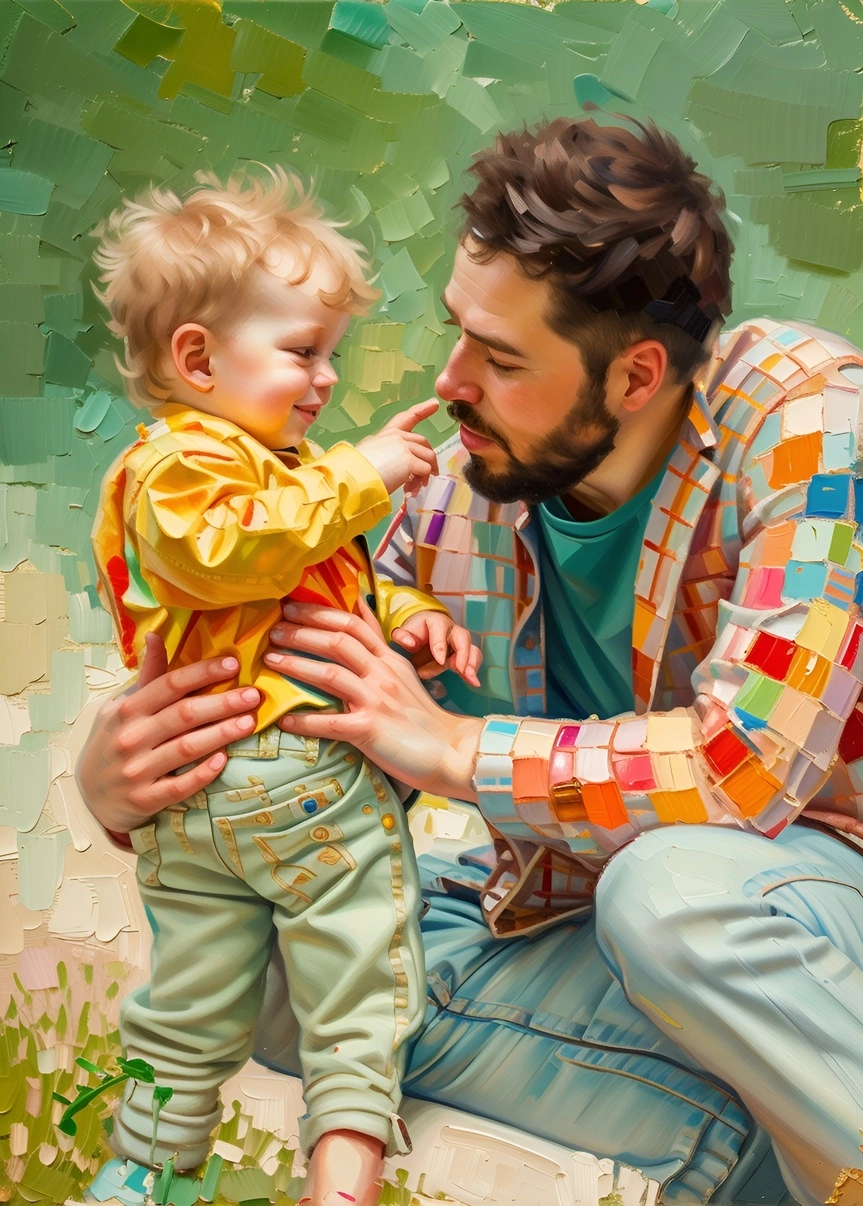
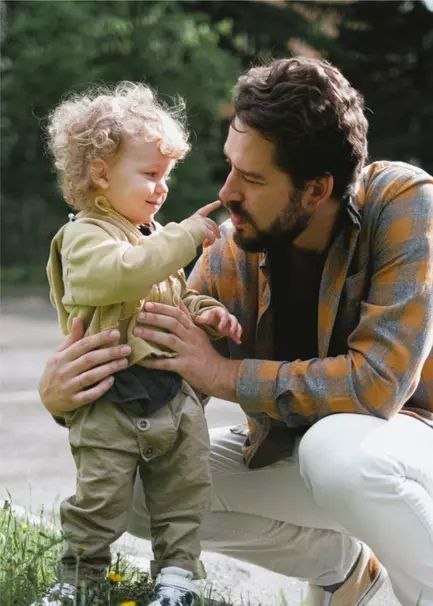
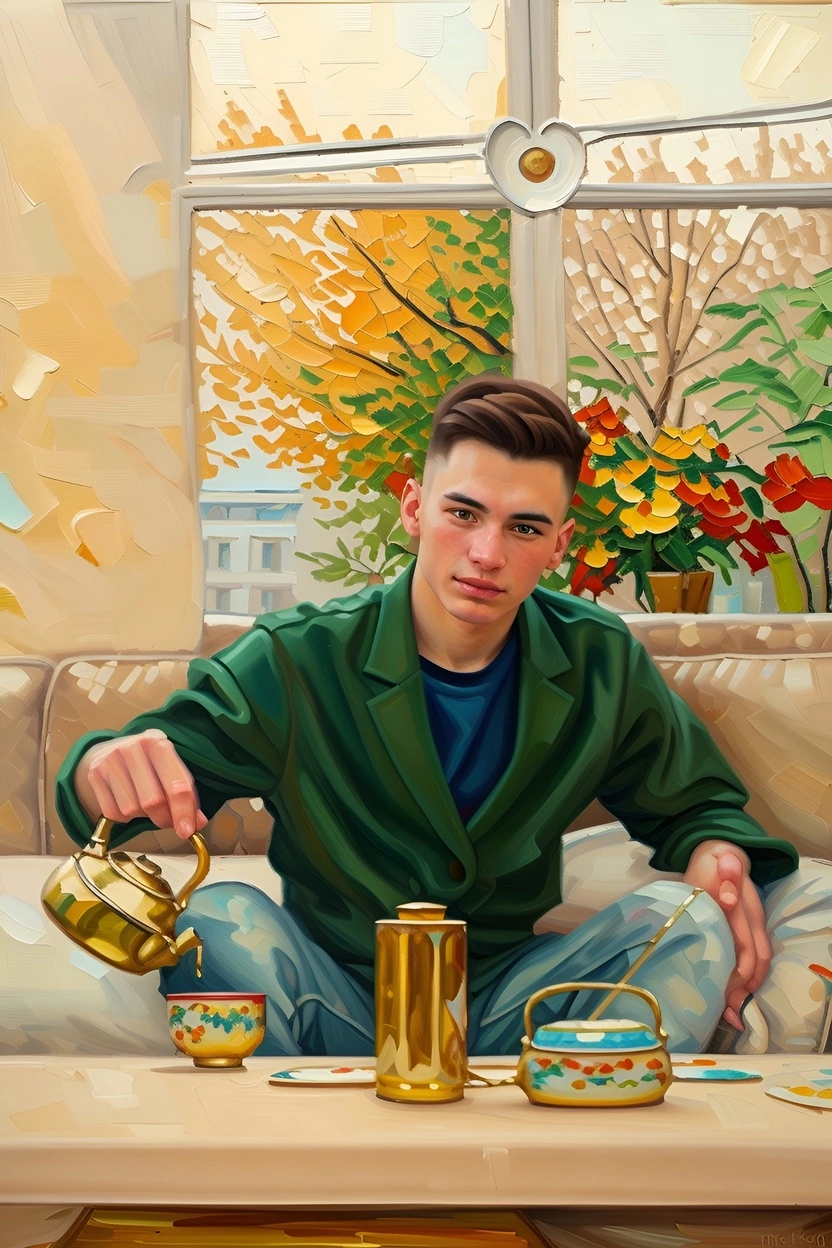
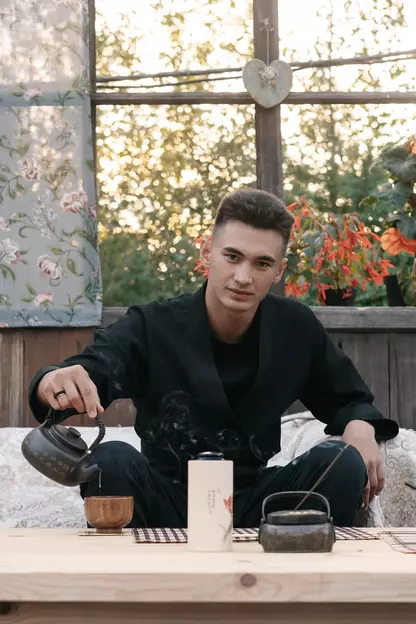
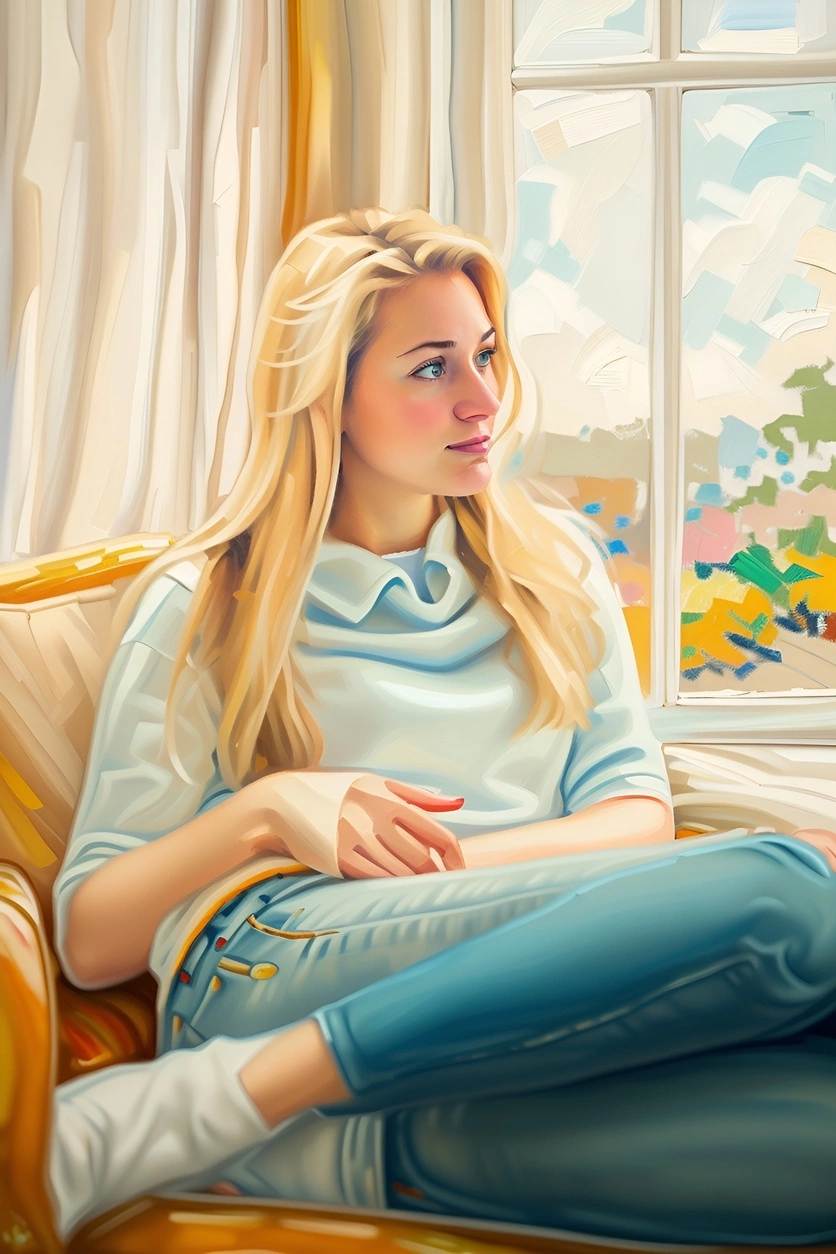
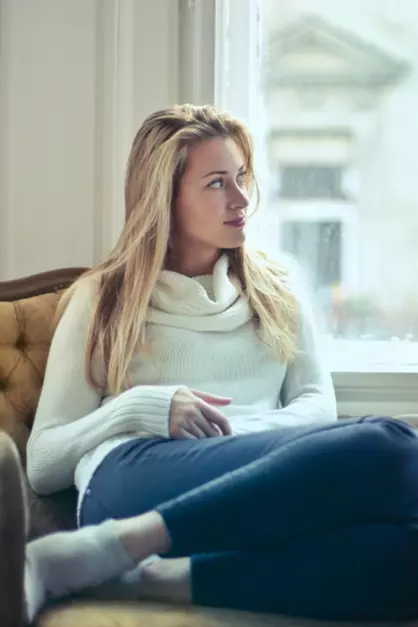
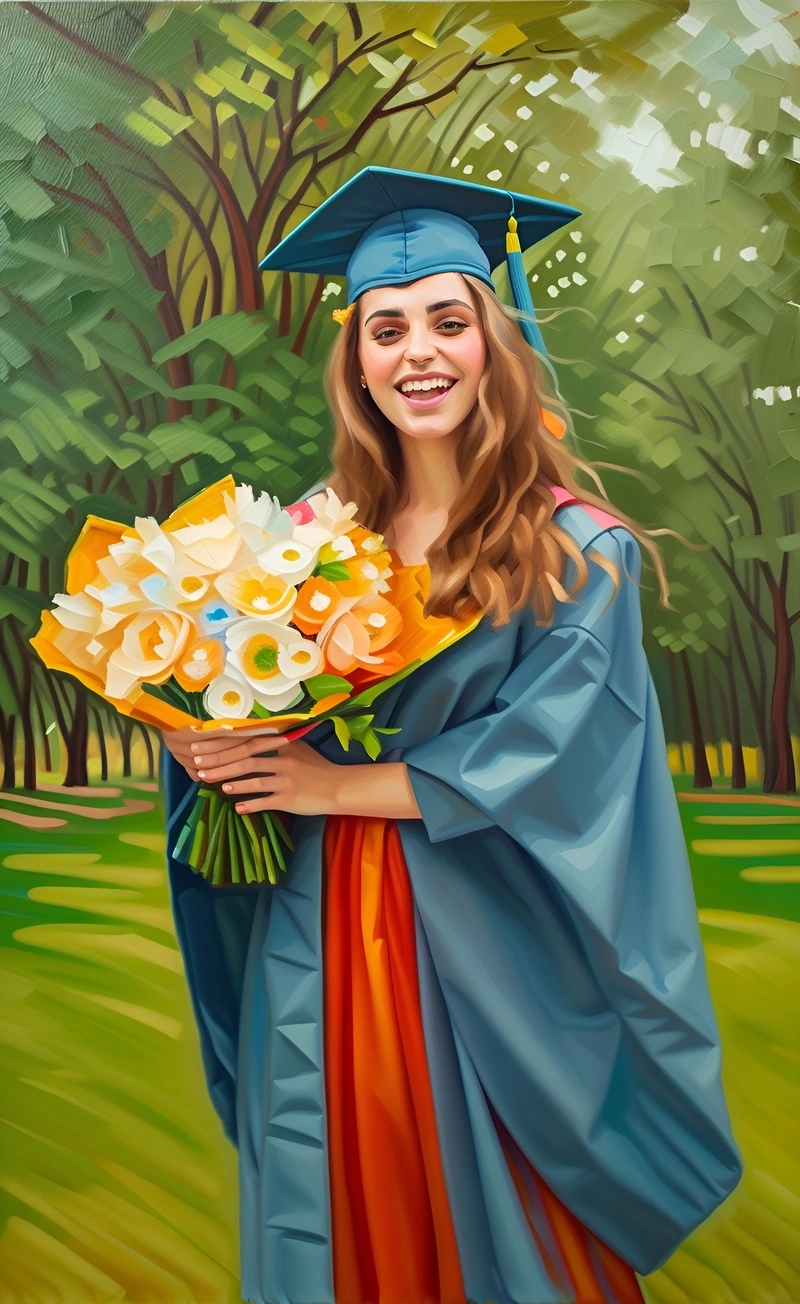
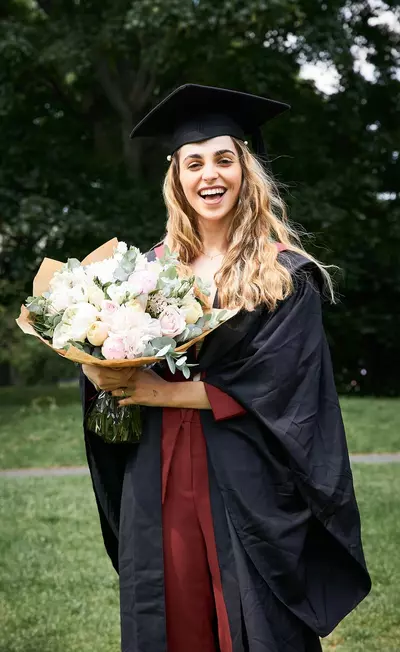
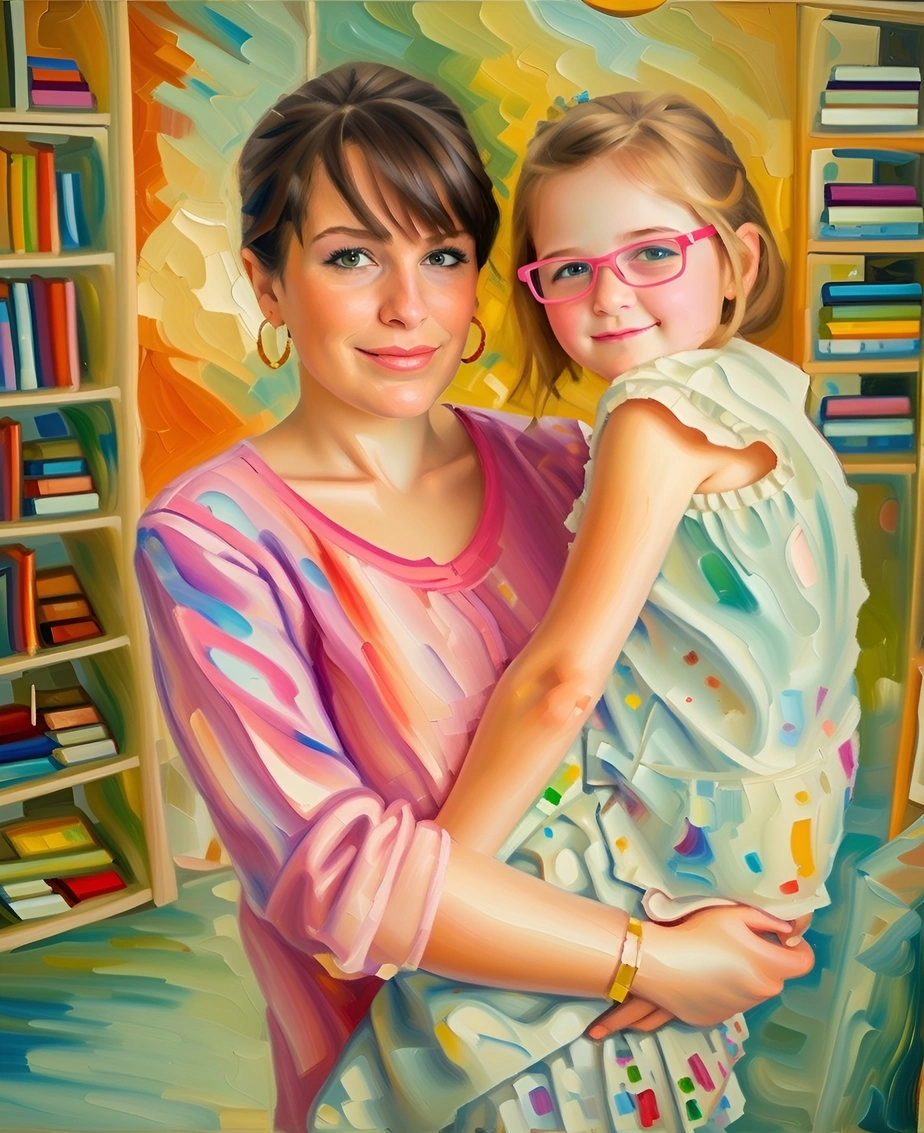
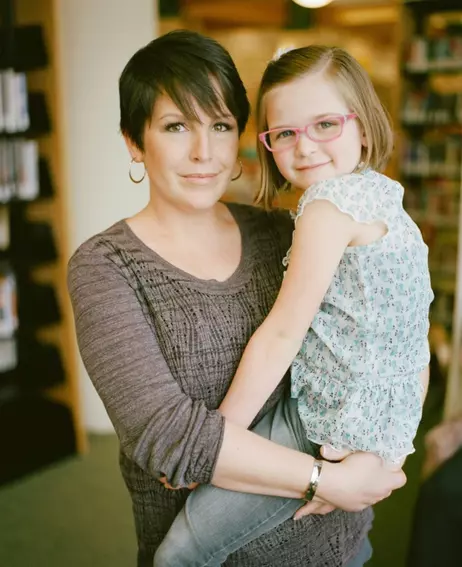
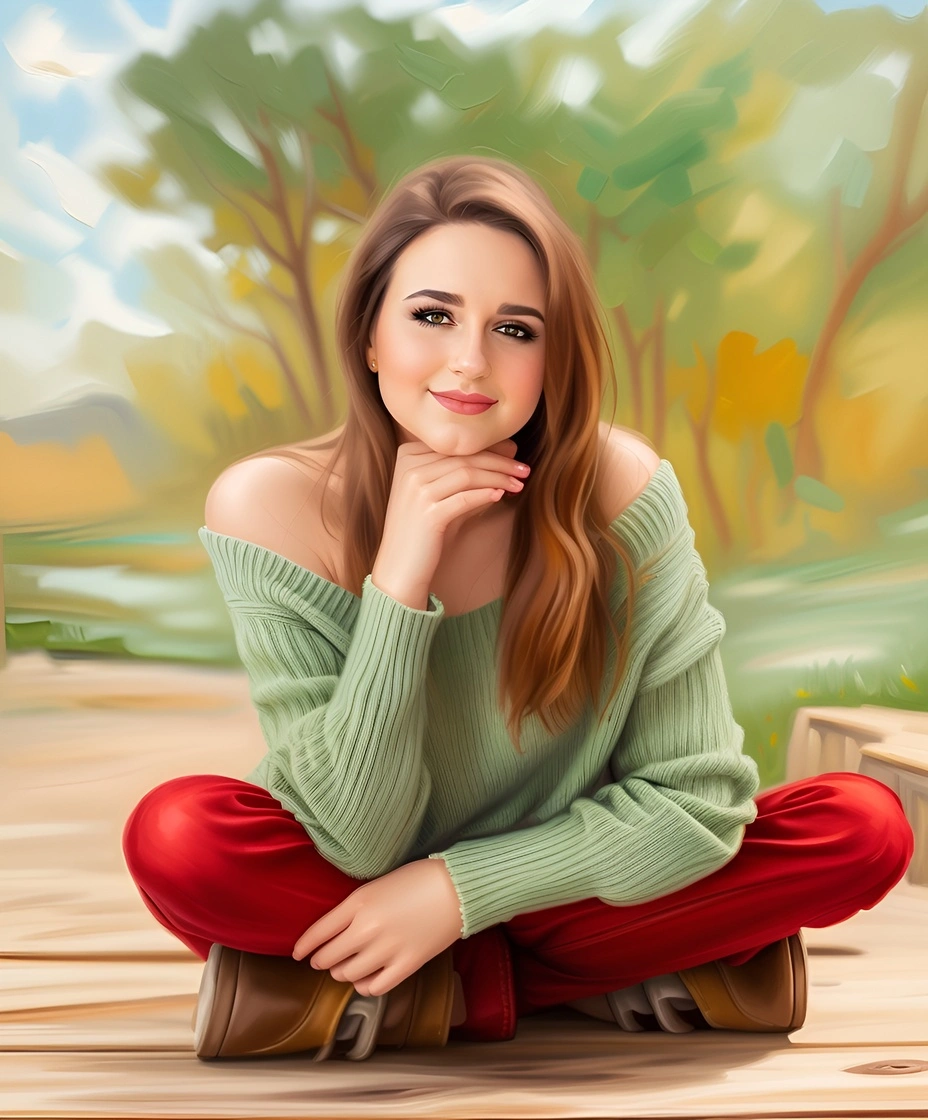
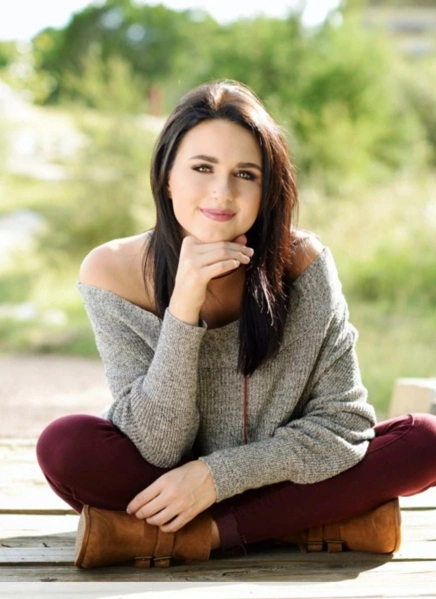
Turn your photos into beautiful oil paintings!

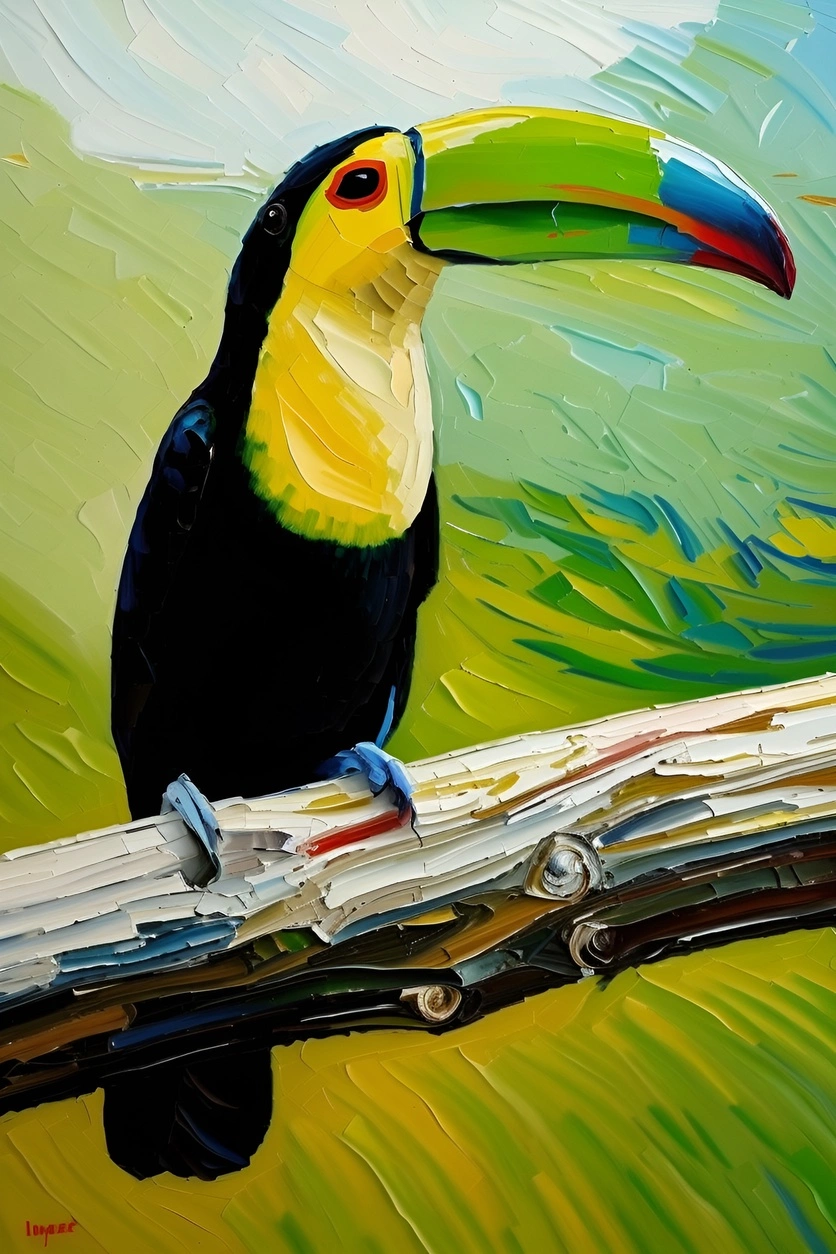
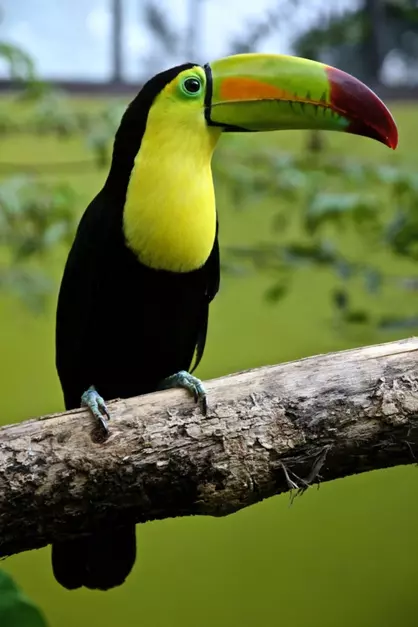
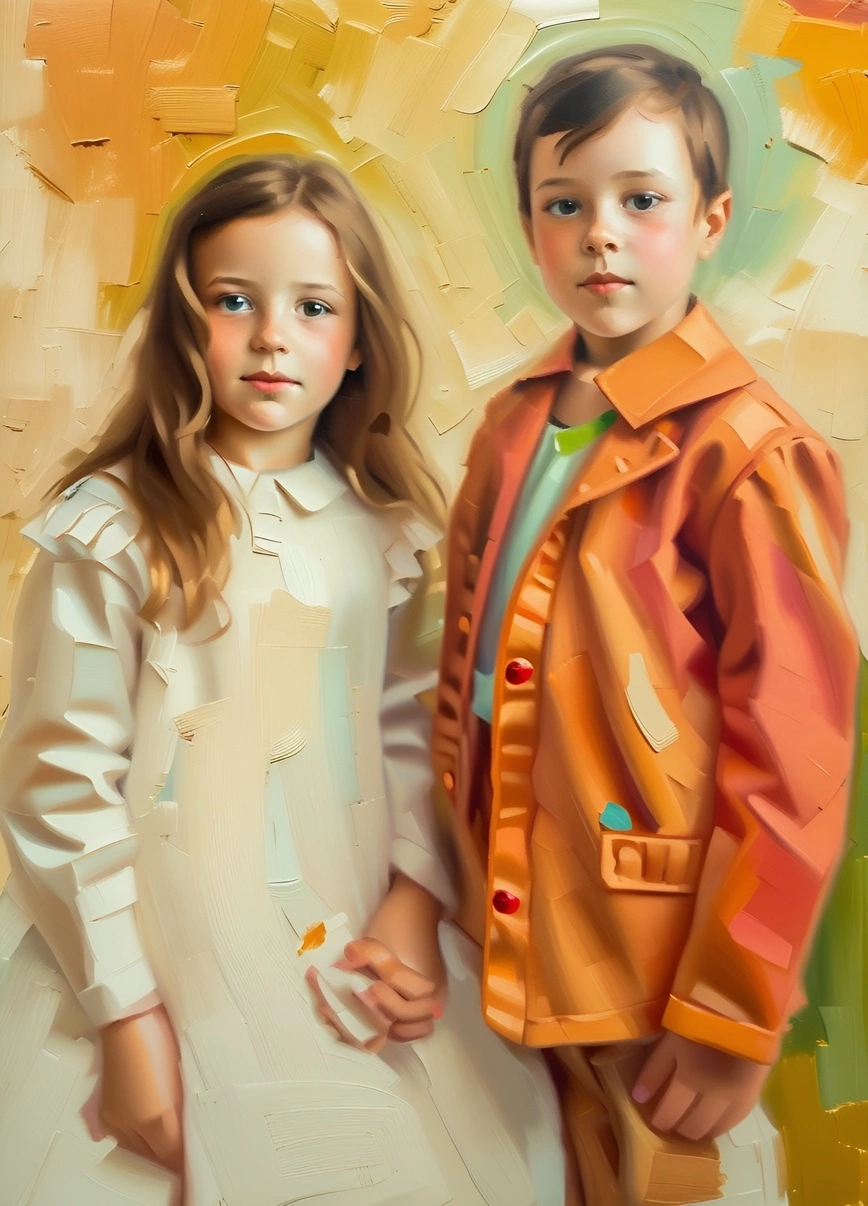
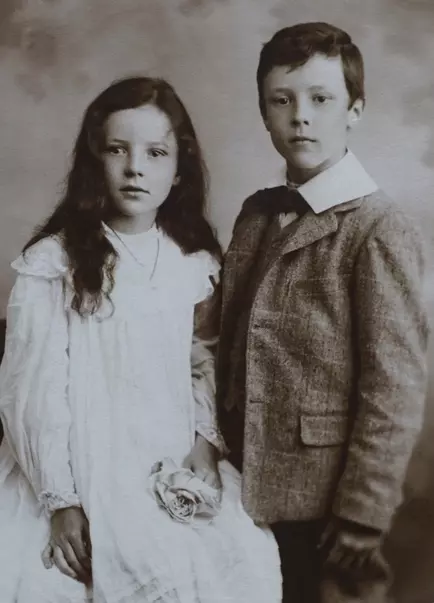
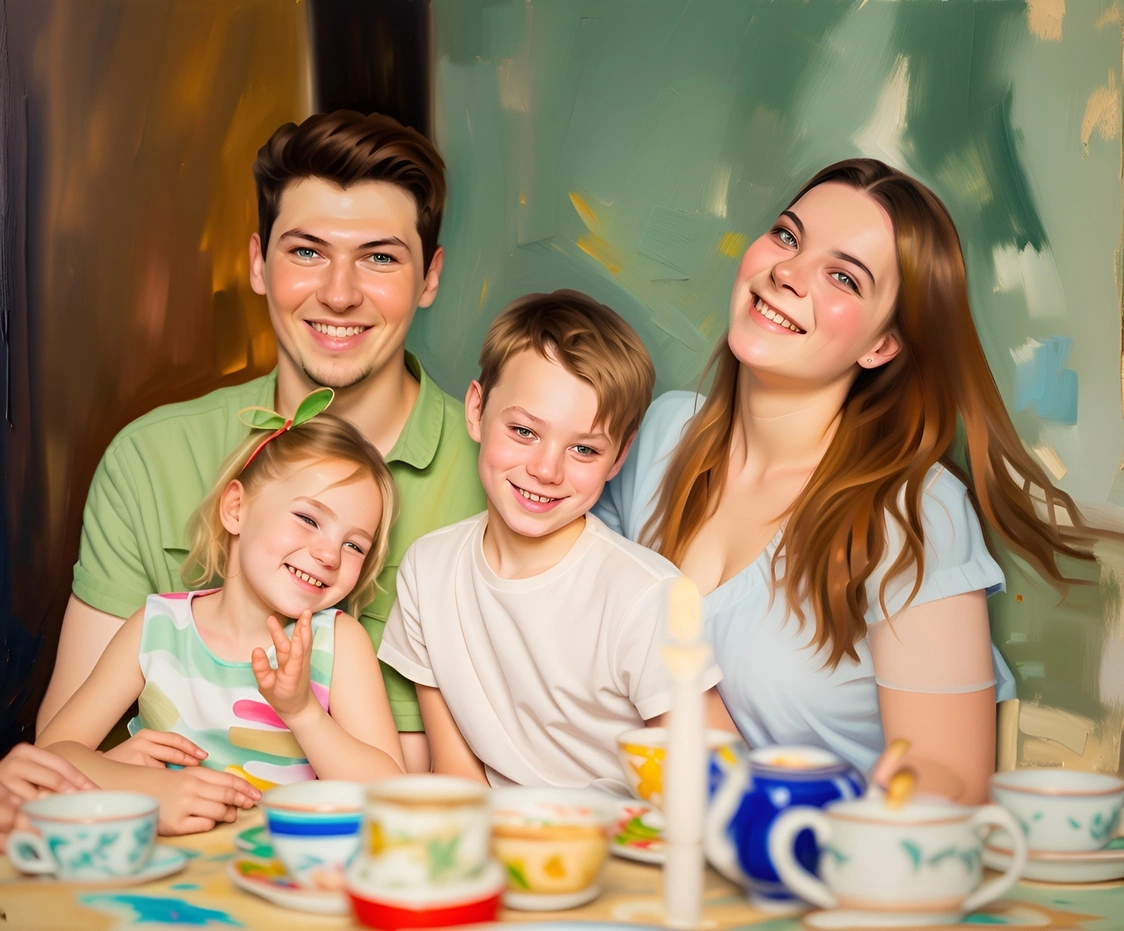
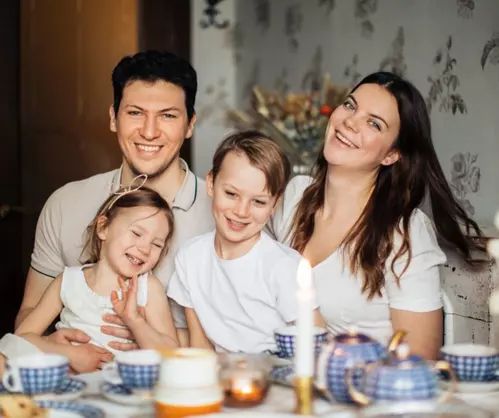
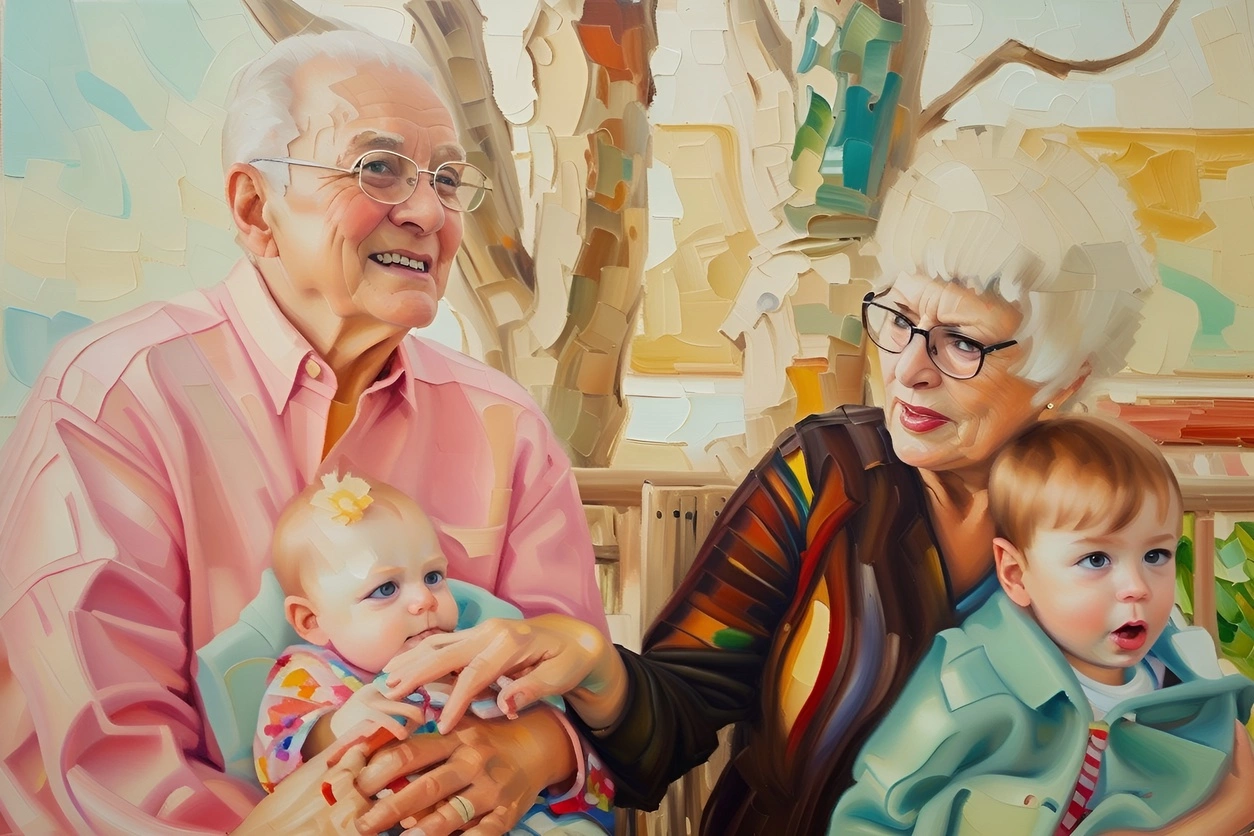
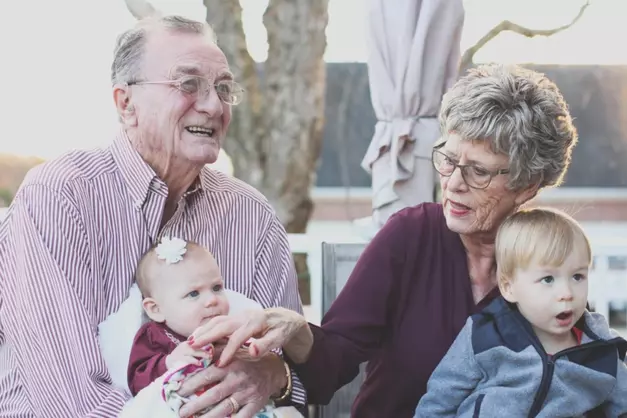
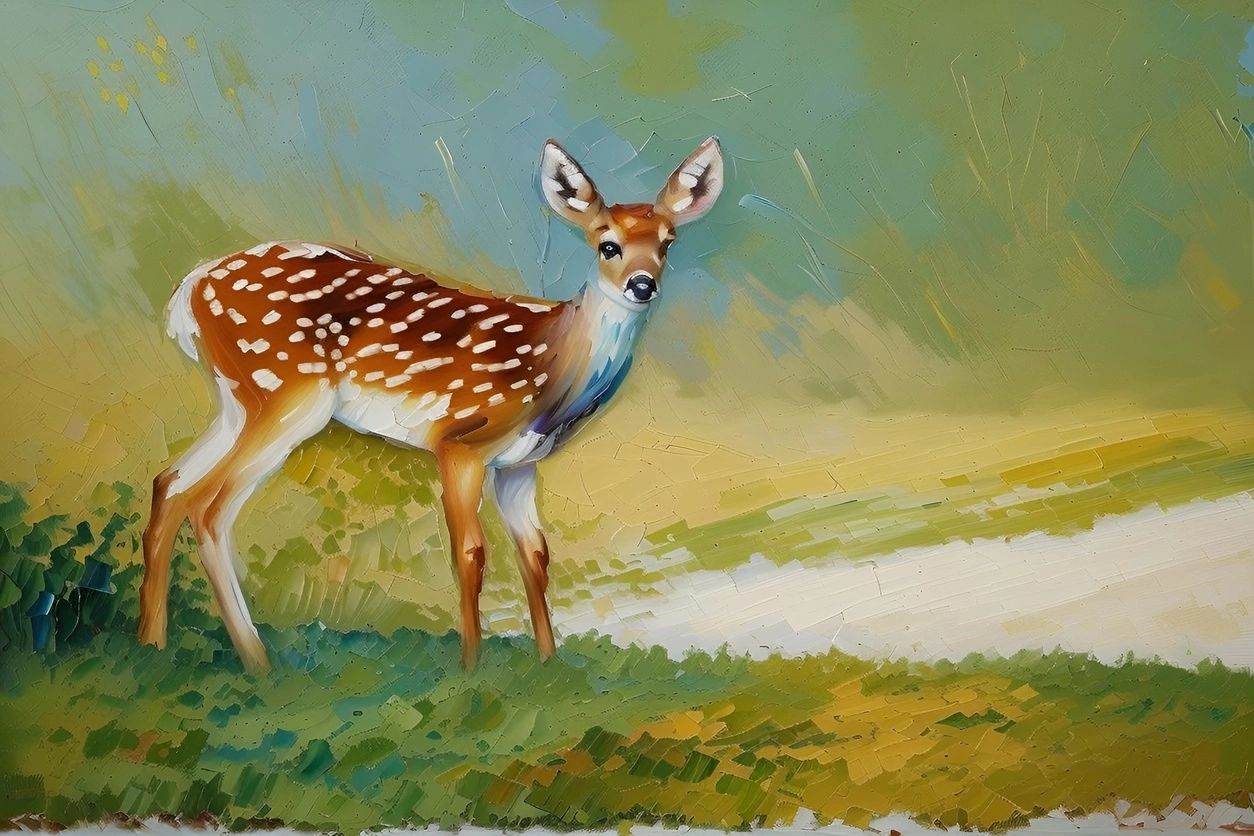
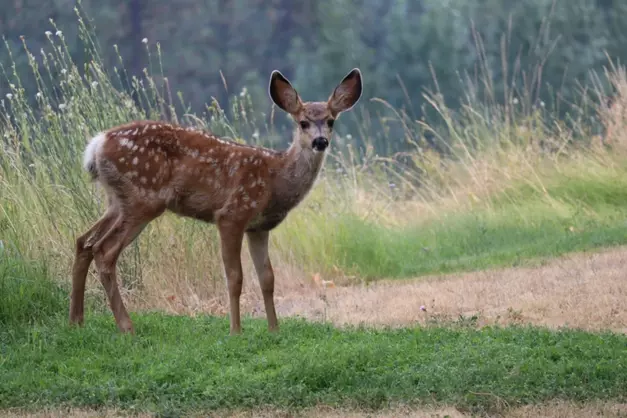
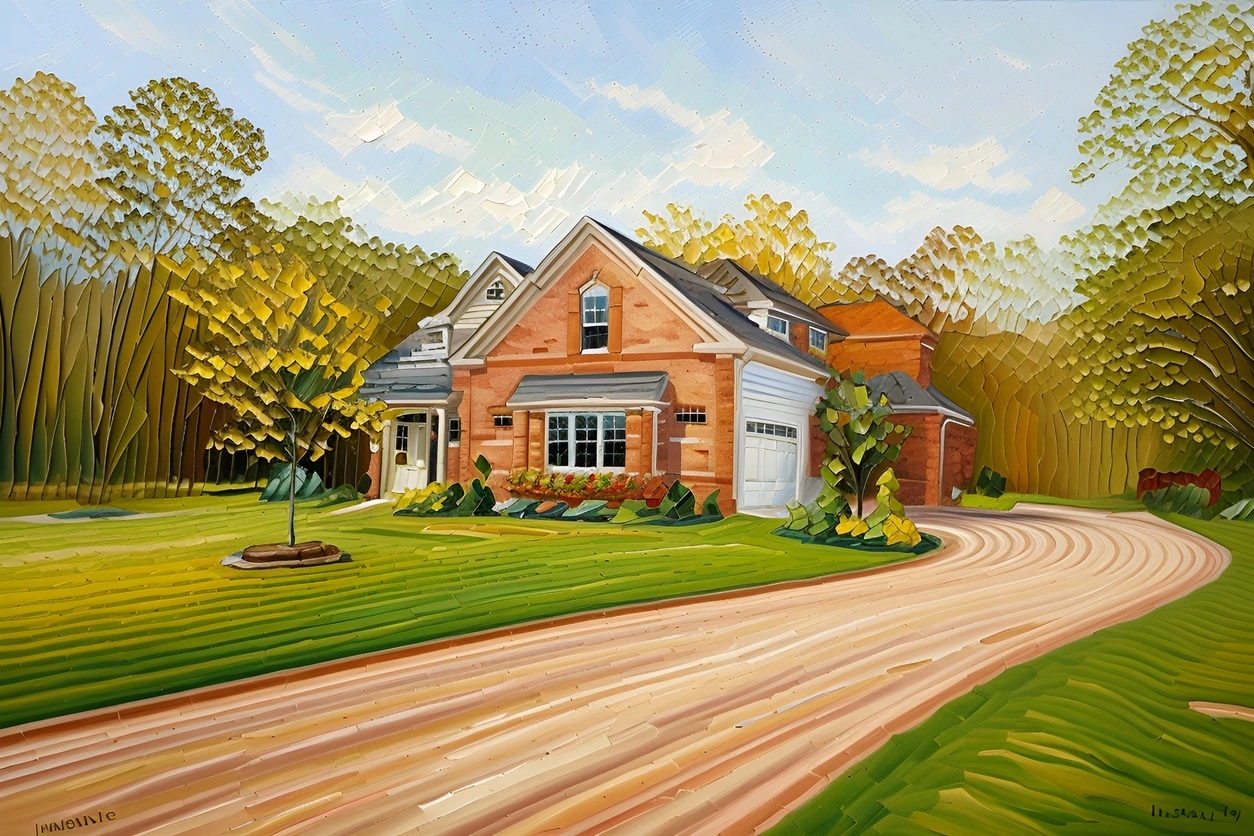
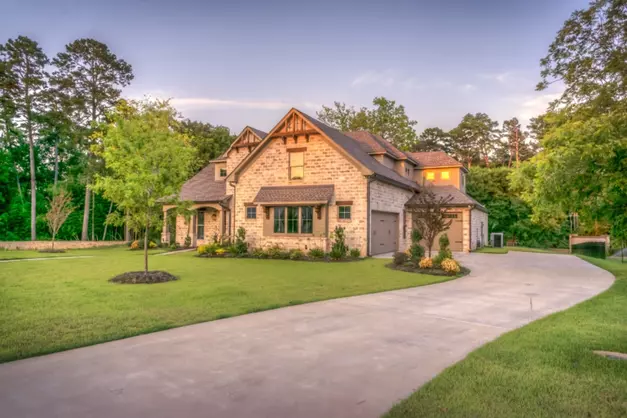
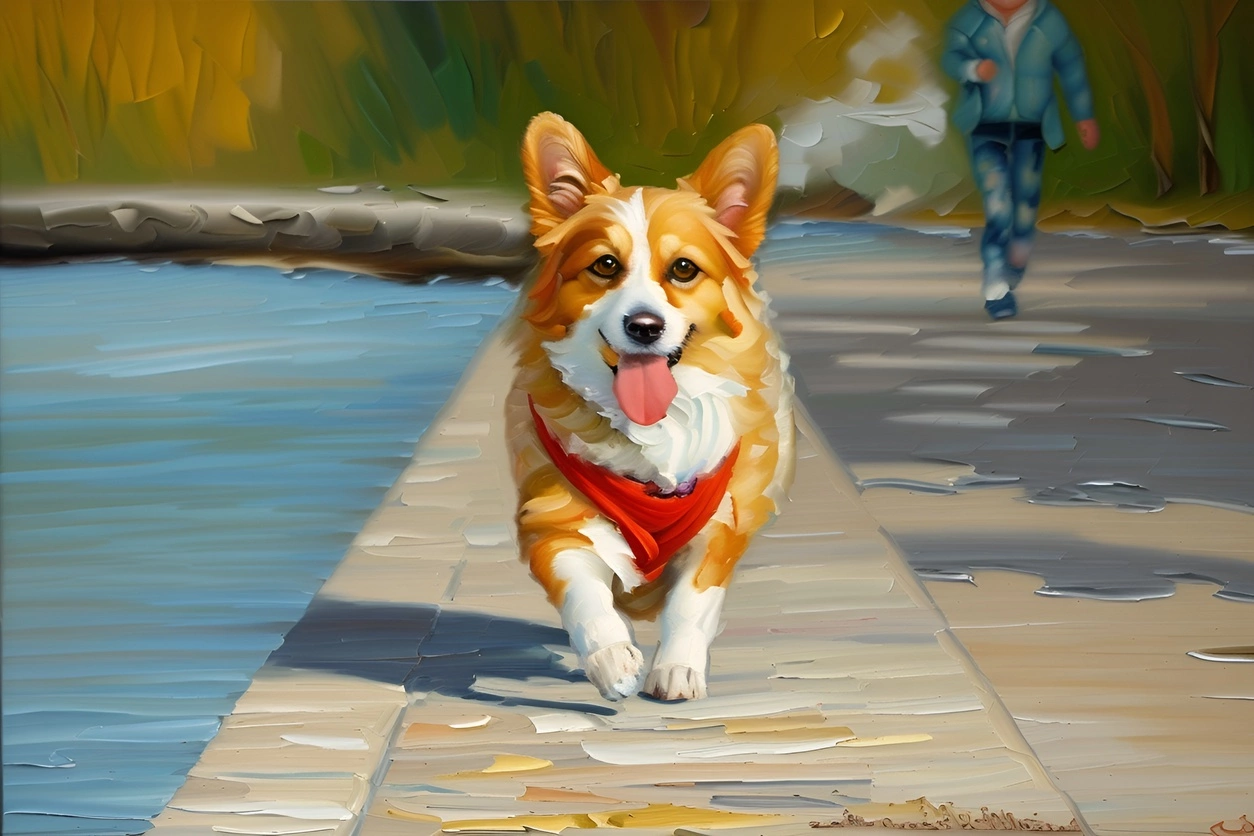
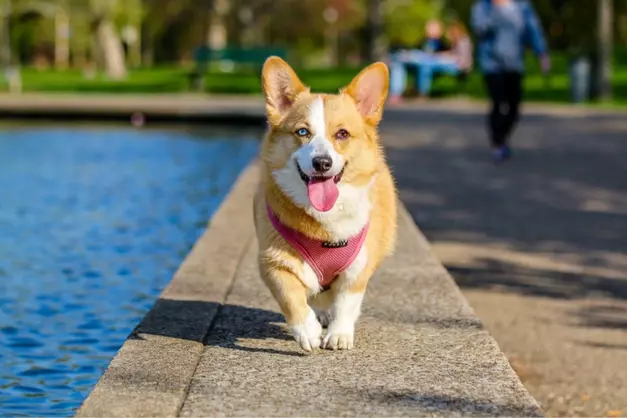
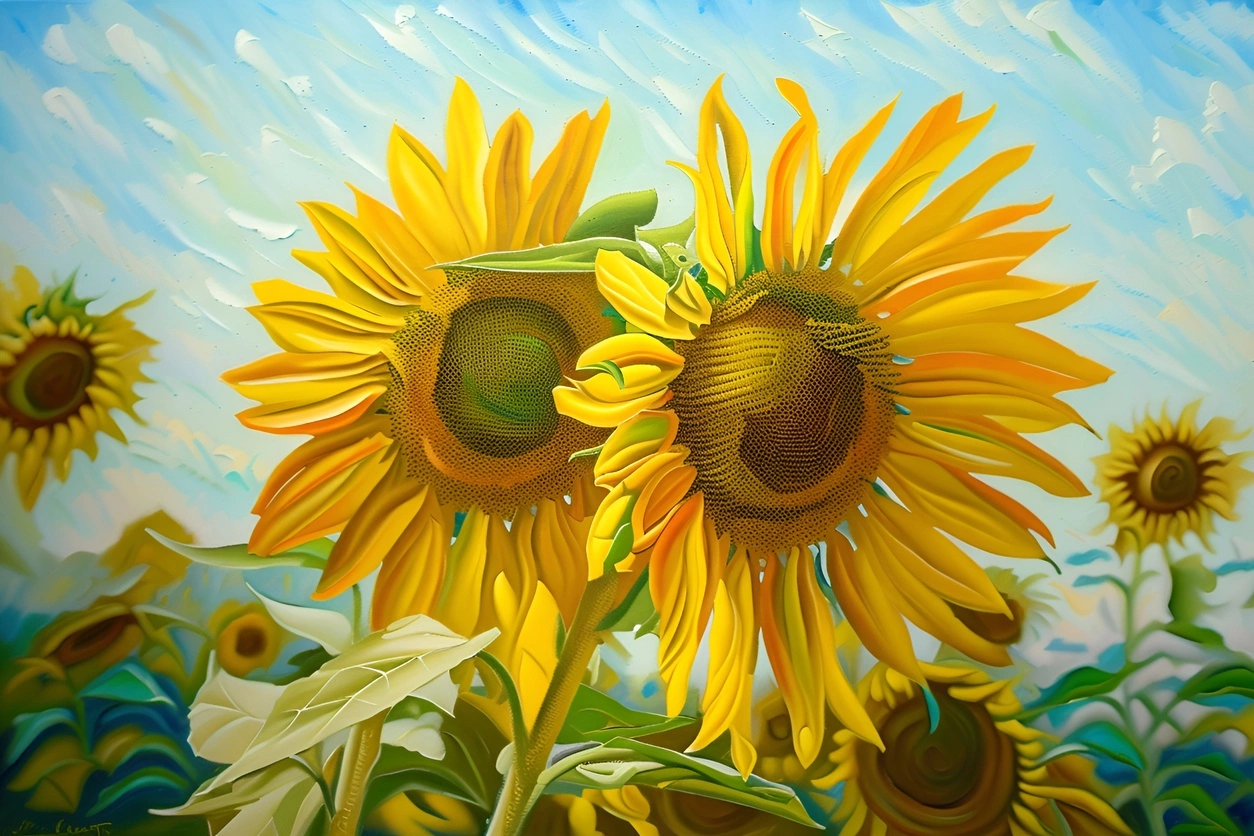
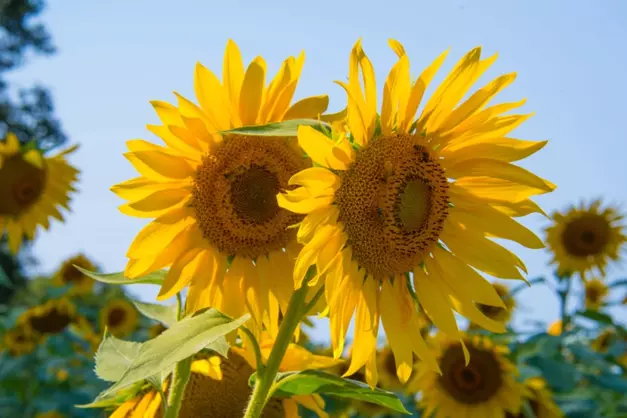
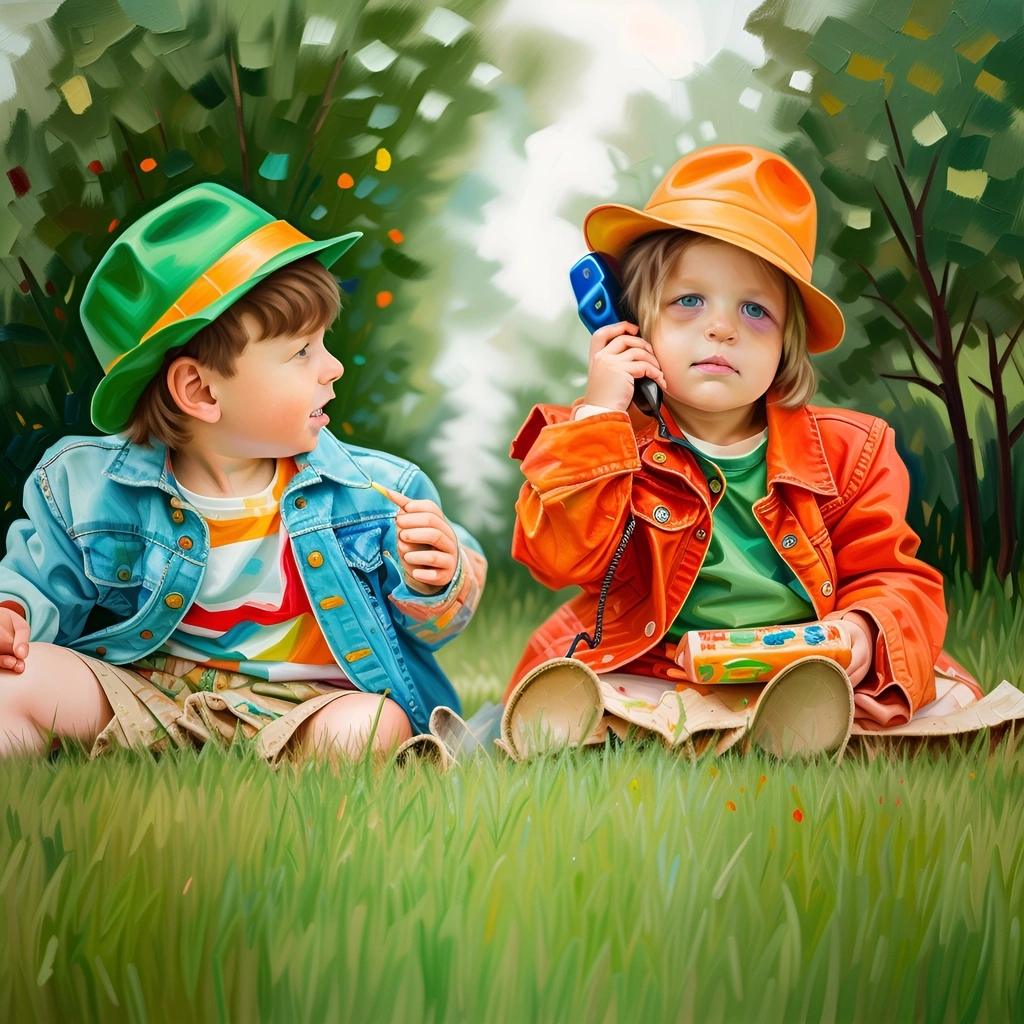
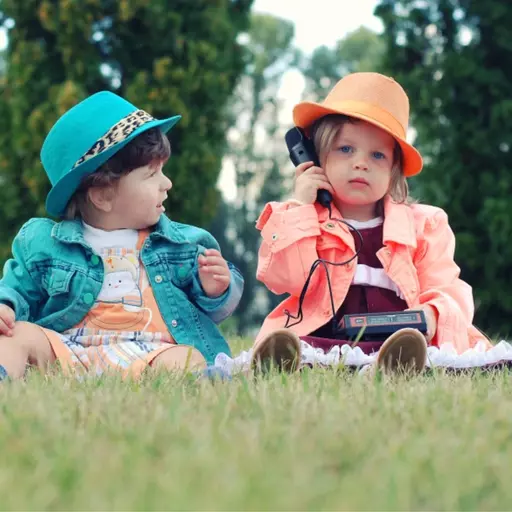
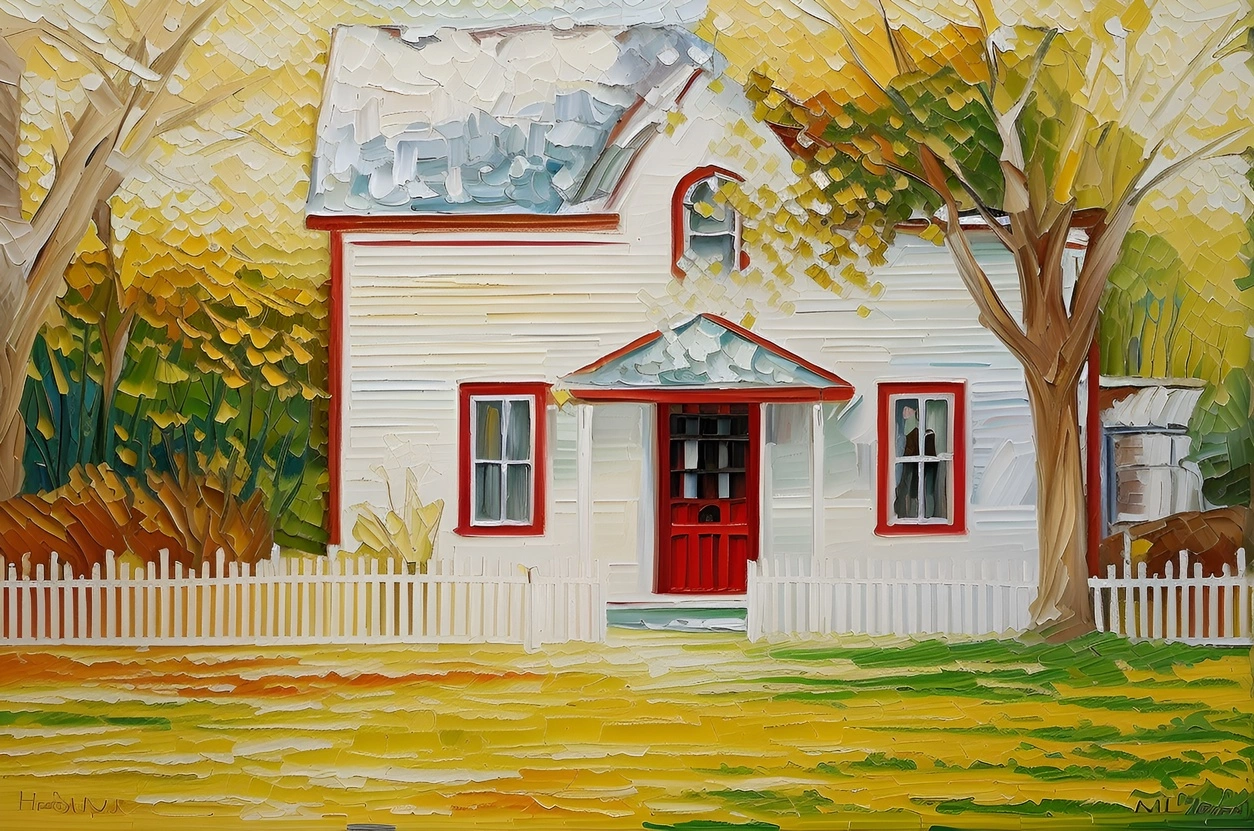
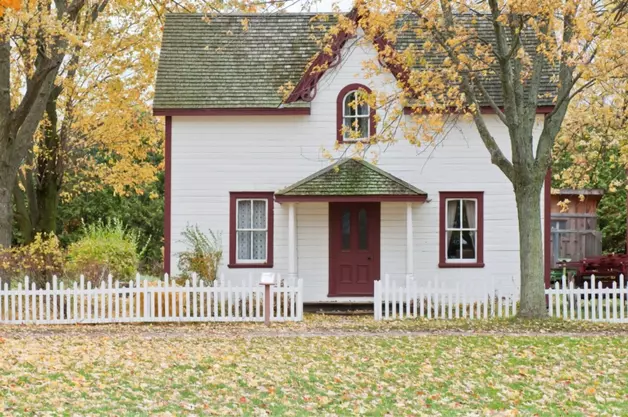
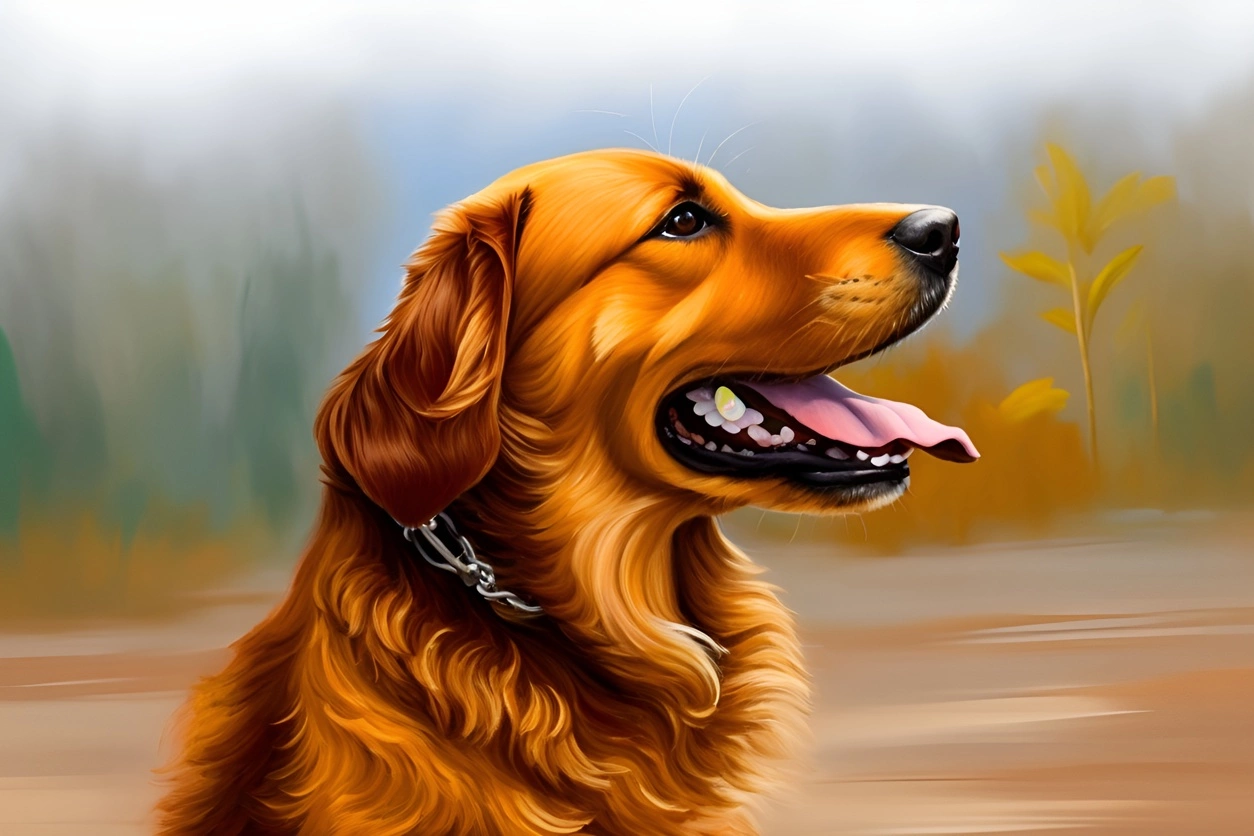
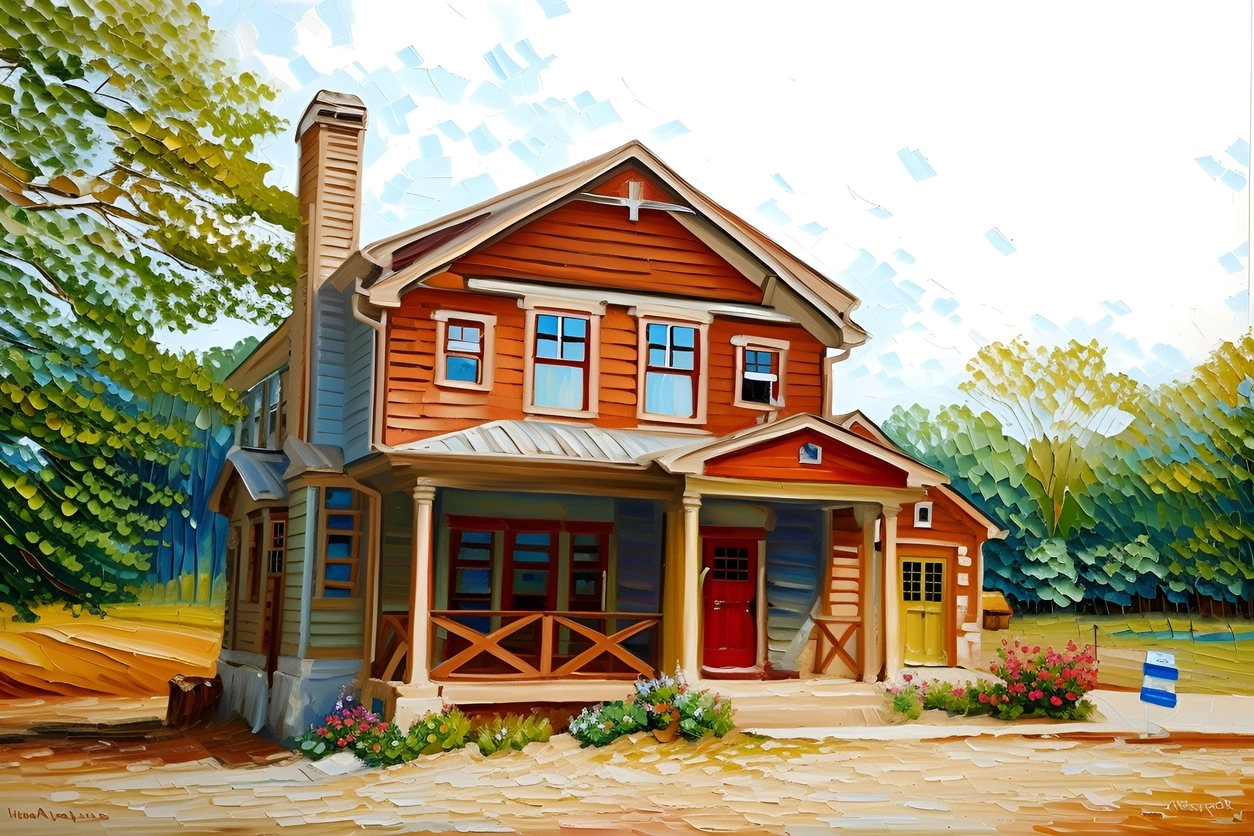
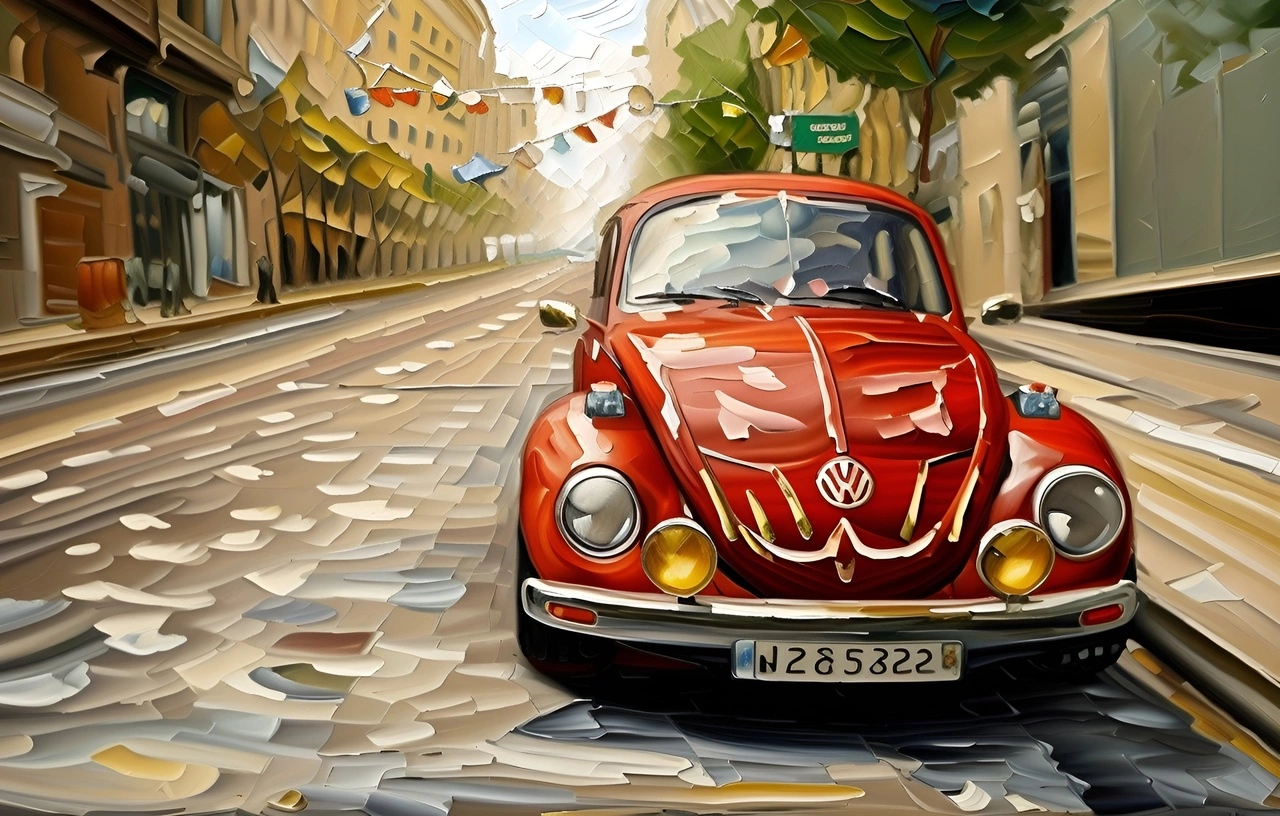
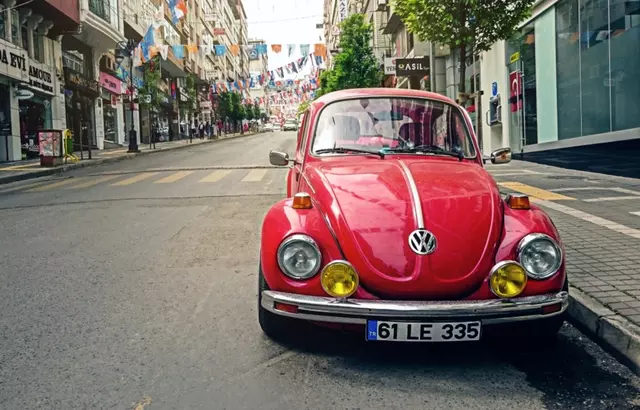
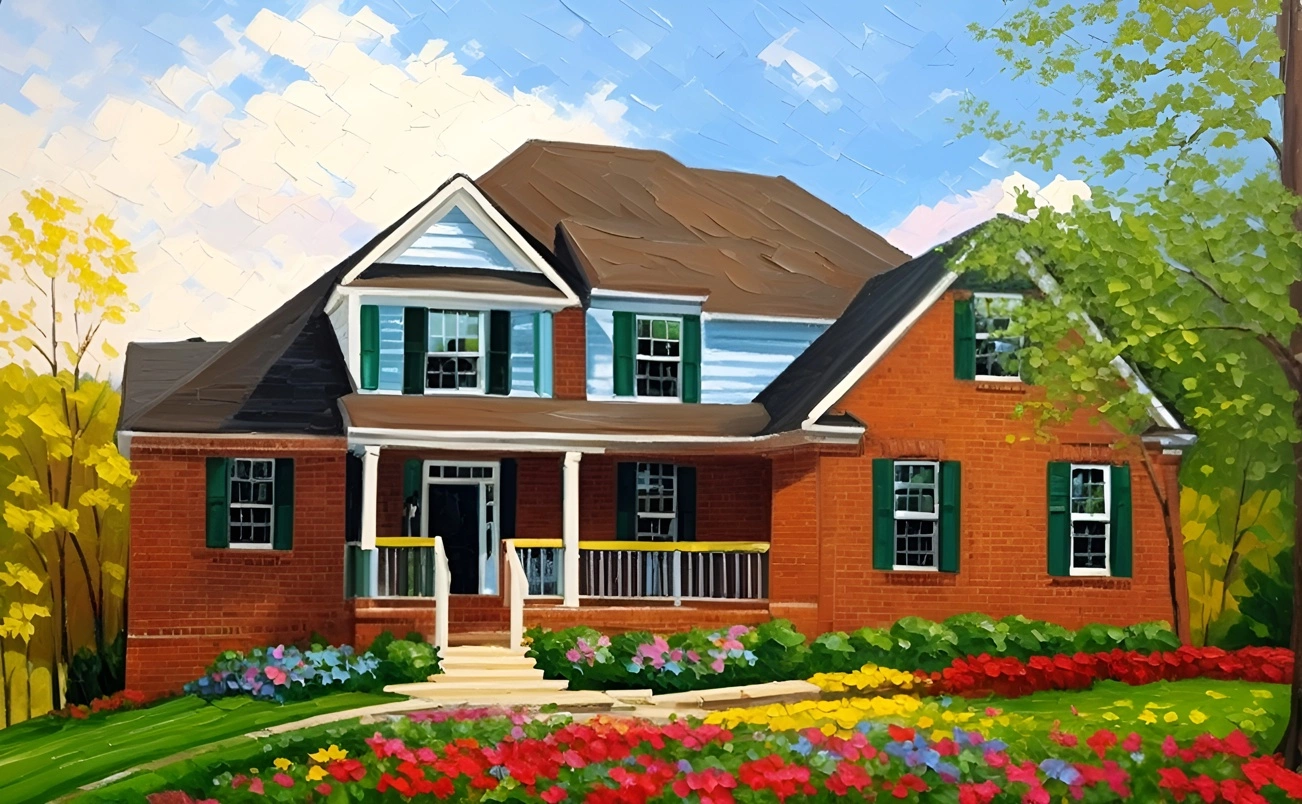
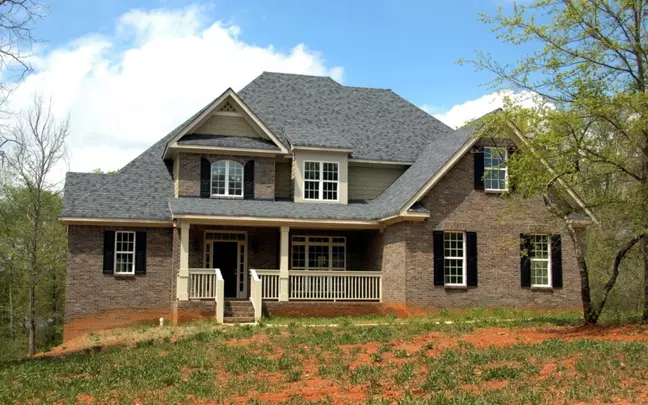
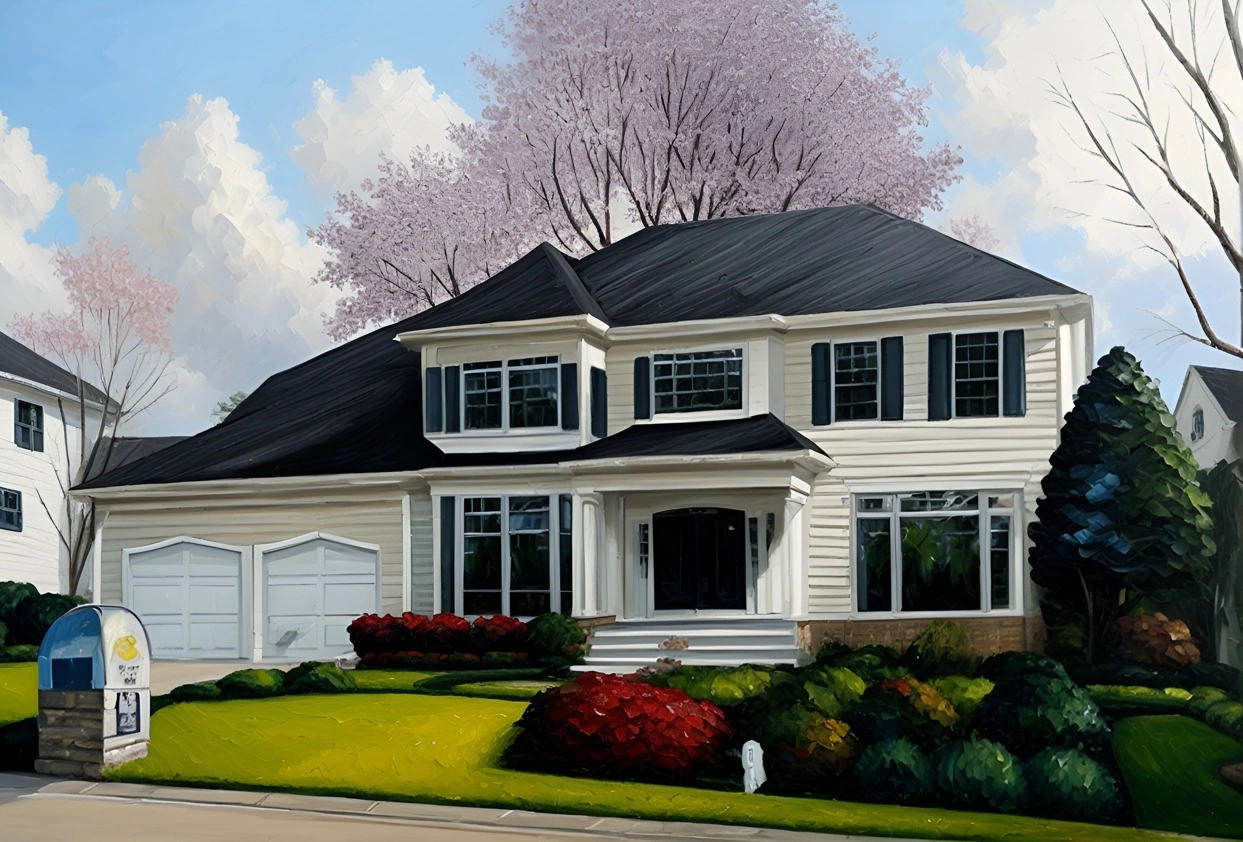
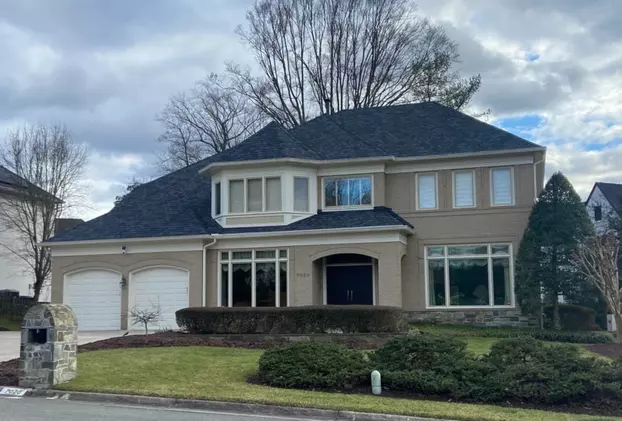
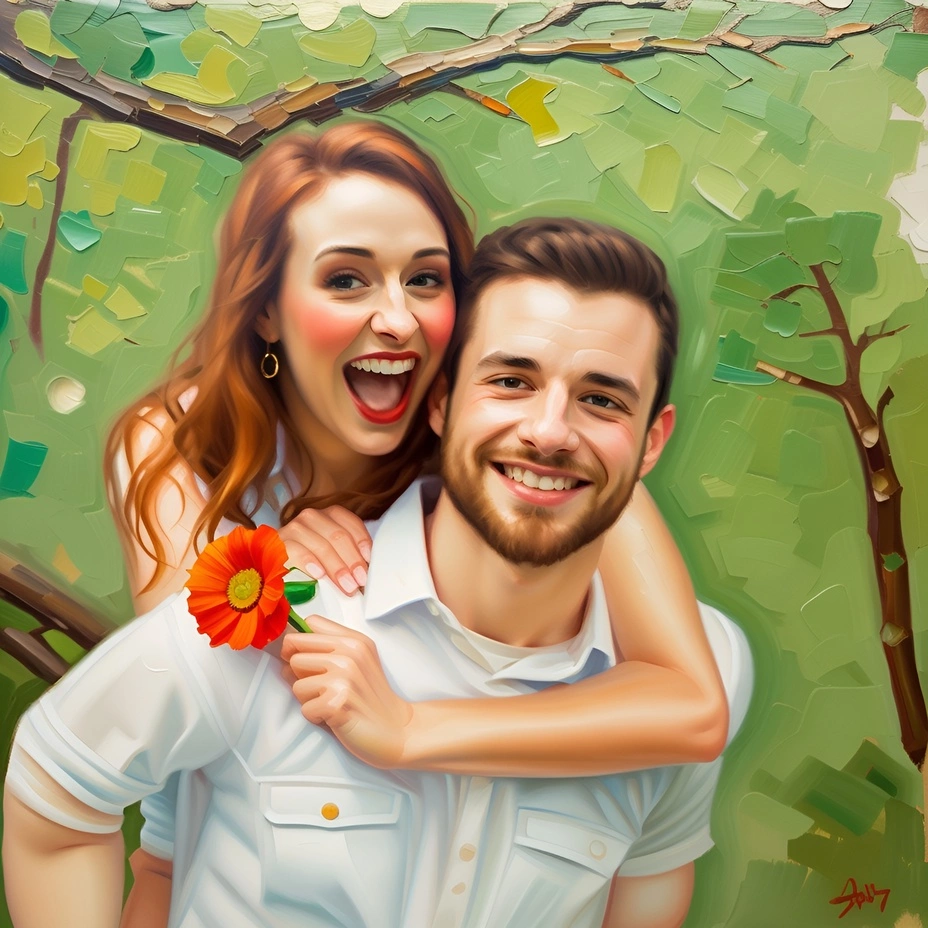
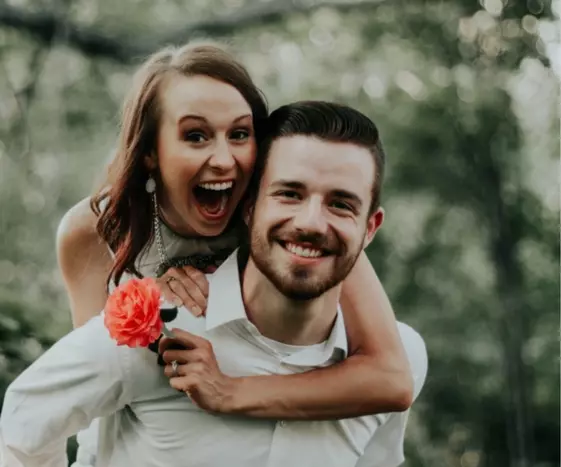
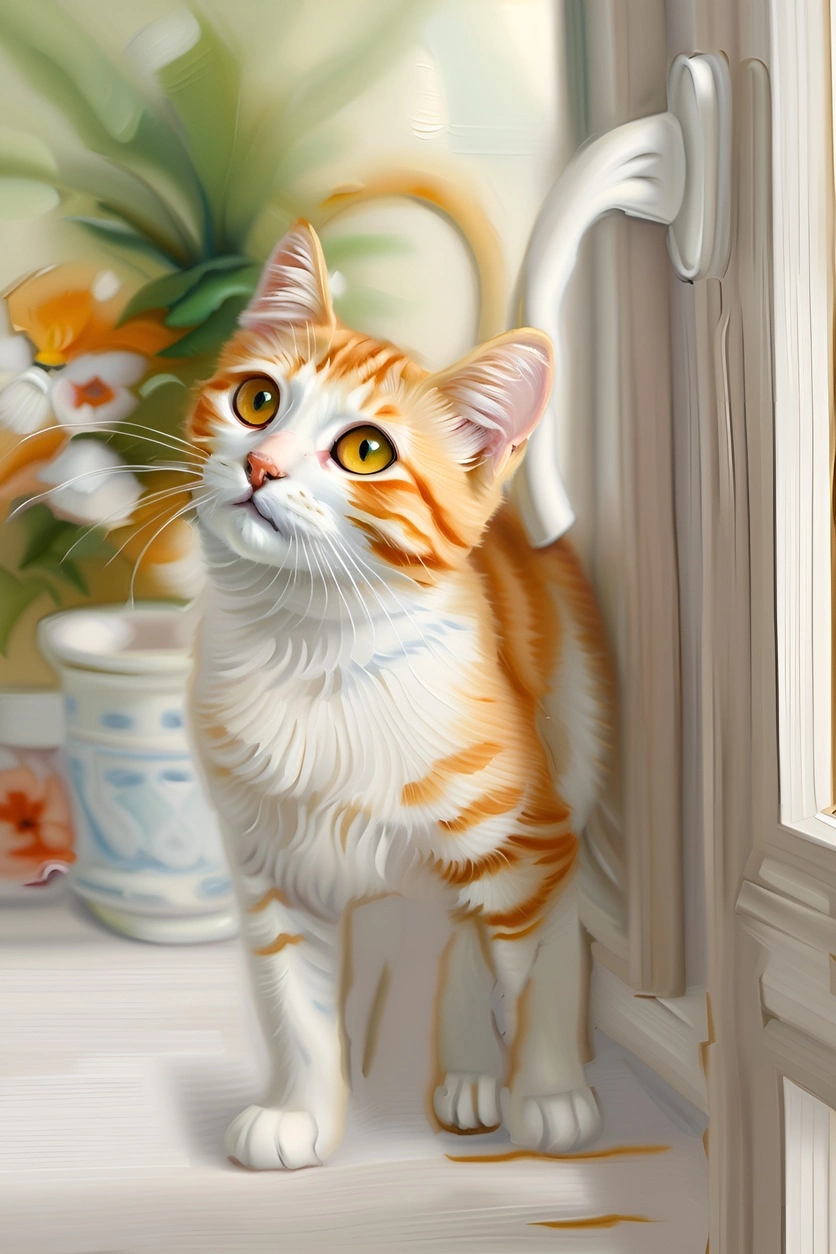
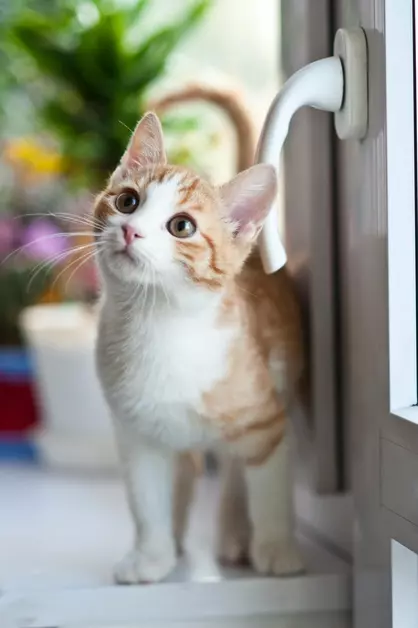
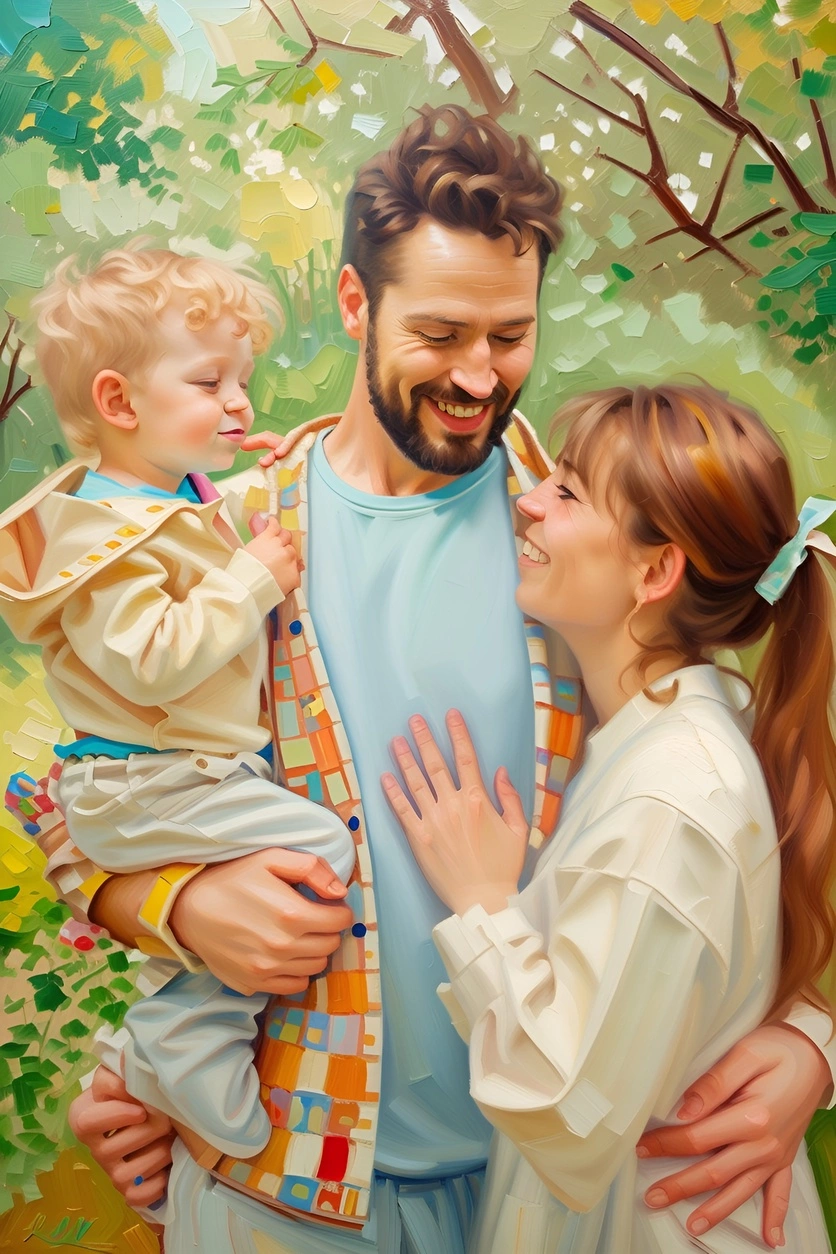
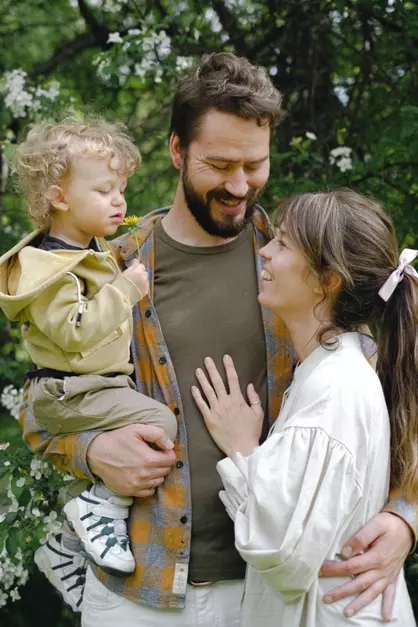
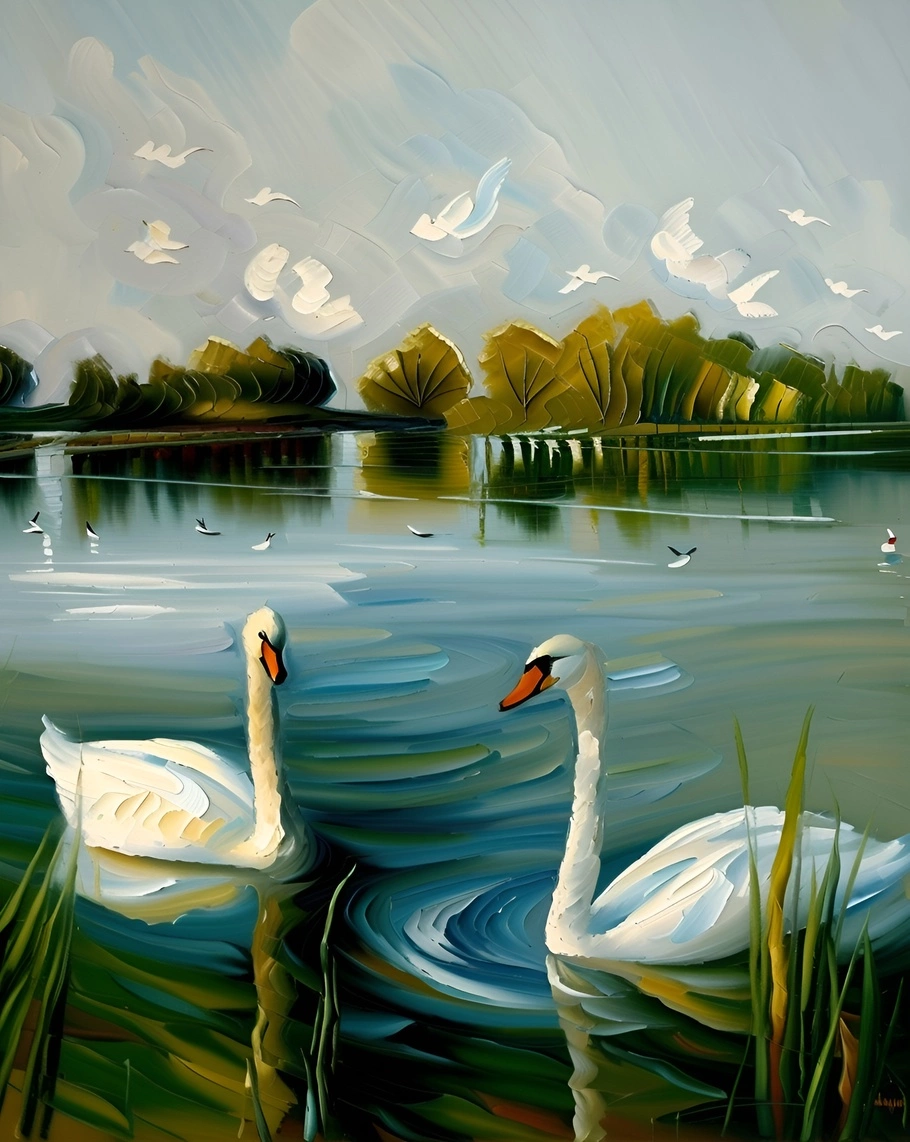
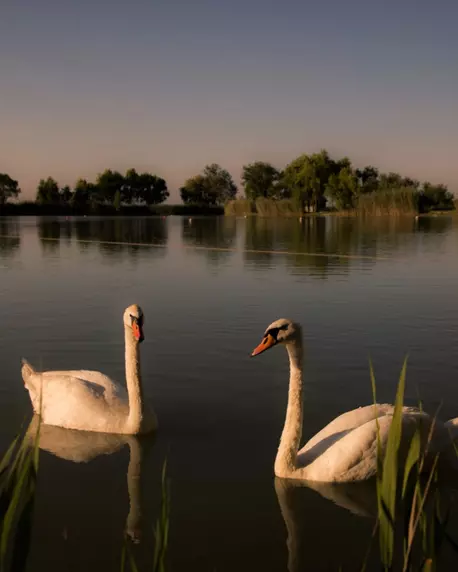
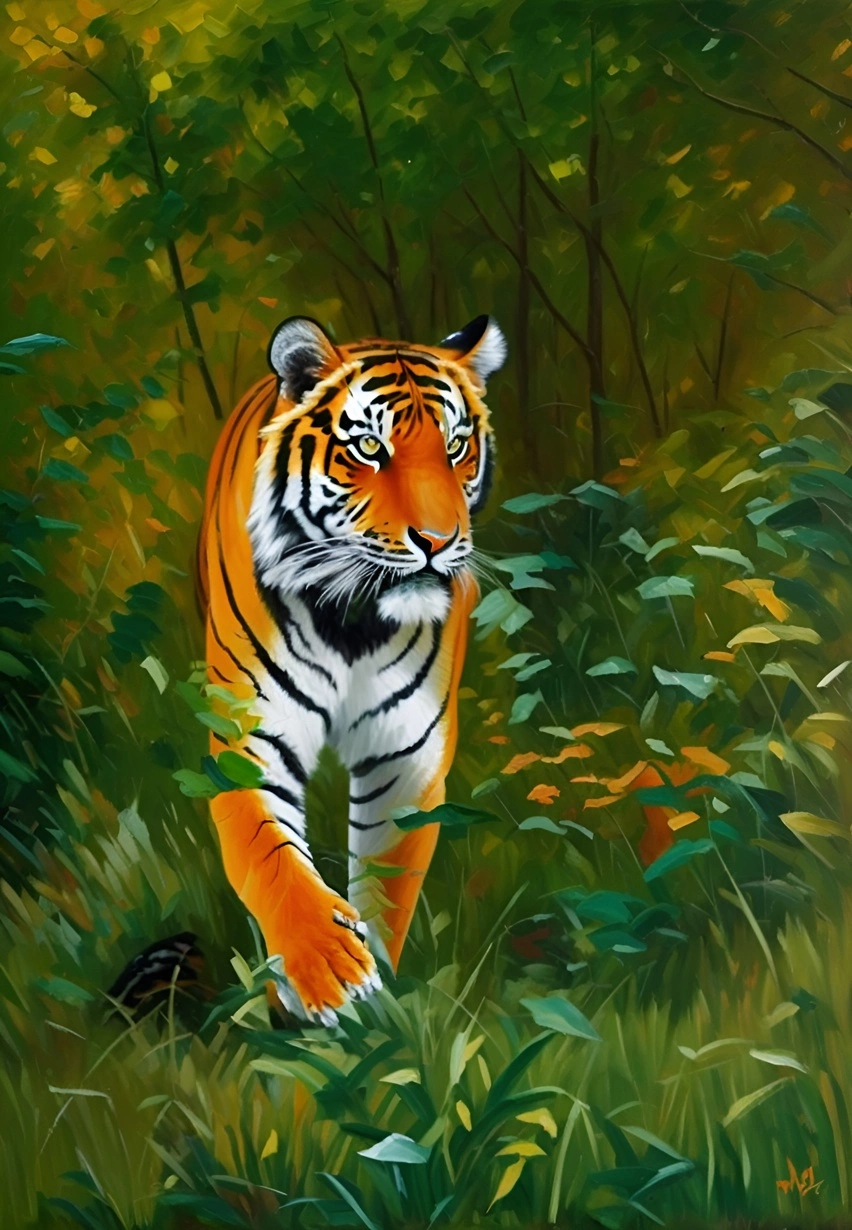
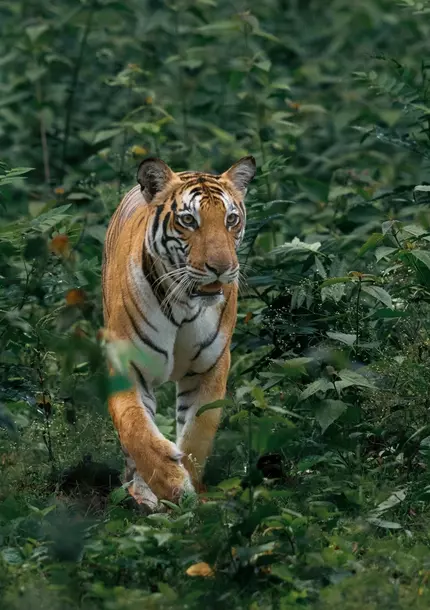
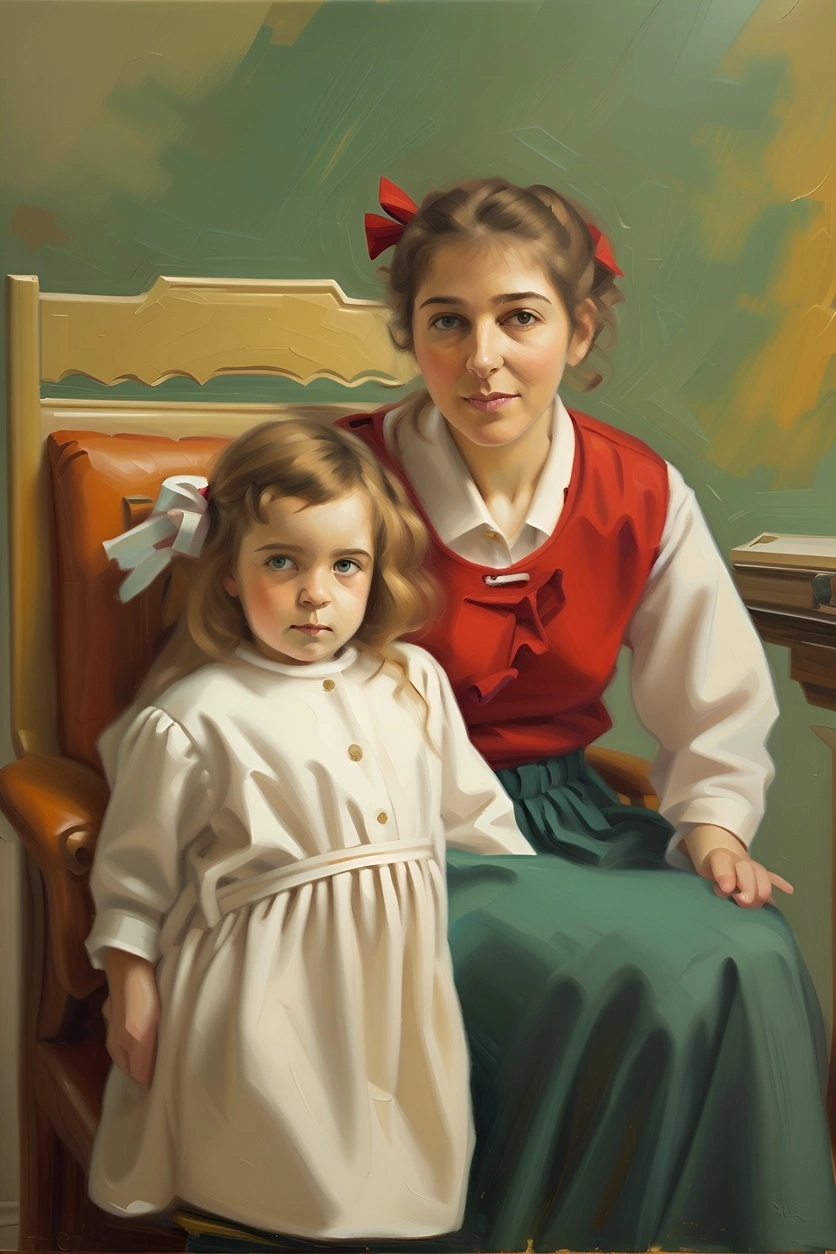
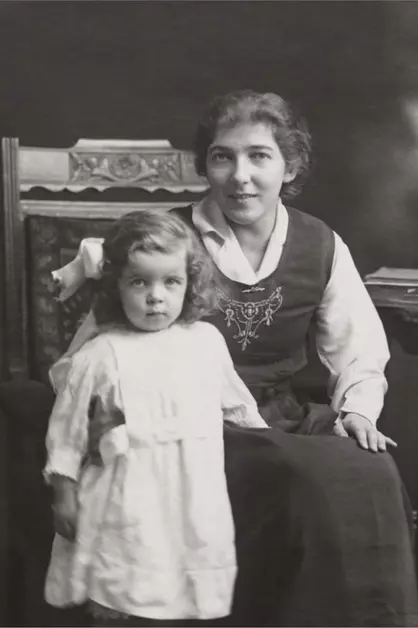
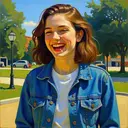
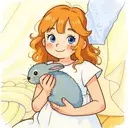
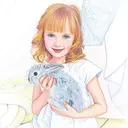
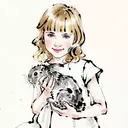
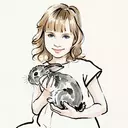
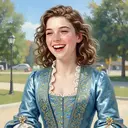
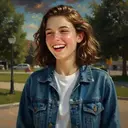
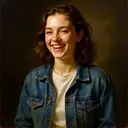
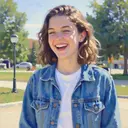
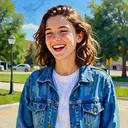
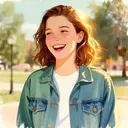
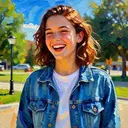
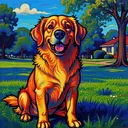
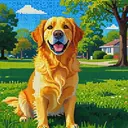
Transform your cherished photos into timeless masterpieces with our photo to oil painting app. Whether it's a cherished family portrait or a breathtaking landscape, we will turn it into a stunning piece of art that captures the essence and emotion of the original photo, perfect for adding a touch of elegance to any home or office decor. Experience the beauty of classic artistry reimagined with a personal touch.

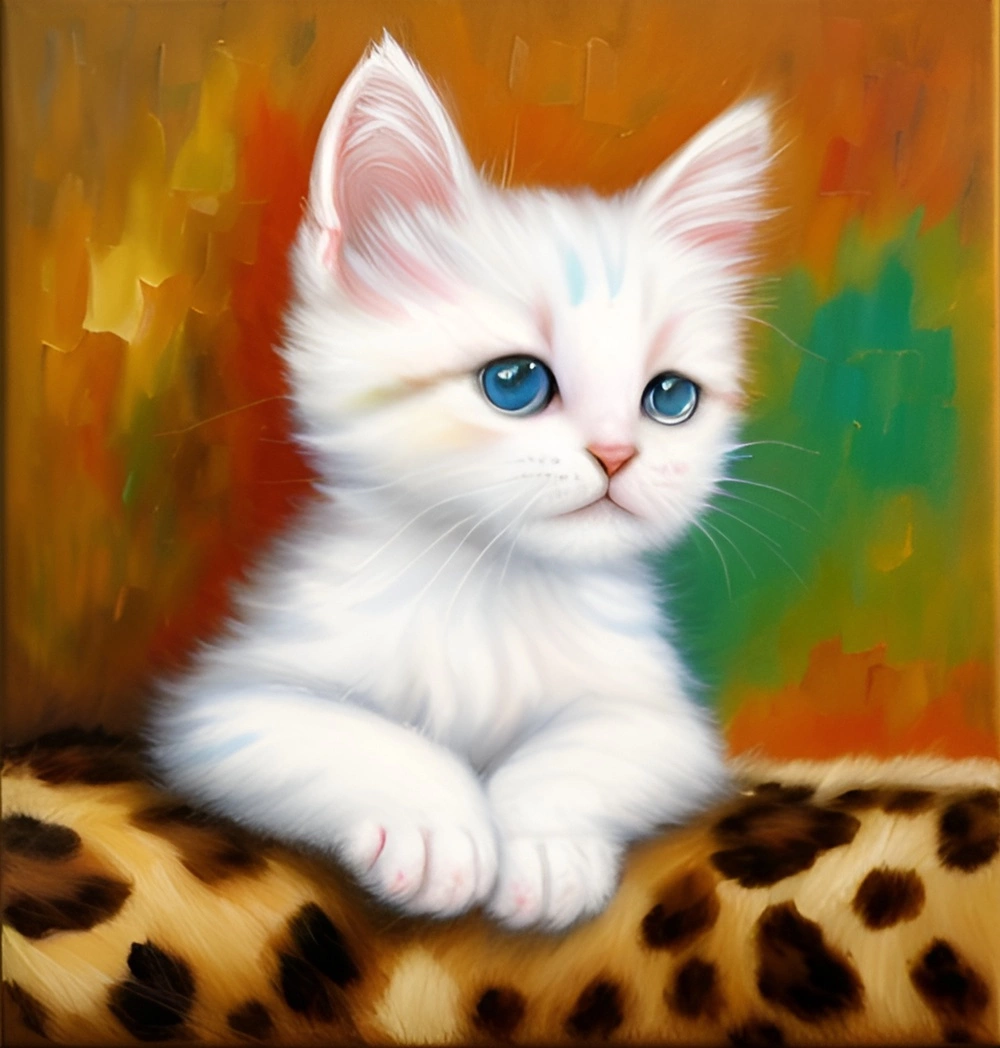
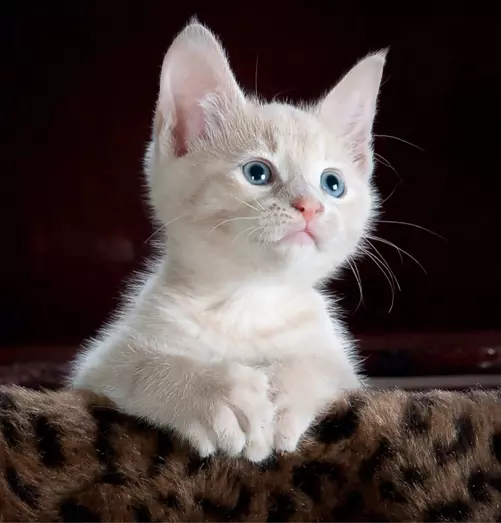
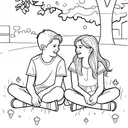
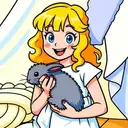
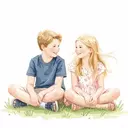
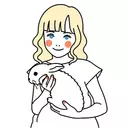
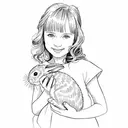
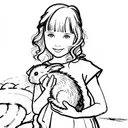
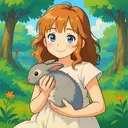
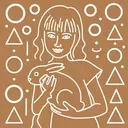
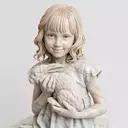
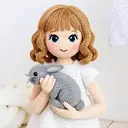
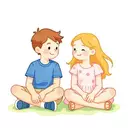
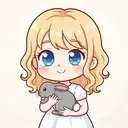
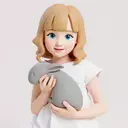
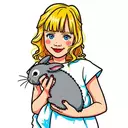
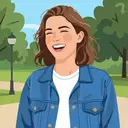
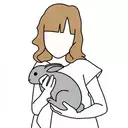
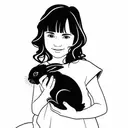
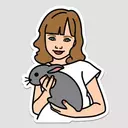
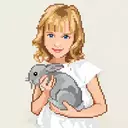
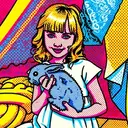
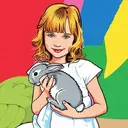
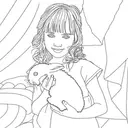
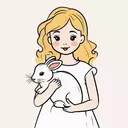
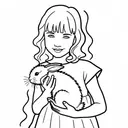
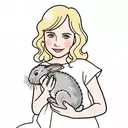
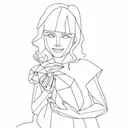
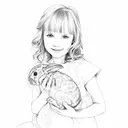
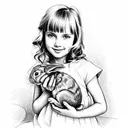
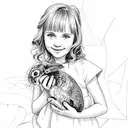
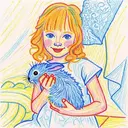
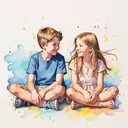
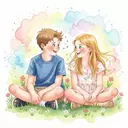
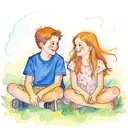
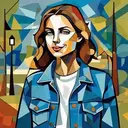
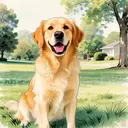
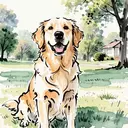
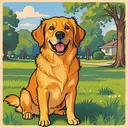
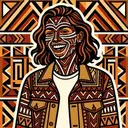
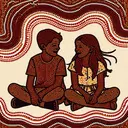
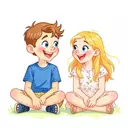
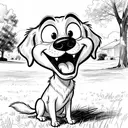
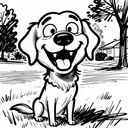
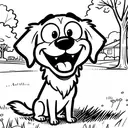
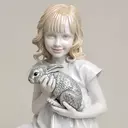
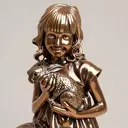
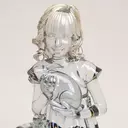
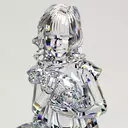
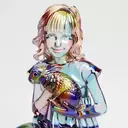
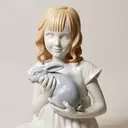
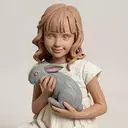
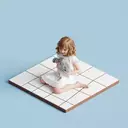
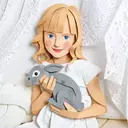
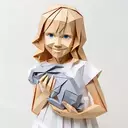
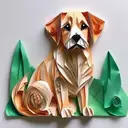
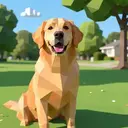
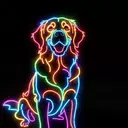
In addition to oil painting, with PortraitArt, you can also personalize your photos into dreamy watercolors, cute cartoons, cool sketches, elegant vector art, engaging coloring pages, vibrant pop art, vivid sculpture, funny caricature, and many more styles. Powered by our state-of-the-art photo-to-art AI generator. Try it yourself.

(We value your privacy. You have full control of your data.)

Explore 80+ Other Art Styles

Frequently Asked Questions

By default, generated images are about 1 megapixel. You can increase the resolution to 4 megapixels by clicking the “2× Upscale” button.

Photo-to-art conversion is the process of transforming your photos into artwork that retains the content and composition of the original image while adding an artistic touch. This could include styles like watercolor, illustration or line drawing. Unlike generic prints found in stores, these pieces are highly personalized, making them ideal for wall décor or meaningful gifts.

Traditionally, such artwork required commissioning professional artists, often costing hundreds to thousands of dollars per piece. PortraitArt offers a similar experience at a fraction of the cost using our advanced photo-to-art AI generator, recreating the artistic process with precision and creativity.

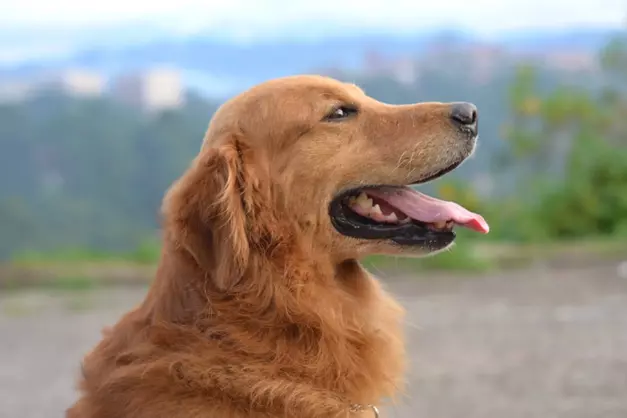
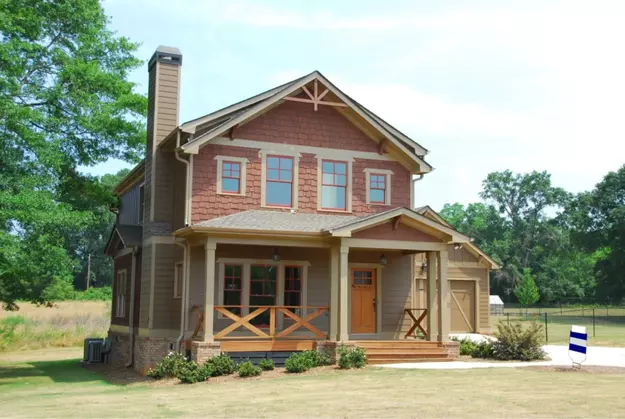
PortraitArt works with various types of photos, including portraits, group shots, pet photos, buildings, and scenic views. For optimal results, use high-resolution images with good lighting and a clear background.

  • Your data safety and privacy are our top priorities. All photos uploaded to PortraitArt are securely processed and used solely for creating your artwork. We do not store, share, or use your photos for any other purposes without your consent. Additionally, all data transmission is encrypted to protect your personal information. And you can choose to delete your data after creating and downloading your art pictures. For more details, please review our Privacy FAQ.
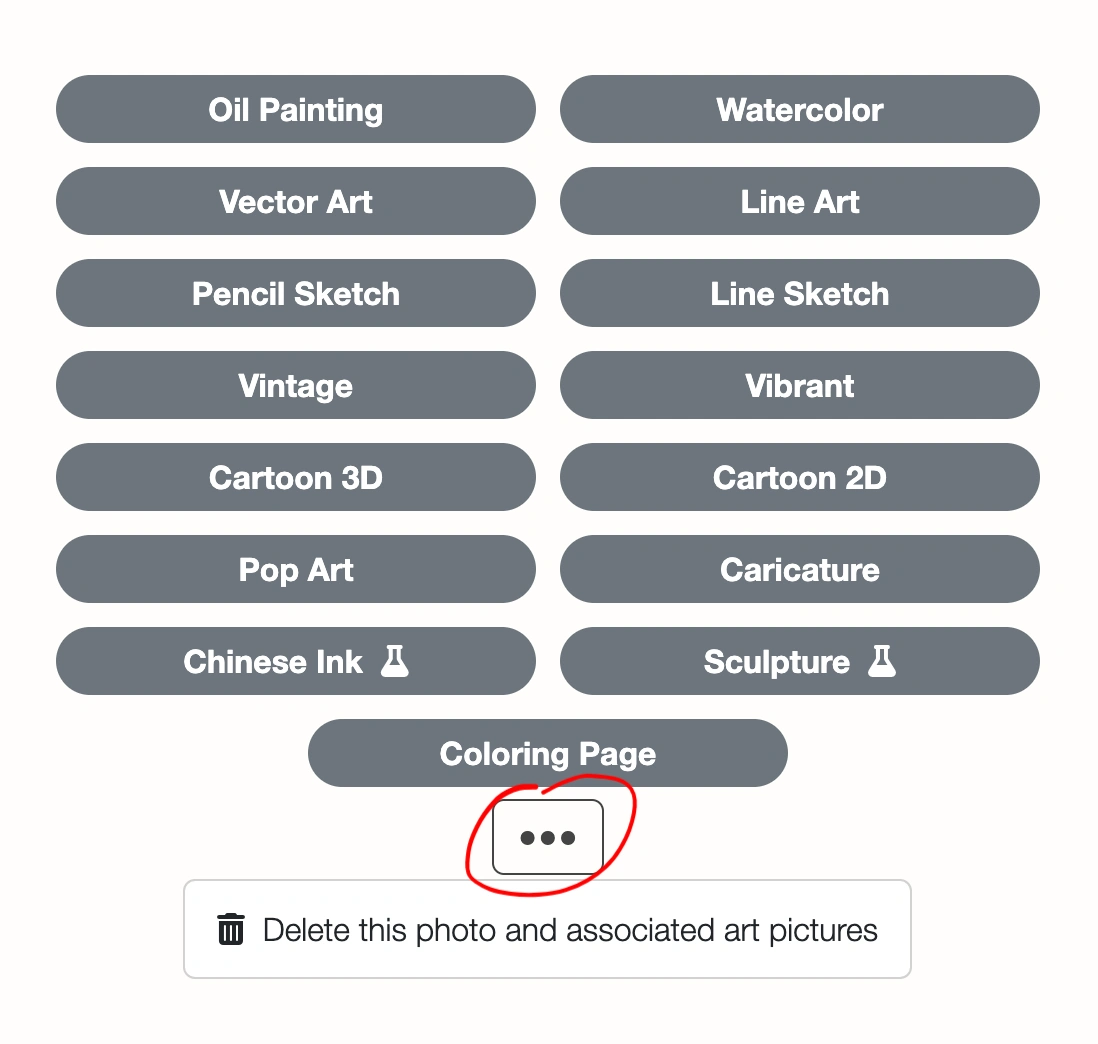
  • You can delete uploaded photo and all images generated from it. Click the ⚙ Settings button in the top-right corner of the input photo, then select "Delete this photo and all derived art pictures."

    Screenshot showing how to delete a photo and its derived images
Type your email to continue. (In case of long queue, a notification email will be sent to your mailbox, once your art pictures are ready.)