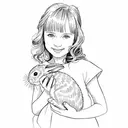
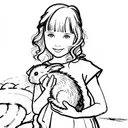
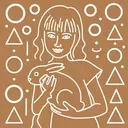
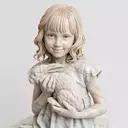
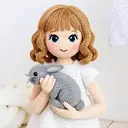
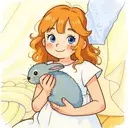
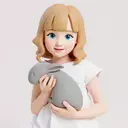
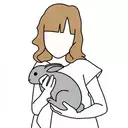
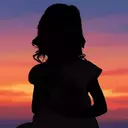
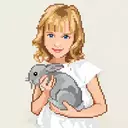
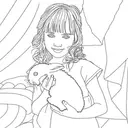
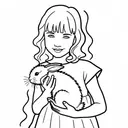
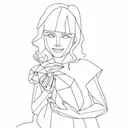
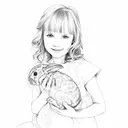
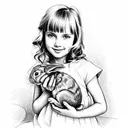
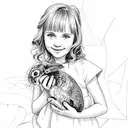
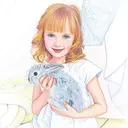
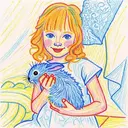
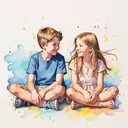
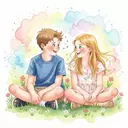
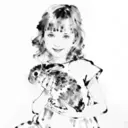
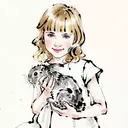
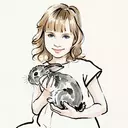
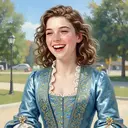
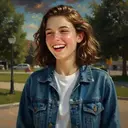
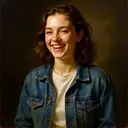
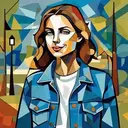
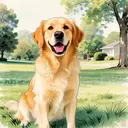
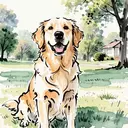
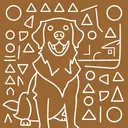
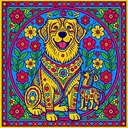
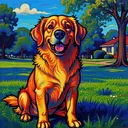
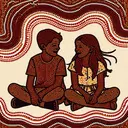
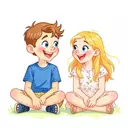
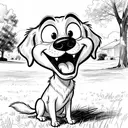
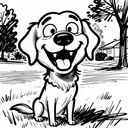
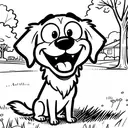
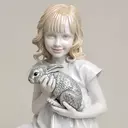
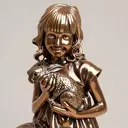
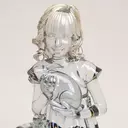
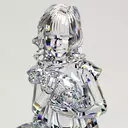
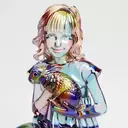
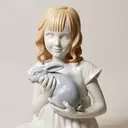
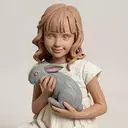
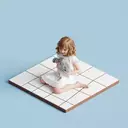
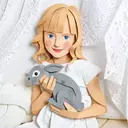
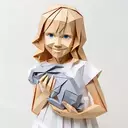
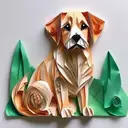
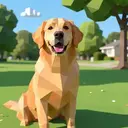
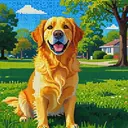
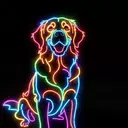
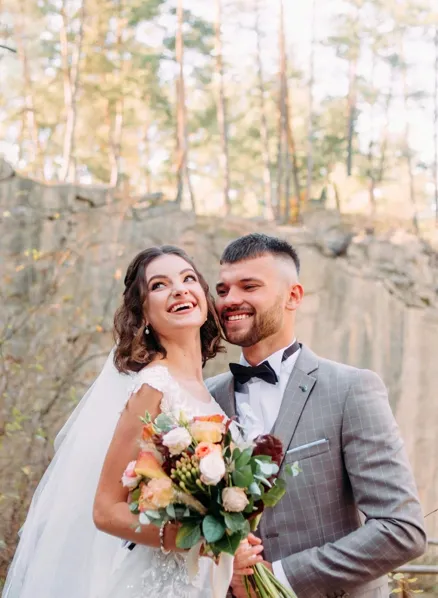
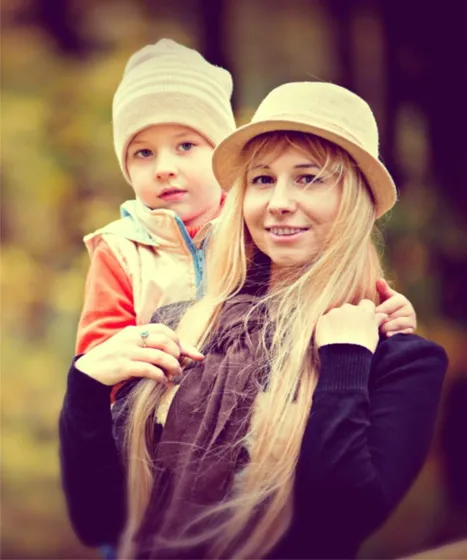
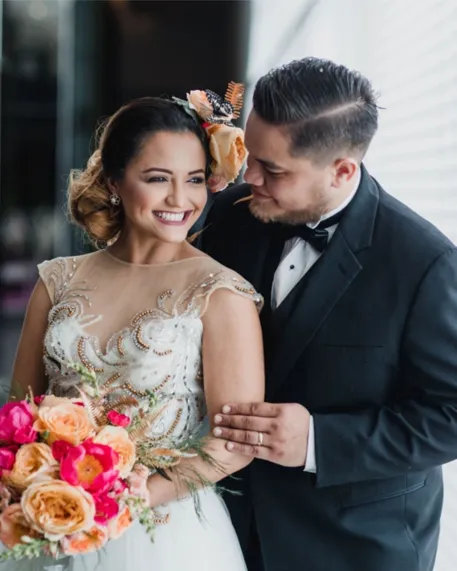
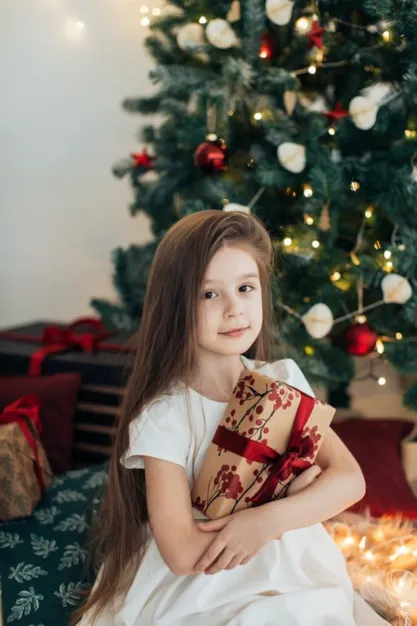
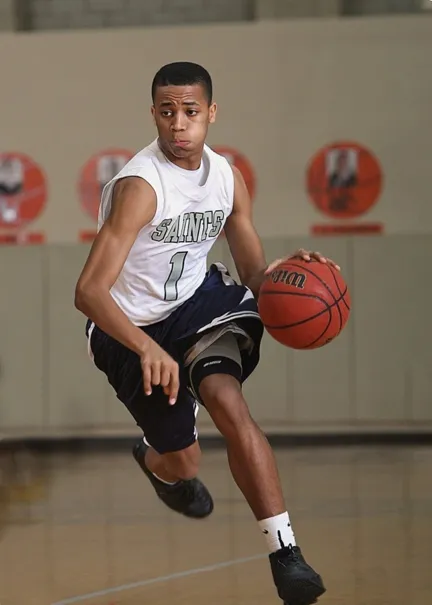
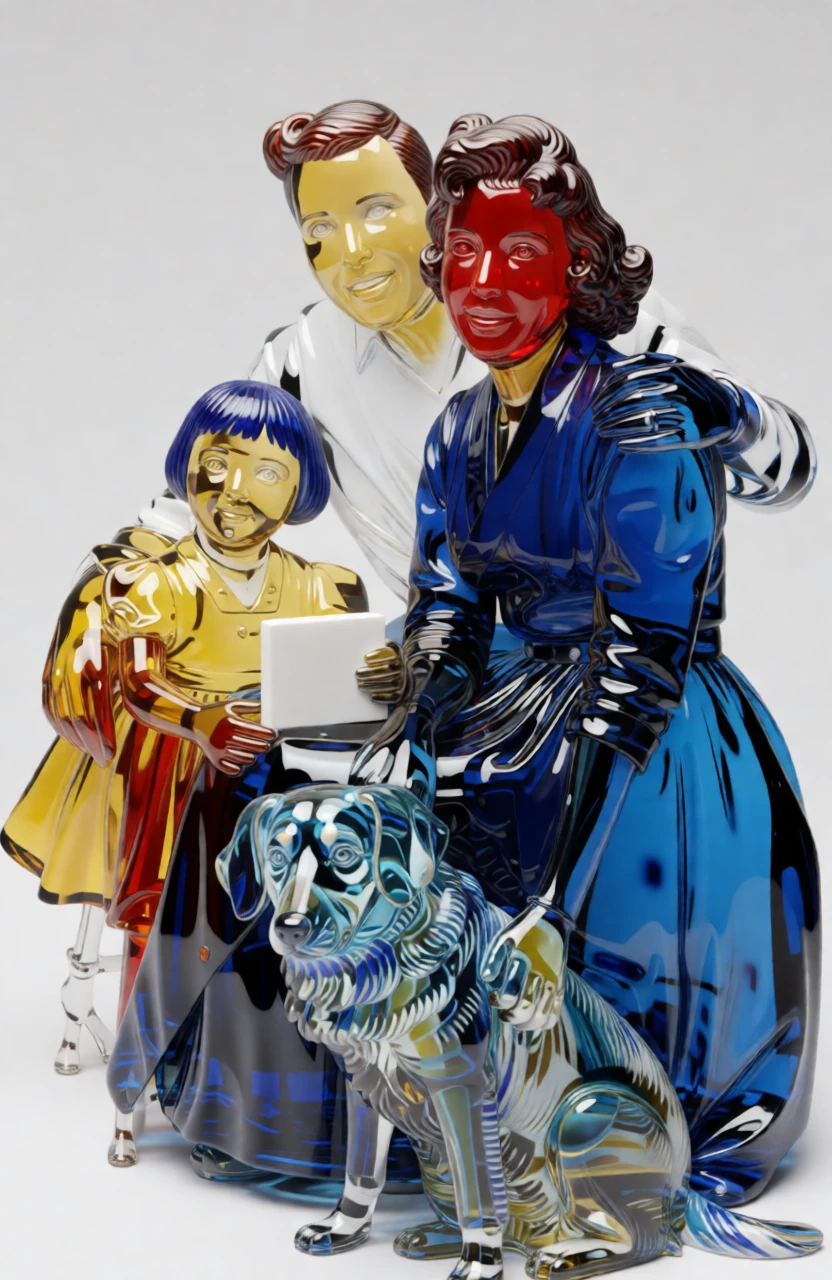
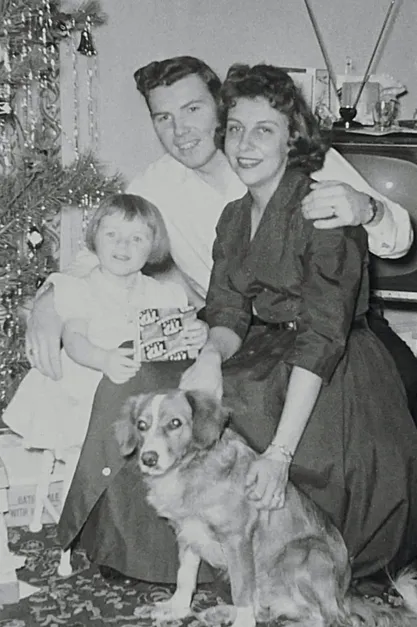
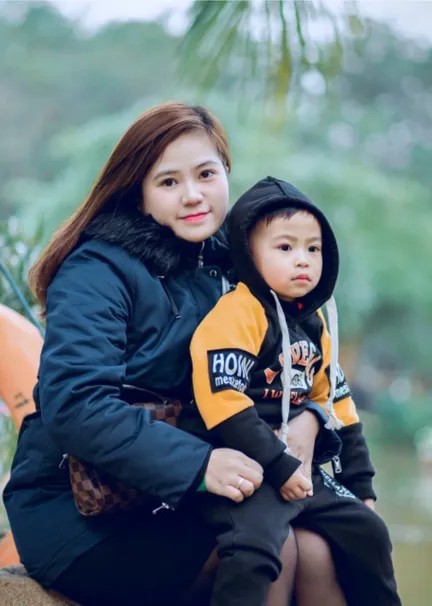
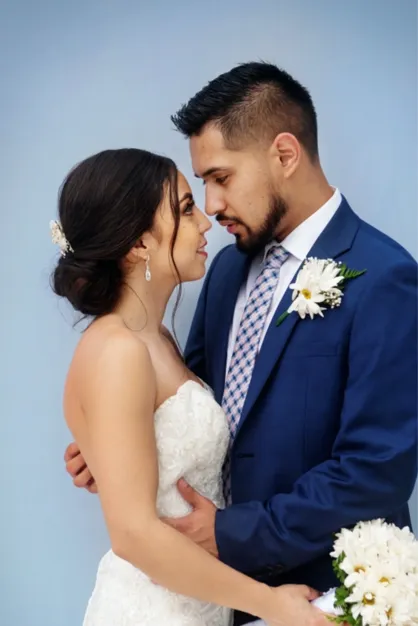
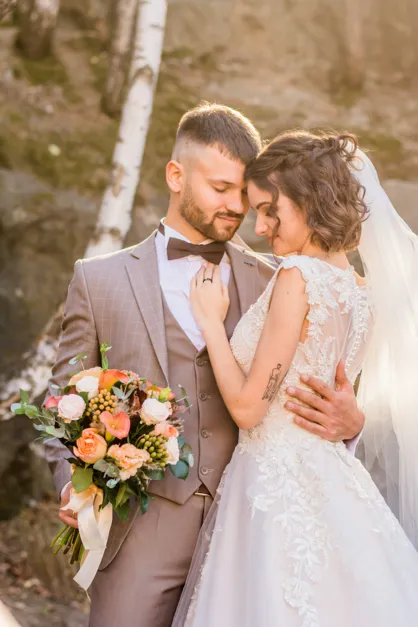
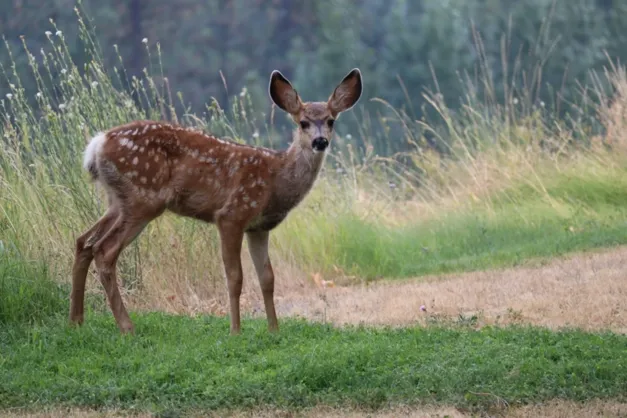
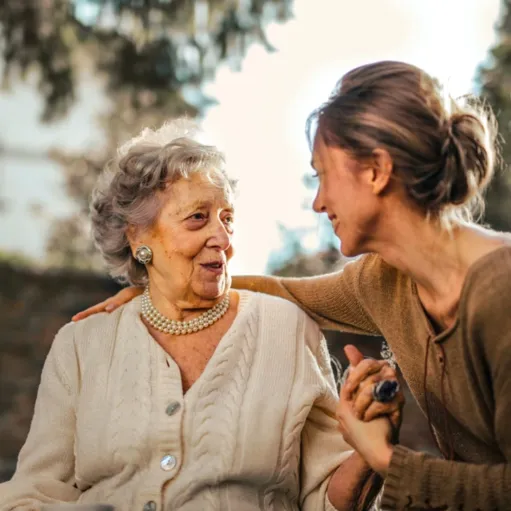
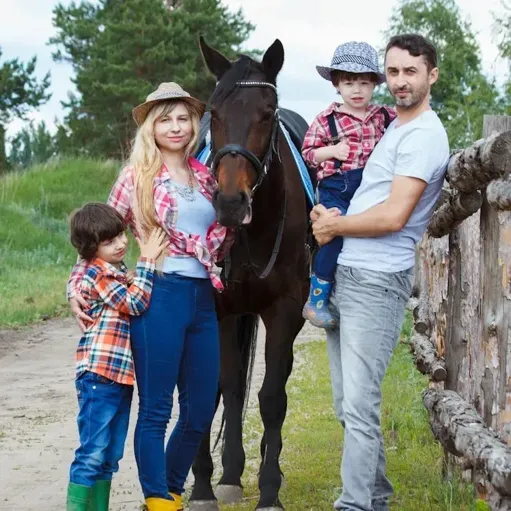
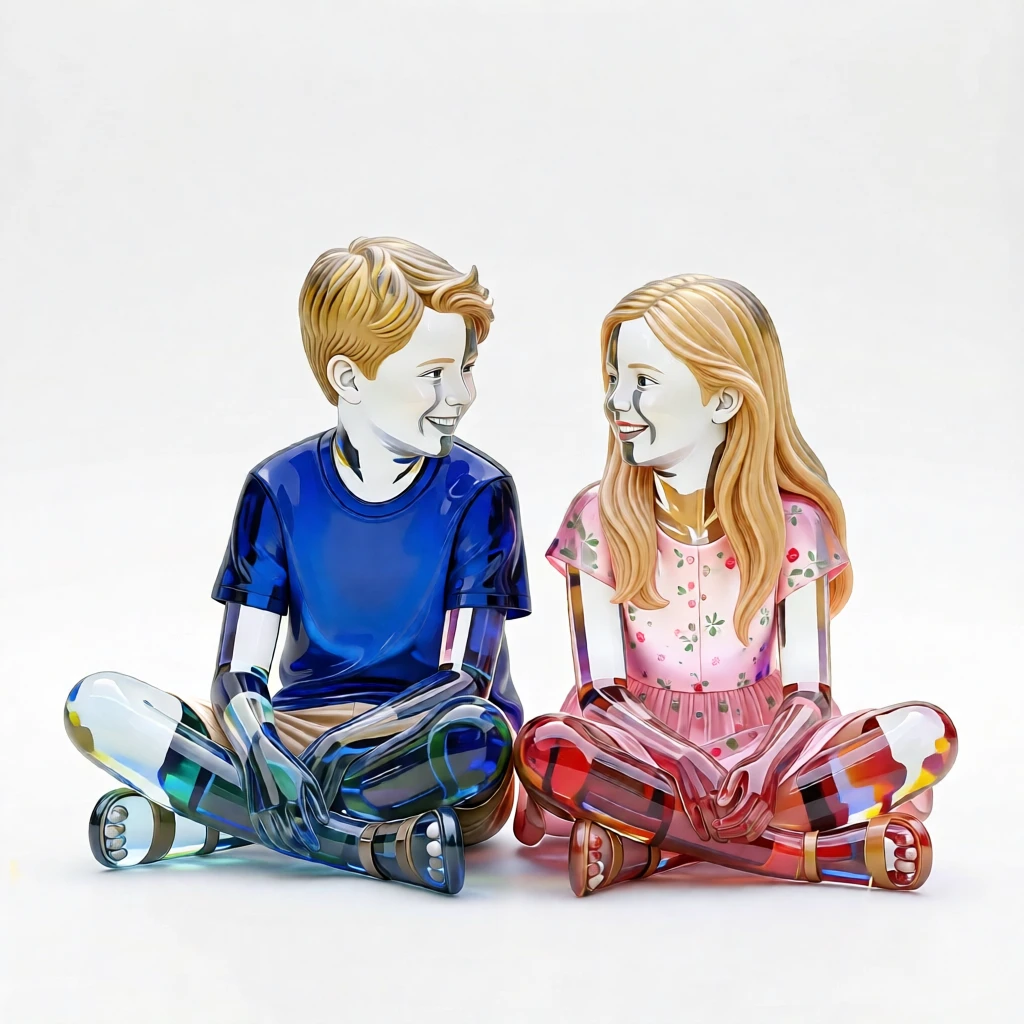
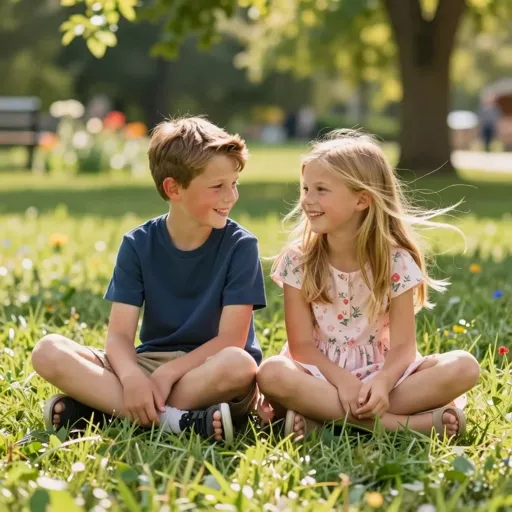
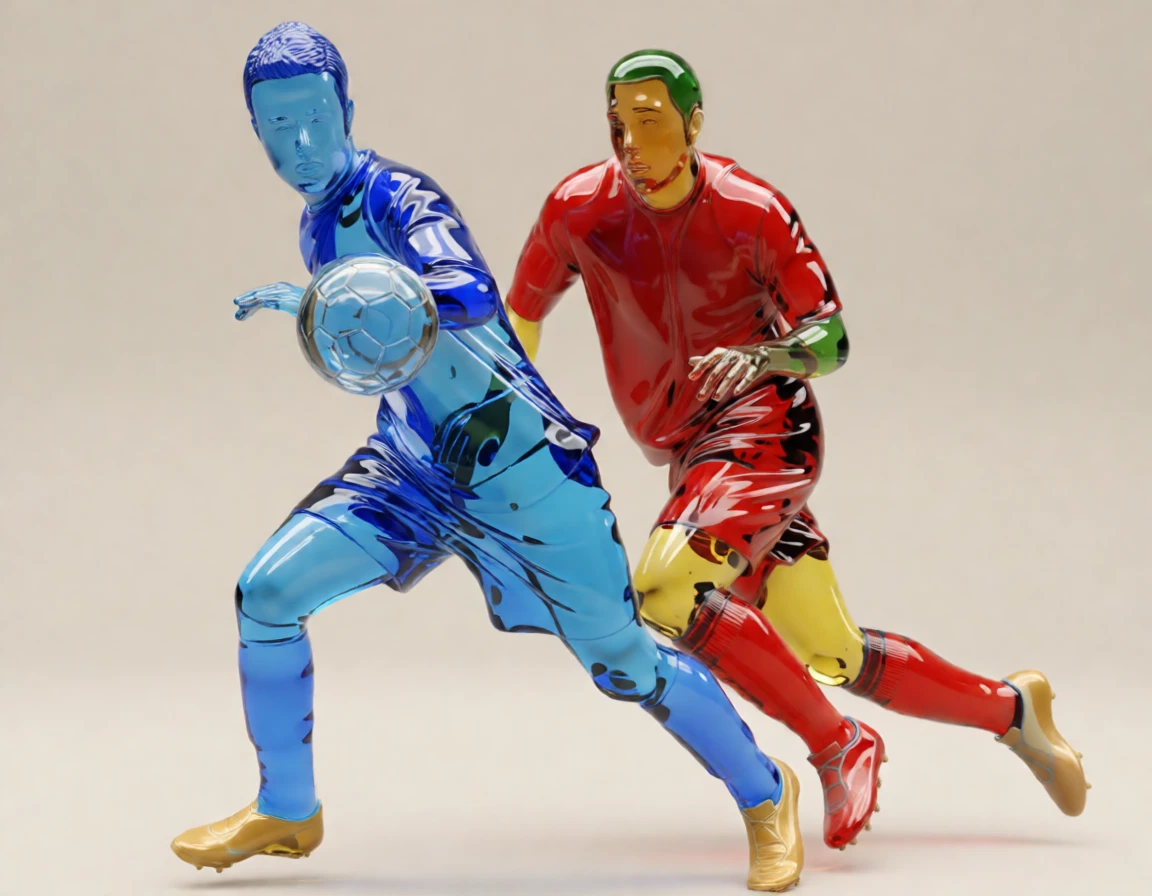
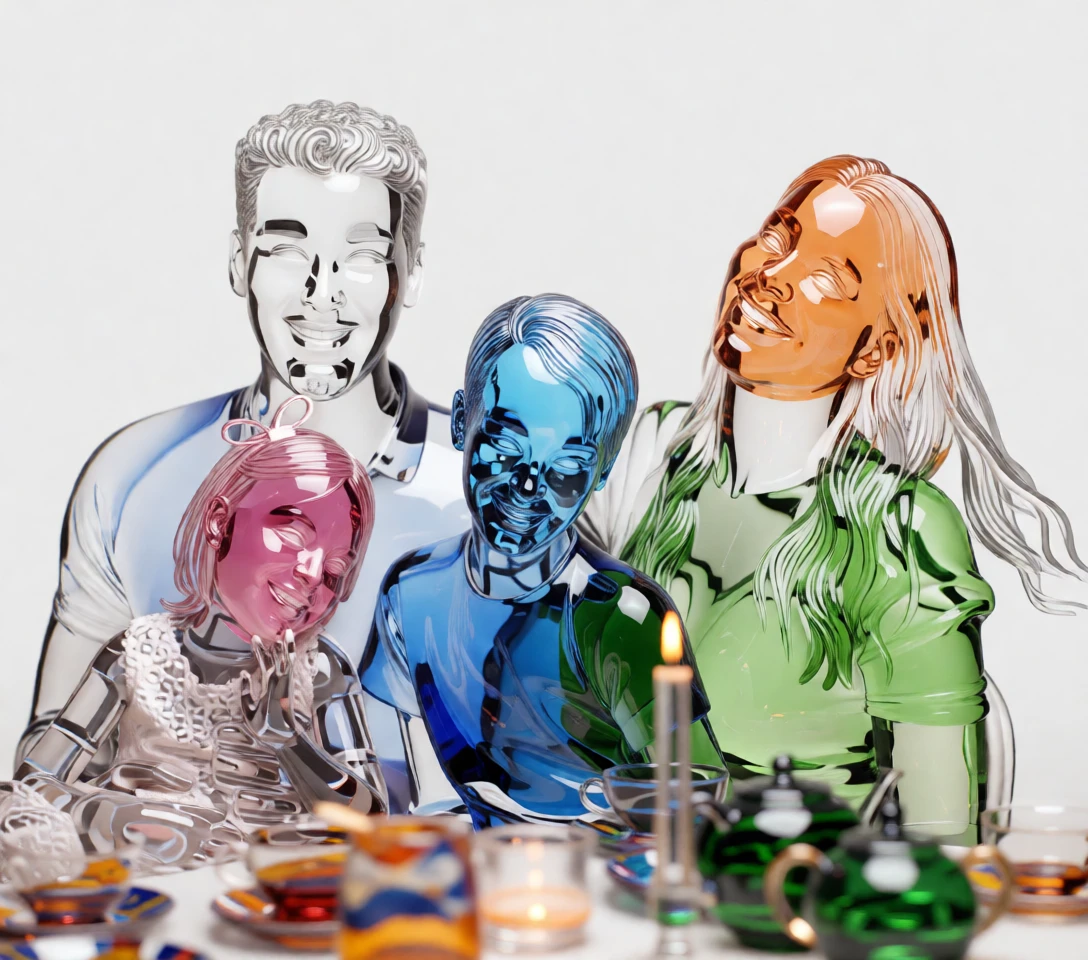
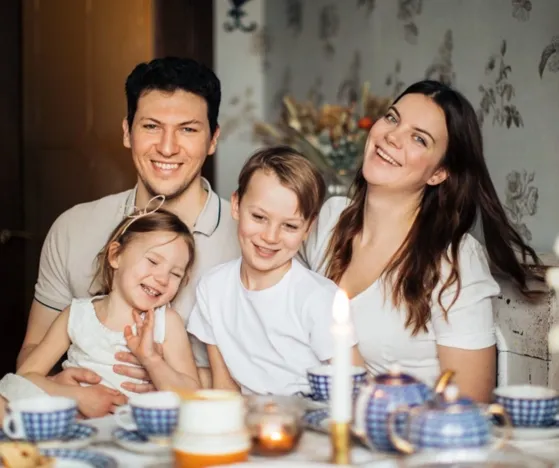
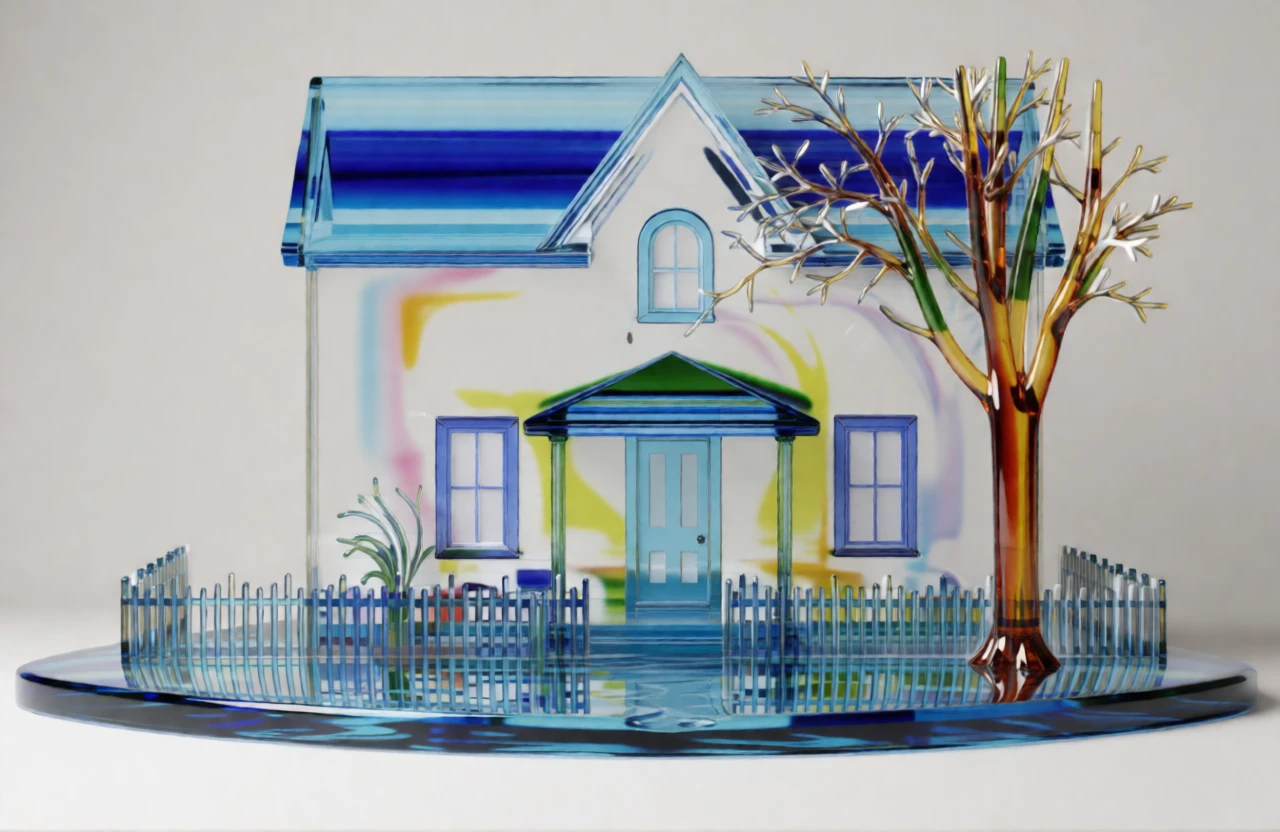
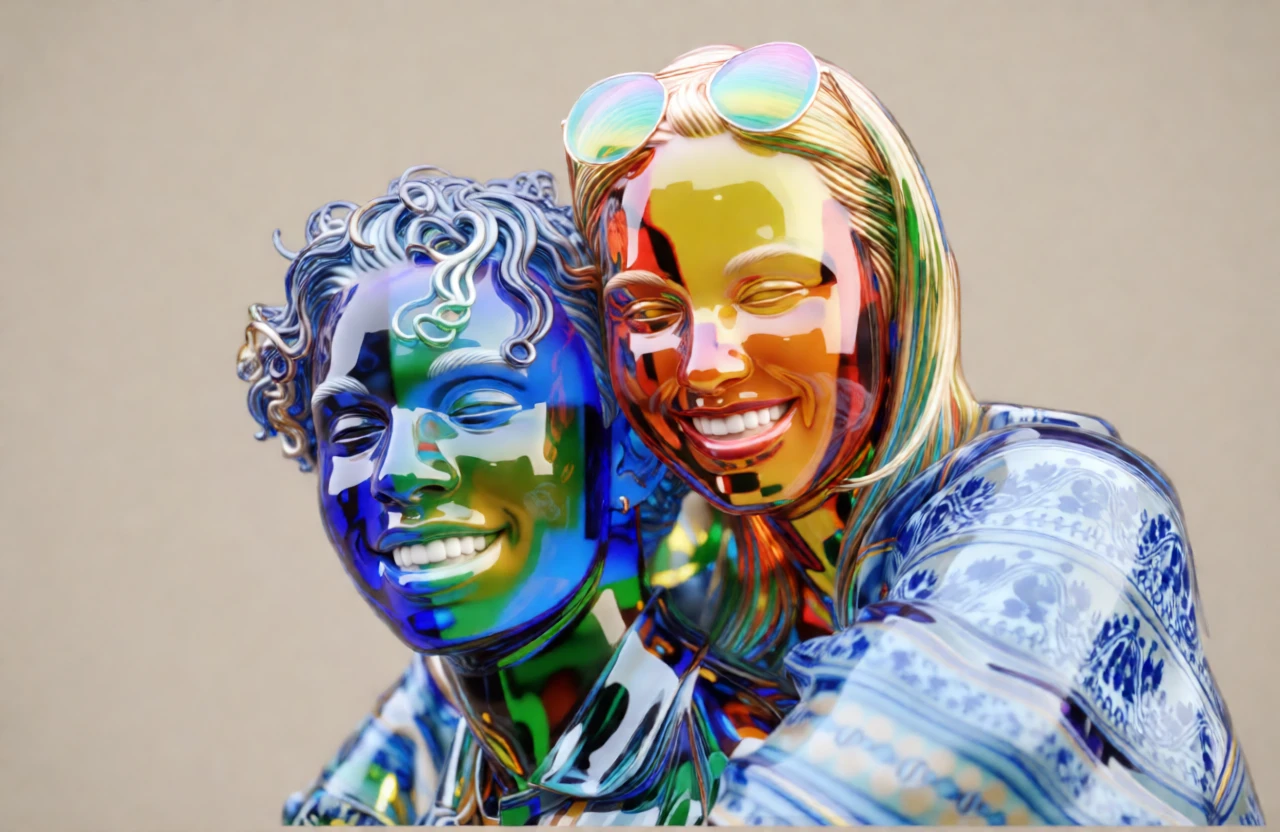
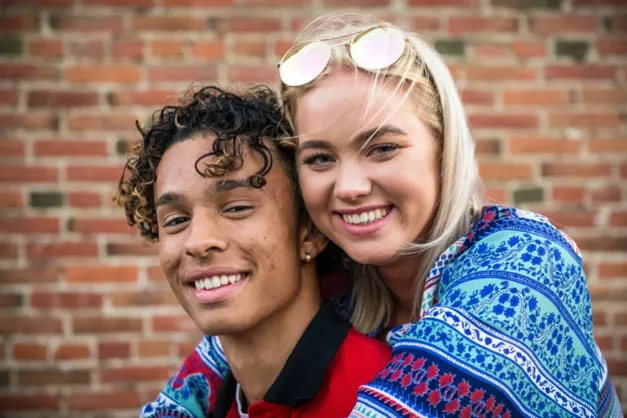
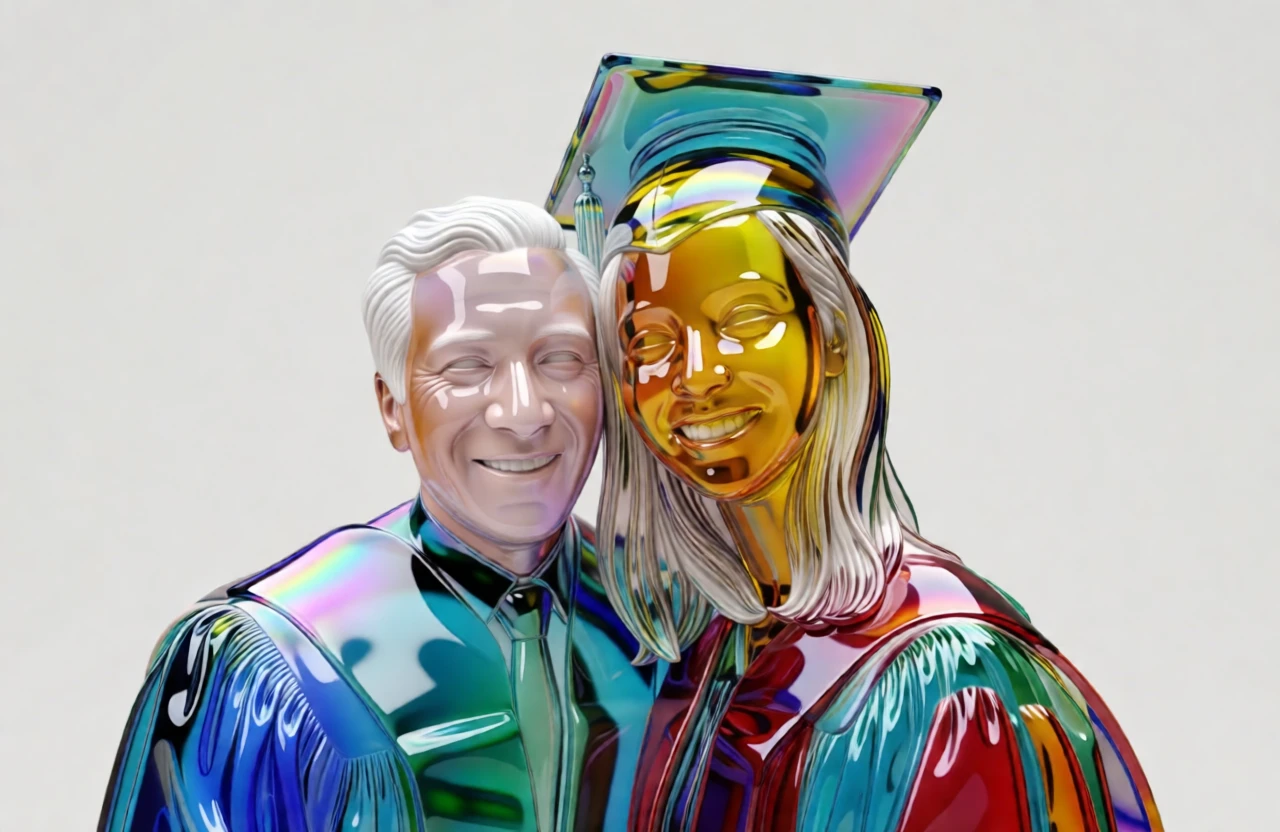
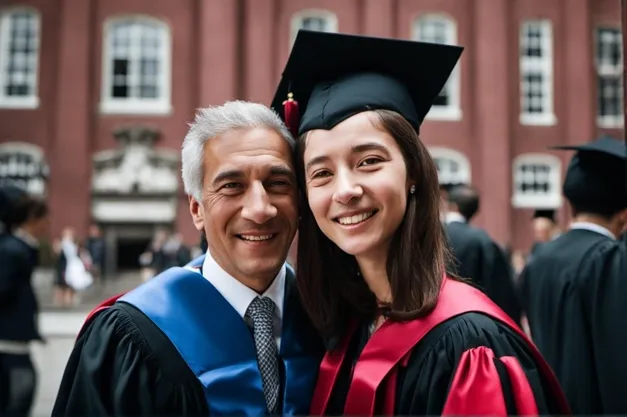
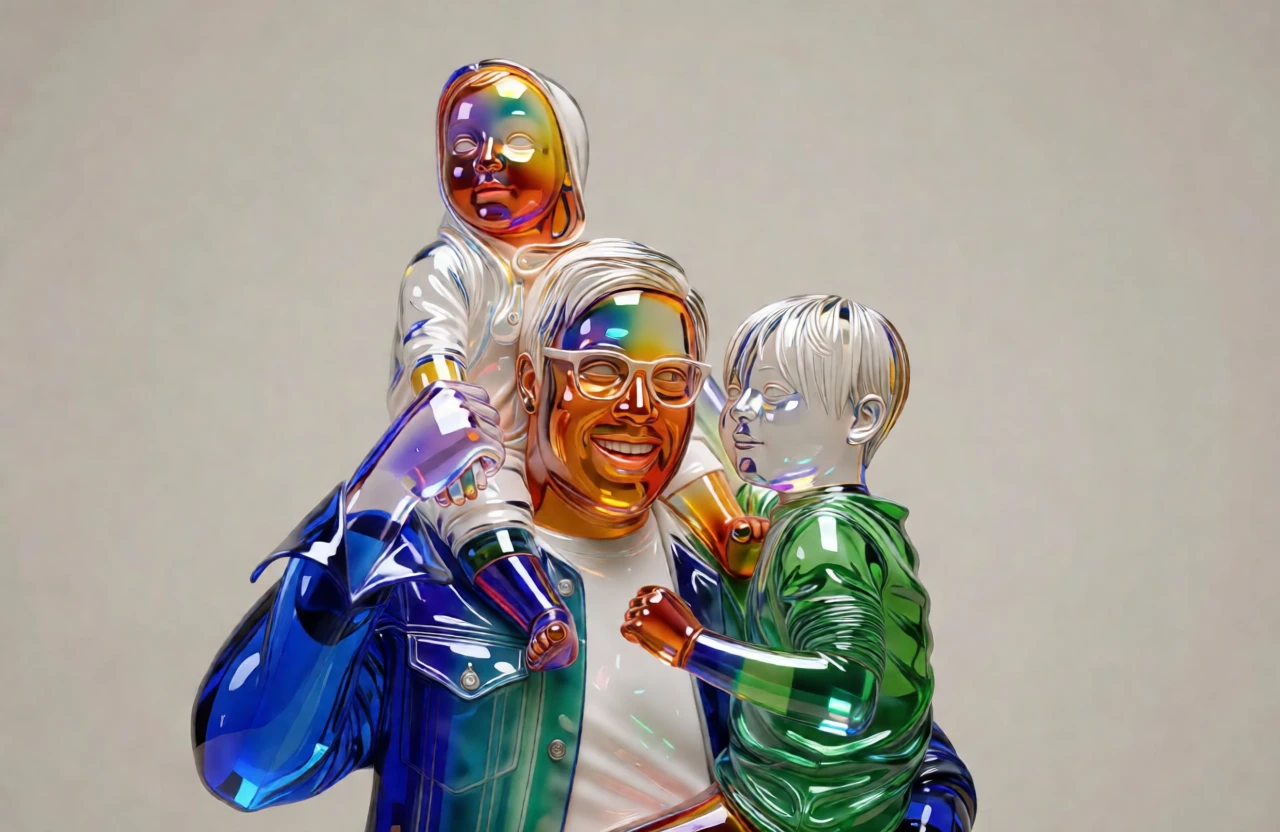
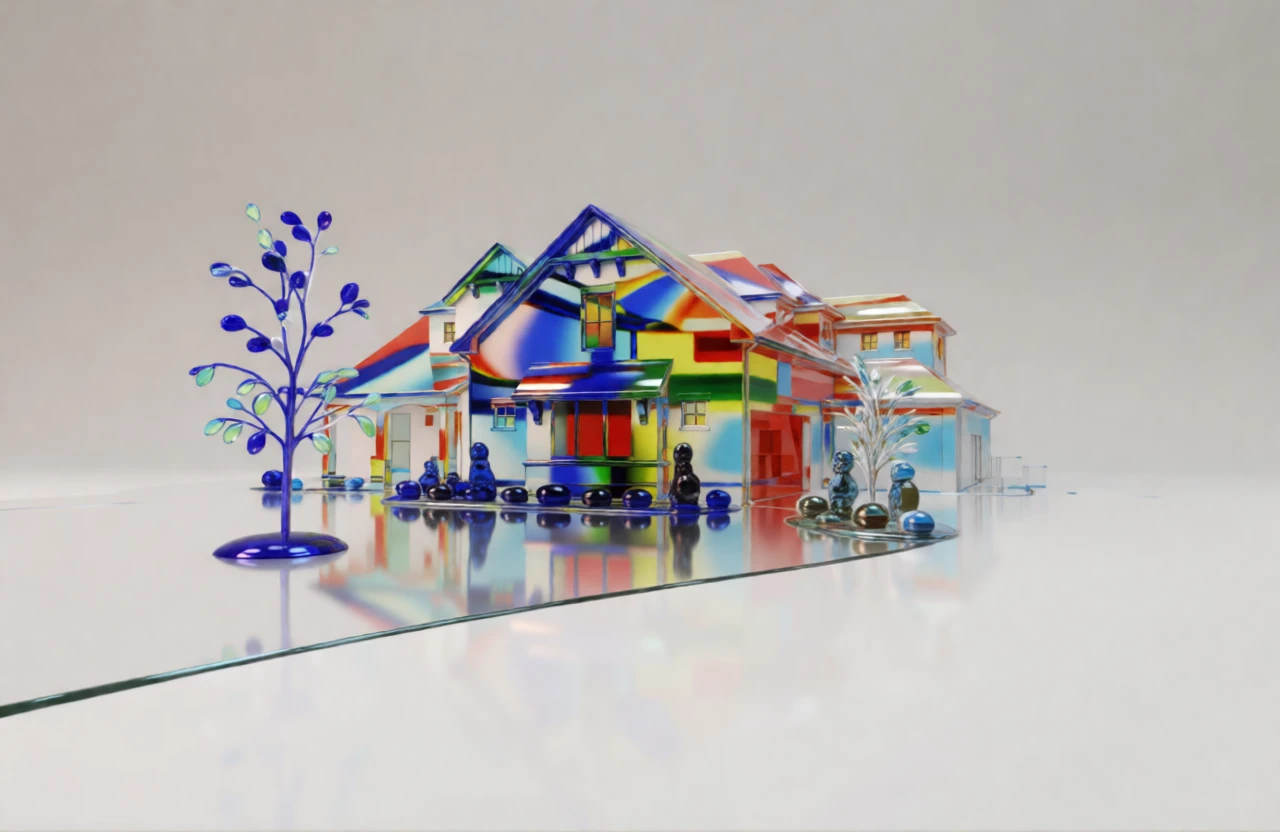
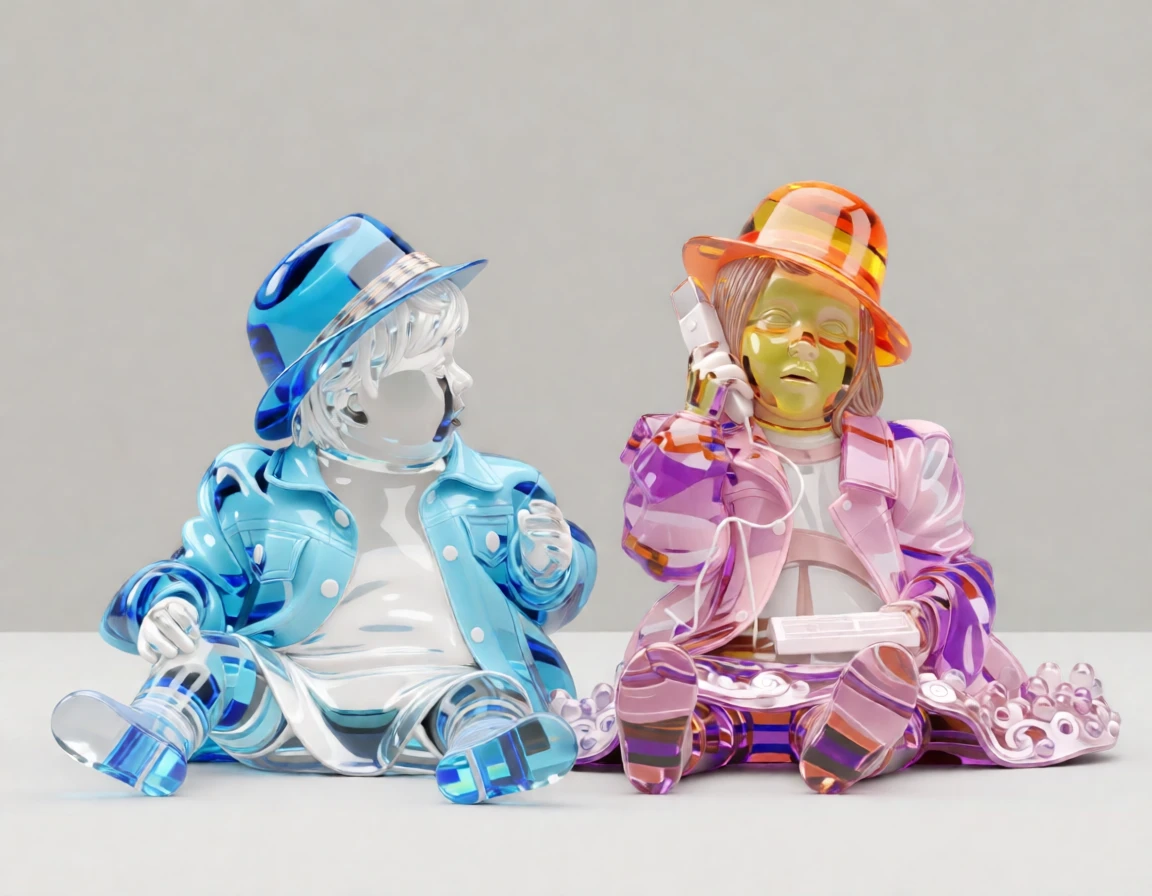
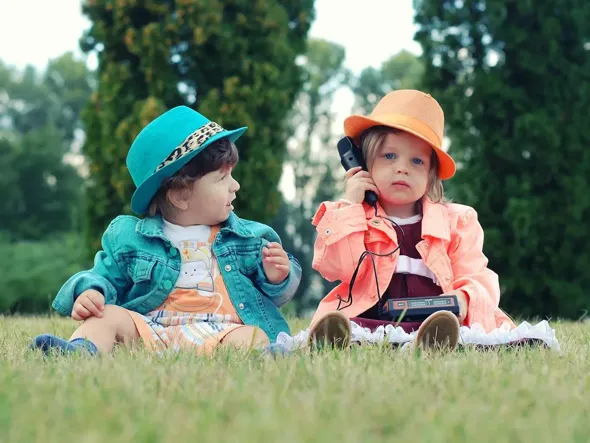
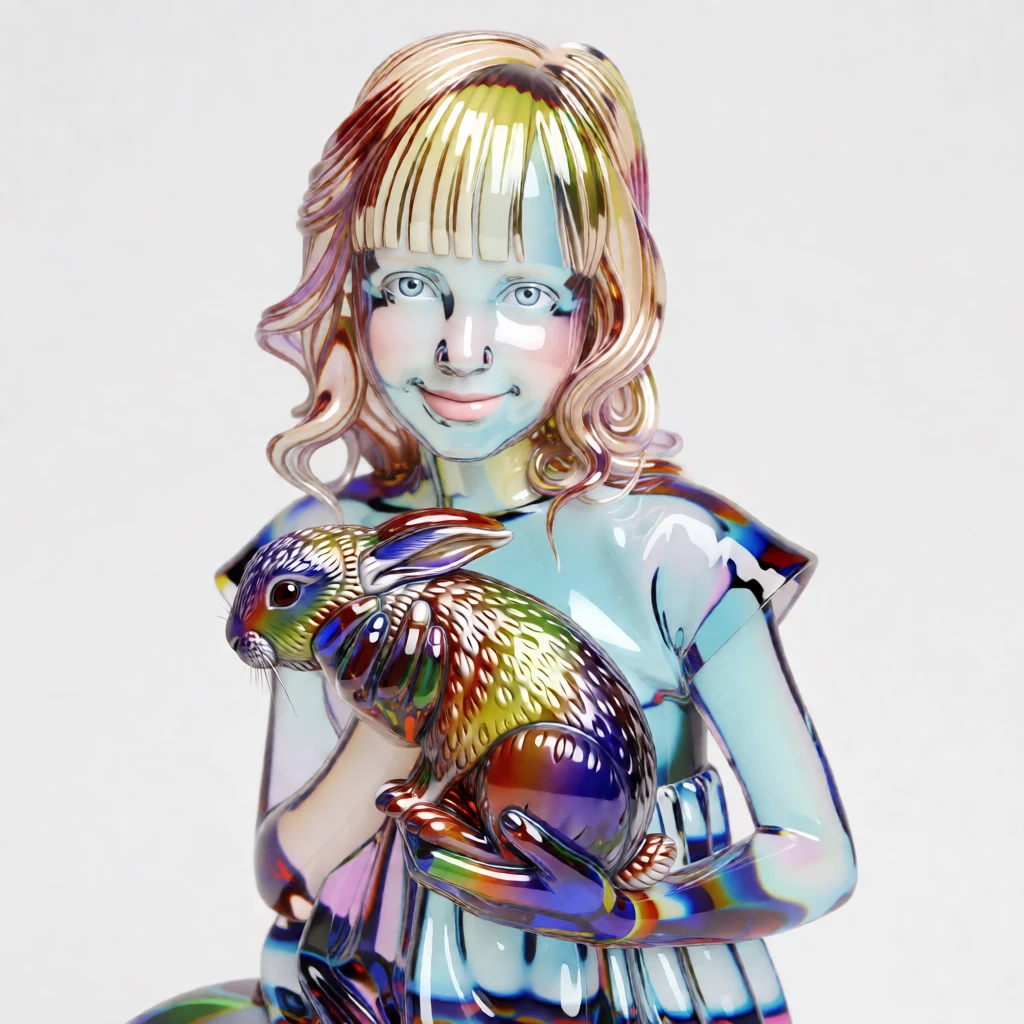
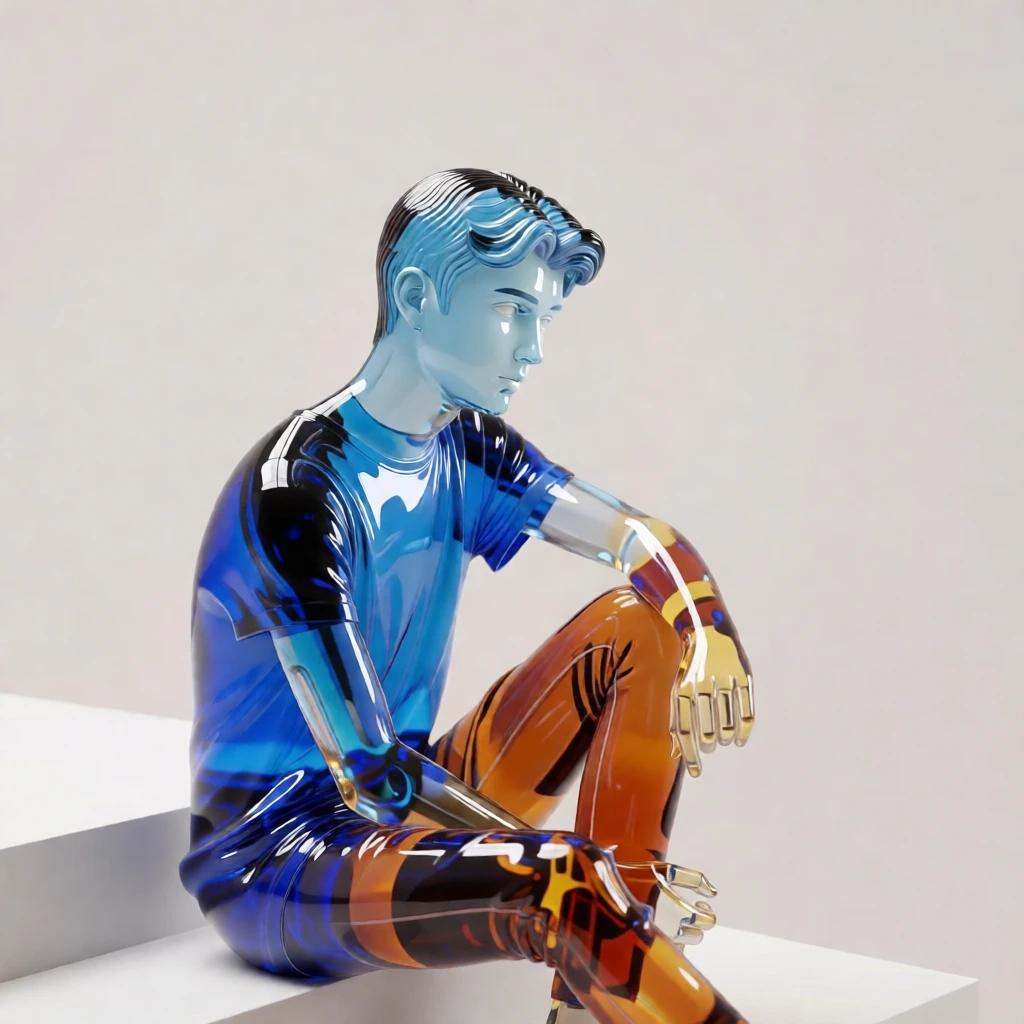
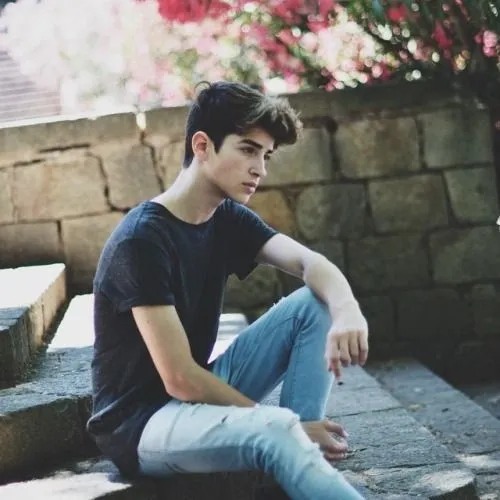
Transform any photo into a luminous glass sculpture inspired by the legendary artistry of Murano. Your portrait is reimagined with radiant color, flowing contours, and crystal-clear transparency—creating a piece of art that feels elegant, modern, and unforgettable.
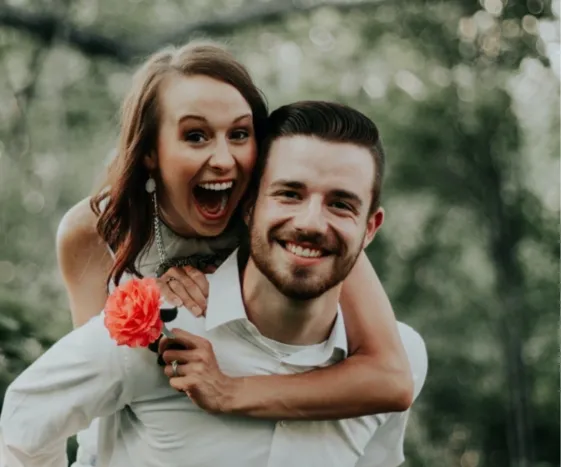
Preserves details – Your face, expression, and pose are carefully captured.
Murano Glass is a world-famous type of handcrafted glass produced on the island of Murano, near Venice. Its tradition dates back to 1291, when Venetian authorities required glassmakers to move their furnaces to Murano to reduce fire risks and protect valuable trade secrets. Over centuries, Murano artisans developed innovative techniques such as crystal-clear cristallo, millefiori (thousand flowers), aventurine, and intricate gold-leaf infusion. Known for its vibrant colors, luminous clarity, and exceptional craftsmanship, Murano Glass is used to create everything from delicate jewelry and decorative sculptures to chandeliers and fine art pieces. Each item is typically handmade, making it both unique and a symbol of Italy’s rich artistic heritage.
By default, generated images are about 1 megapixel. You can increase the resolution to 4 megapixels by clicking the “2× Upscale” button.
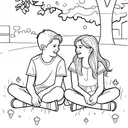
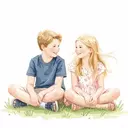
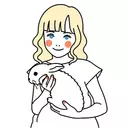
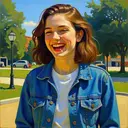
Photo-to-art conversion is the process of transforming your photos into artwork that retains the content and composition of the original image while adding an artistic touch. This could include styles like watercolor, illustration or line drawing. Unlike generic prints found in stores, these pieces are highly personalized, making them ideal for wall décor or meaningful gifts.
Traditionally, creating this kind of artwork meant hiring professional artists, making it a relatively expensive and less accessible option for most people. PortraitArt offers a similar experience at a fraction of the cost using our advanced photo-to-art AI generator, recreating the artistic process with precision and creativity.
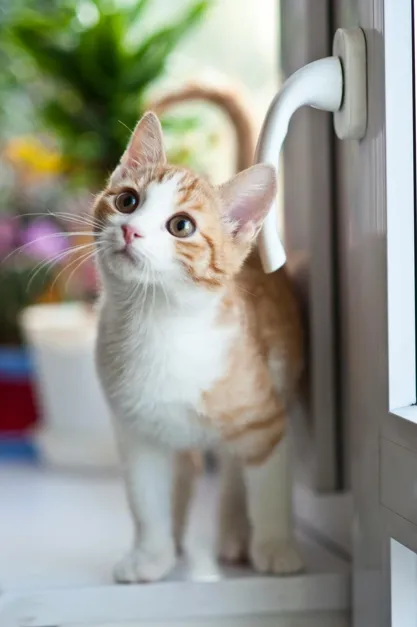
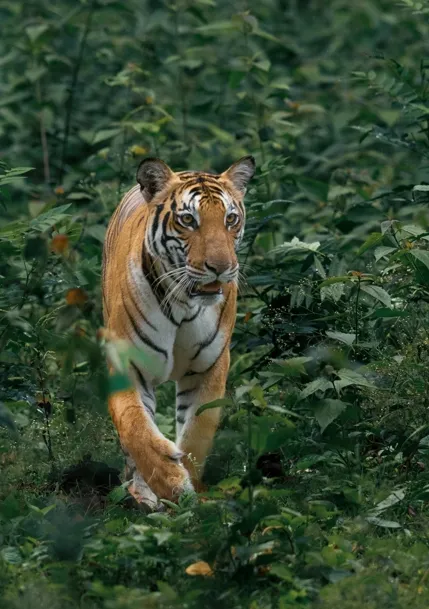
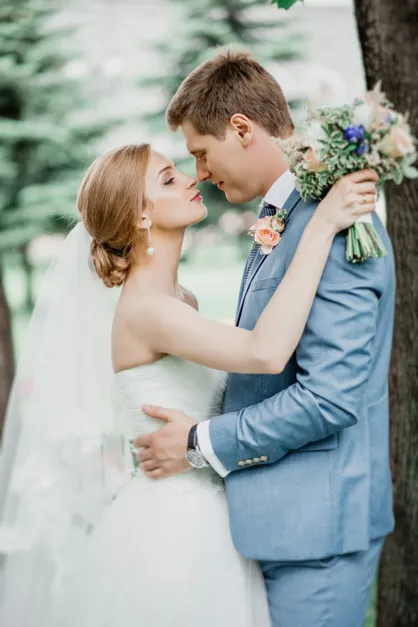
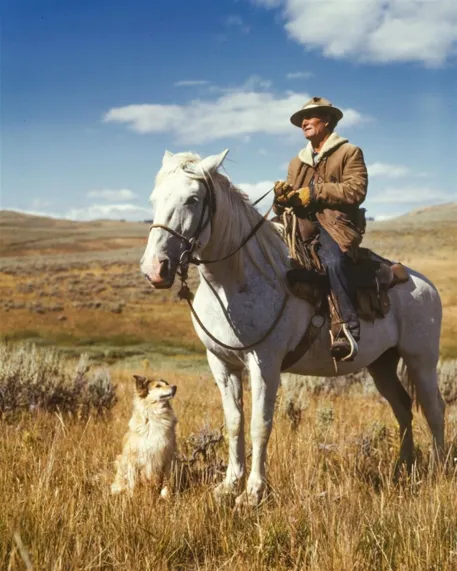
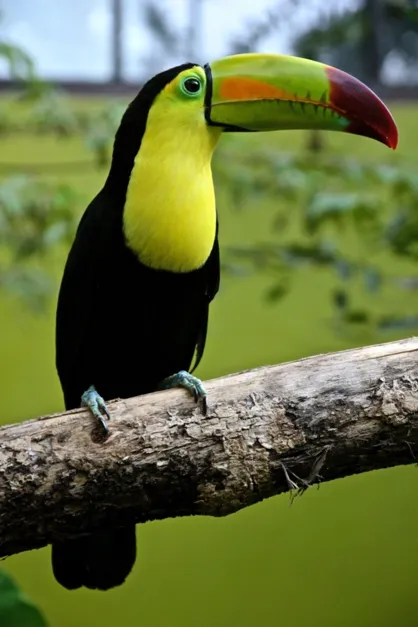
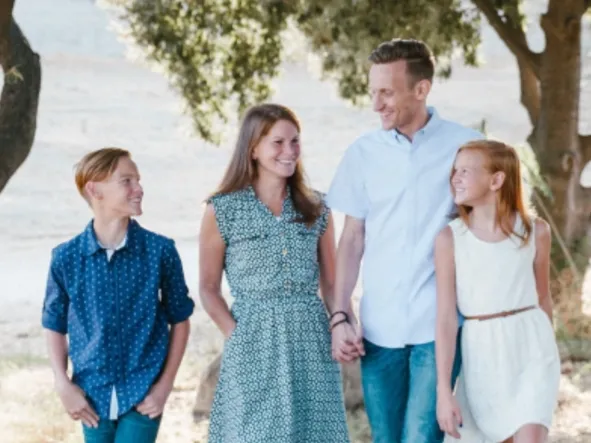
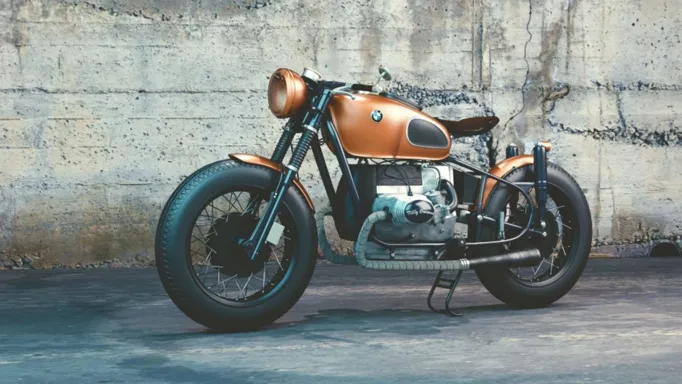
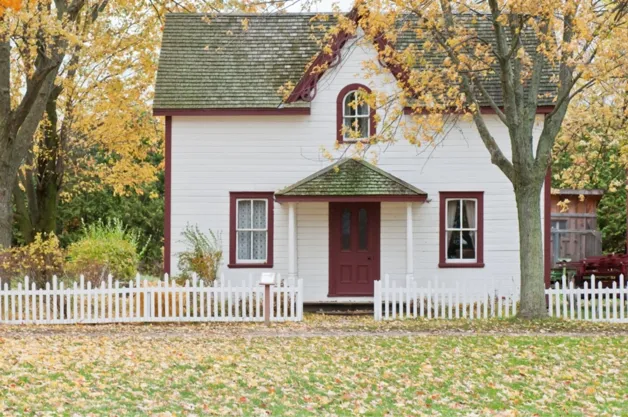
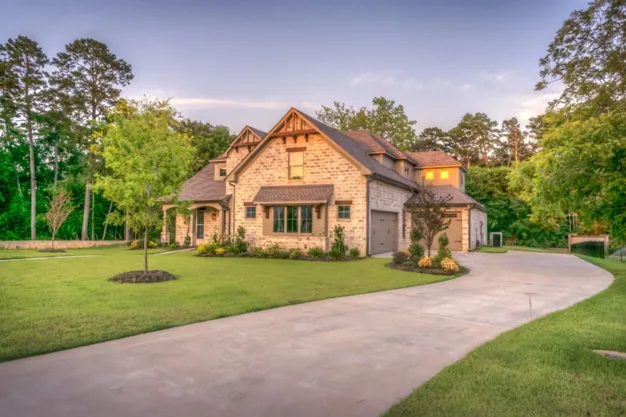
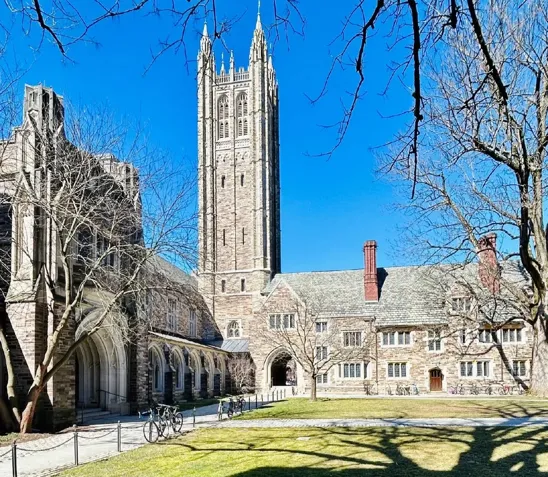
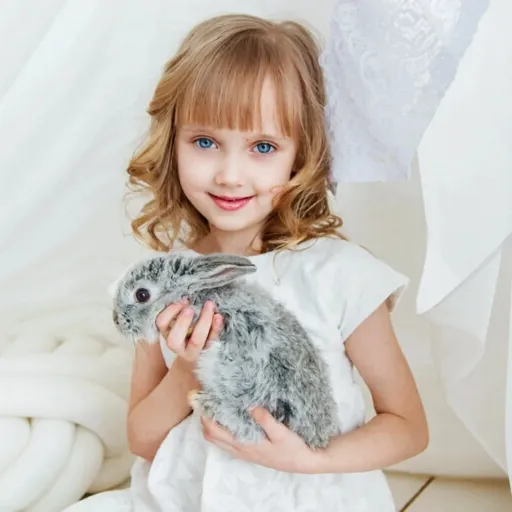
PortraitArt works with various types of photos, including portraits, group shots, pet photos, buildings, and scenic views. For optimal results, use high-resolution images with good lighting and a clear background.
Your data safety and privacy are our top priorities. All photos uploaded to PortraitArt are securely processed and used solely for creating your artwork. We do not store, share, or use your photos for any other purposes without your consent. Additionally, all data transmission is encrypted to protect your personal information. And you can choose to delete your data after creating and downloading your art pictures. For more details, please review our Privacy FAQ.
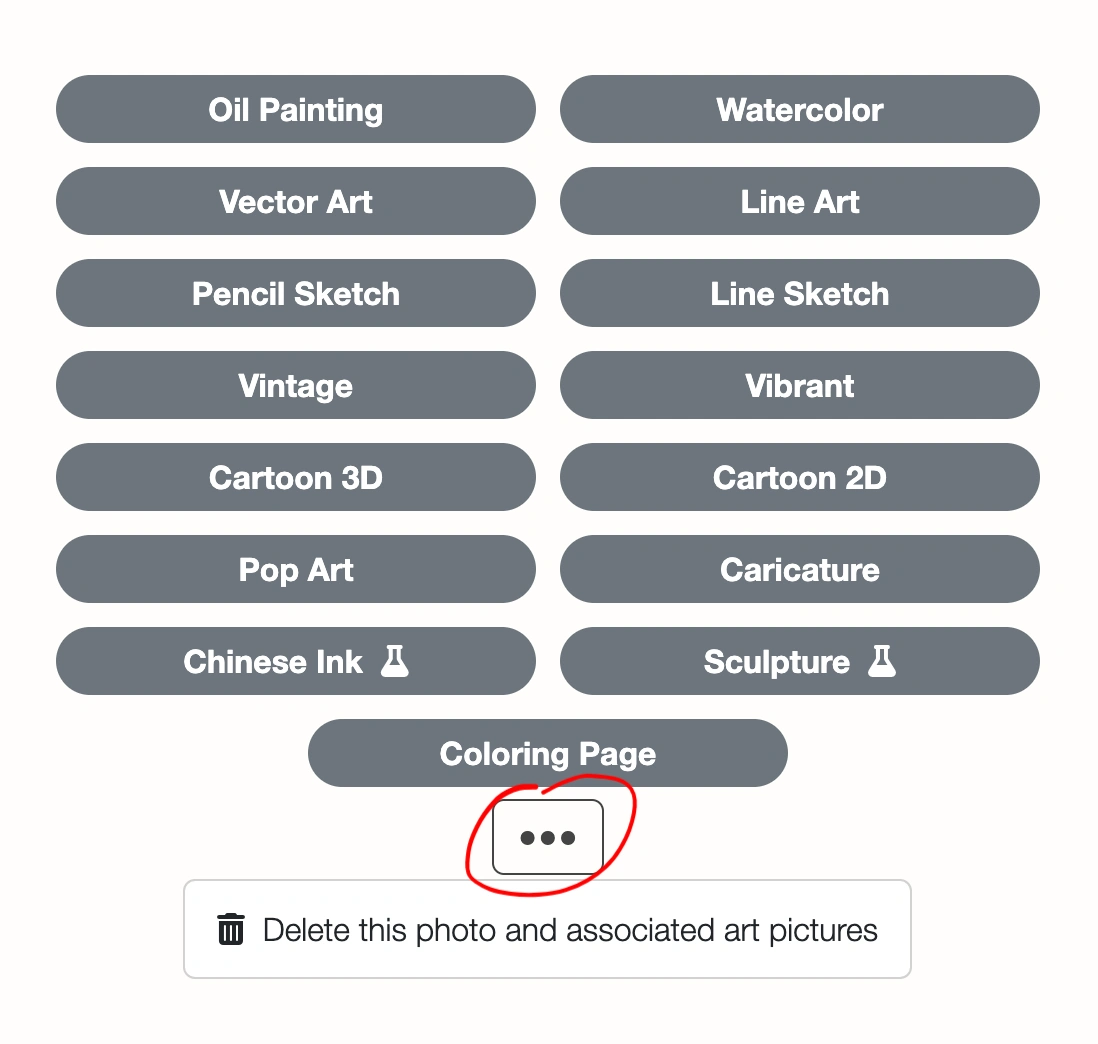
You can delete uploaded photo and all images generated from it. Click the ⚙ Settings button in the top-right corner of the input photo, then select "Delete this photo and all derived art pictures."